 BuyBest
Home › Ultrawide vs Dual Monitor: One Wide Screen or Two in 2026?
Ultrawide vs Dual Monitor: One Wide Screen or Two?
The real-estate maths
| Setup | Total pixels | Typical cost from our guides |
|---|---|---|
| 34" ultrawide 3440x1440 | 4.95 million | $250-$800 (G34WQC2 at the value end; OLED flagships above) |
| Dual 27" 1440p | 7.37 million | About $340-$560 (two value picks, e.g. 2x LG 27GS75Q-B at $170-$200 each) |
| 49" super-ultrawide 5120x1440 | 7.37 million | Premium class — the duals' pixels without the bezel |
The 49-inch row is the honest footnote to the whole debate: a super-ultrawide is literally two 27-inch 1440p panels fused — which tells you the real question was never how many screens, but whether the bezel in the middle helps you (separate worlds, cleanly divided) or hurts you (one world, split). For everyone at 34 inches, duals simply hold more — about 49% more pixels — and cost about the same.
Where each genuinely wins
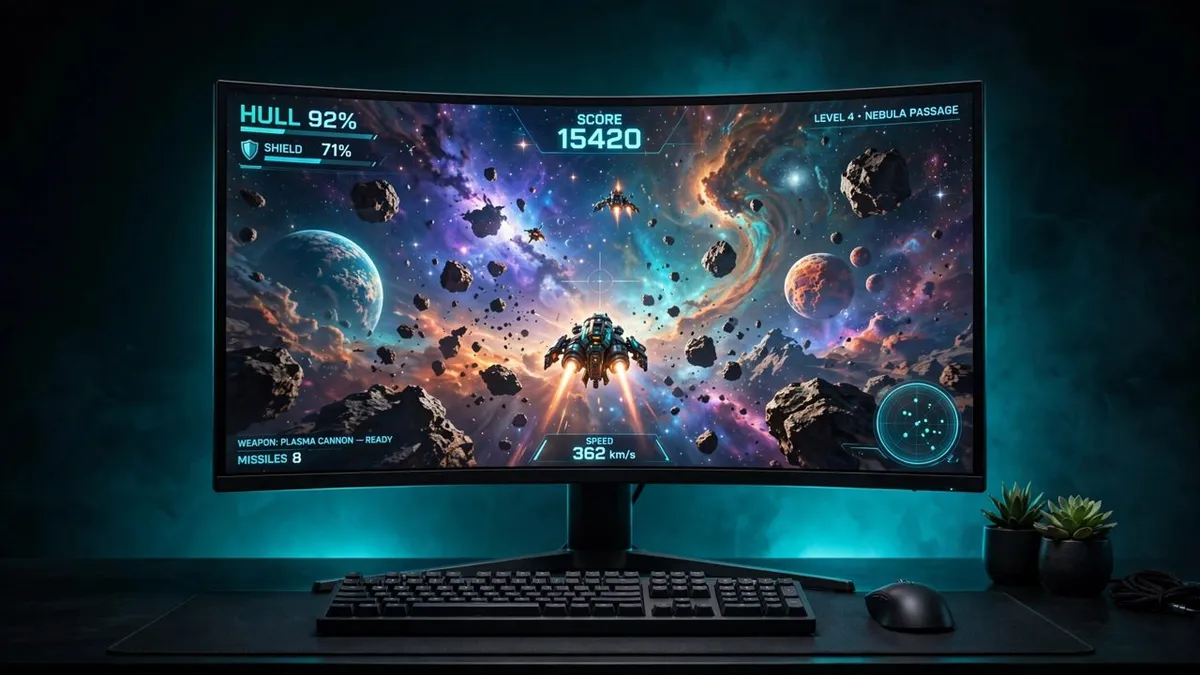
Gaming goes ultrawide. A racing sim, flight sim or open-world game across one unbroken panel is the single most convincing upgrade in PC gaming, and our curved monitors guide is built around it. Duals cannot compete here — a game centred on the bezel is unplayable, and spanning both screens puts the seam exactly where you look. The ultrawide tax is real too: 3440x1440 is about a third more pixels than 1440p for your GPU to feed, and a minority of games still handle 21:9 poorly (menus and cutscenes pillarboxed) — check your main titles before buying.
Work goes dual — mostly. Two screens mean two maximised worlds: document left, reference right; code main, logs second; a fullscreen video that does not shrink your workspace when it opens. Window management is the operating system's problem, solved natively, while an ultrawide leans on snapping zones and vendor tiling software to fake the same divisions. Duals also fail gracefully — one dead screen is an annoyance, not a dead desk — and they let a portrait second screen join for documents and code (our programming guide makes that case). The ultrawide's work counter-argument is tidiness: one panel, one cable run, no colour mismatch between two units, and a cleaner desk than any dual arm arrangement.
Streaming and meetings split the difference. Streamers pick duals almost universally — the game owns one screen completely, and chat, OBS and alerts live on the other without ever tabbing out. Frequent screen-sharers also prefer a standard 16:9 panel to share, since a shared ultrawide arrives letterboxed and tiny on colleagues' screens. If your day is calls and shares, keep at least one conventional screen whichever way you jump.
The verdict
| You | Buy |
|---|---|
| Gamer first | 34" ultrawide — start with our ultrawide gaming guide |
| Knowledge worker / coder | Dual 27" 1440p — more pixels, cleaner divisions, cheaper per pixel |
| Streamer / creator | Duals: game screen + tools screen |
| Hate bezels, budget open | 49" super-ultrawide — dual real estate, zero seam, premium price |
| One desk, mixed everything | The hybrid: a 34" ultrawide main with your old monitor kept as the side screen is what many desks converge on — both wins, one purchase |
Update history
November 11, 2026: Published: ultrawide vs dual monitor — pixel real estate, gaming vs productivity split, and the priced verdict.

Akbar Khan Editor, BuyBestMonitor
Akbar has run BuyBestMonitor since its original 2020 launch. Every guide here is checked under the site's two-source rule — manufacturer specs confirmed against an independent lab review — before publication and at every refresh. About the editor · How we check monitors