 BuyBest
Home › Best Monitor for RTX 5070
Best Monitor for RTX 5070: 1440p Picks That Match the Card
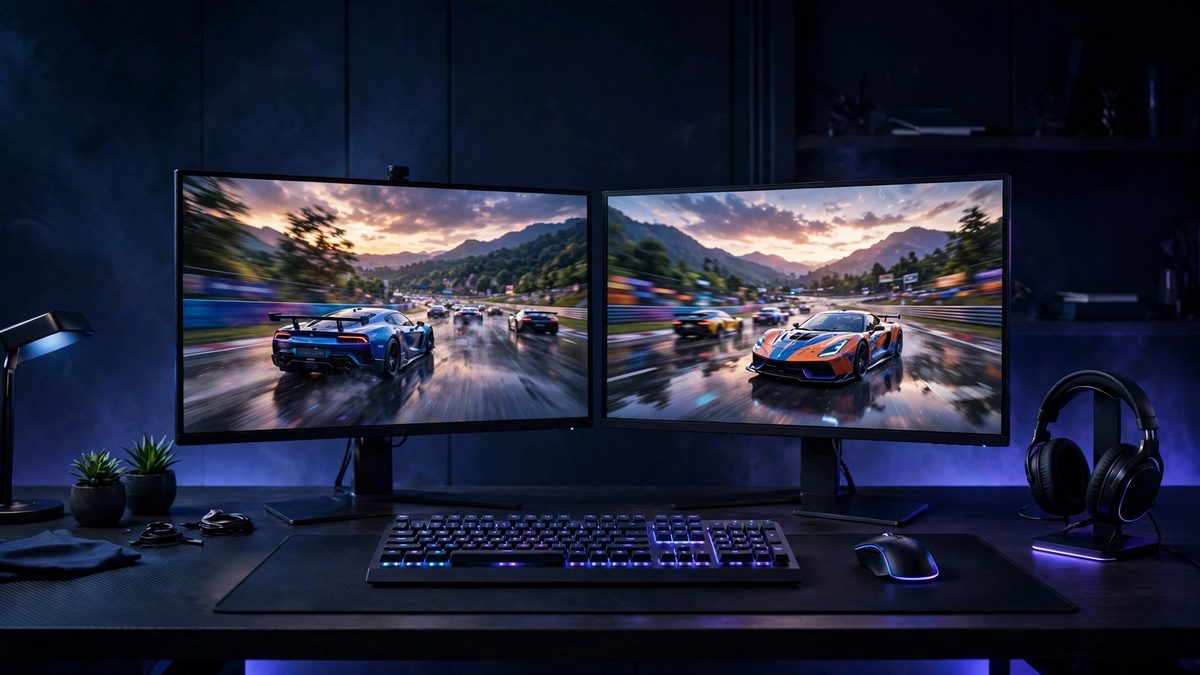
NVIDIA built the 5070 for 1440p: that is the resolution where it holds high frame rates in current games, with DLSS upscaling and frame generation stretching the margin further. A monitor pairing is honest when the panel's ceiling matches the card's output — a 1440p screen at 165-180Hz is exactly that ceiling. Go above it (4K 240Hz) and you pay for refresh the card rarely reaches; go below it (1080p) and the card idles. The five picks below are the match, at five budgets and shapes.
At a glance
| Monitor | Size / Panel | Resolution | Refresh | Sync | Typical price |
|---|---|---|---|---|---|
| MSI G274QPF E2 | 27" Rapid IPS | 2560x1440 | 180Hz | FreeSync Premium + G-Sync Compatible | $190-$280 |
| Dell G2724D | 27" Fast IPS | 2560x1440 | 165Hz | FreeSync Premium + G-Sync Compatible | $150-$300 |
| LG UltraGear 27GS75Q-B | 27" IPS | 2560x1440 | 180Hz (200Hz OC) | FreeSync Premium | $170-$200 |
| ASUS TUF VG34VQL3A | 34" VA curved | 3440x1440 | 180Hz | FreeSync Premium Pro | $250-$370 |
| BenQ MOBIUZ EX251 | 24.5" IPS | 1920x1080 | 220Hz | Adaptive-Sync | $100-$150 |
Prices checked November 2026 — live prices at the retailer may differ.
MSI G274QPF E2 — best monitor for RTX 5070 overall
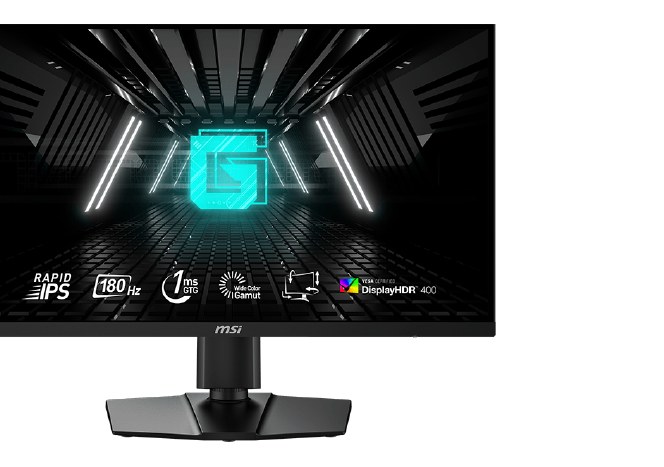
The complete pairing: a genuine 180Hz at the resolution this card owns, certified for both sync systems so the NVIDIA card runs tear-free over DisplayPort, plus a USB-C input the rivals skip. If you buy one monitor for a 5070, this is it.
Buy if you want the most complete 1440p package under $400, USB-C included.
Skip if you need 180Hz over HDMI — it caps at 144Hz at 1440p.
- USB-C input with 15W power delivery
- Fully adjustable stand
- Must be the E2 — older G274QPF models still circulate
- HDMI limited to 144Hz at QHD
Dell G2724D — best value RTX 5070 monitor
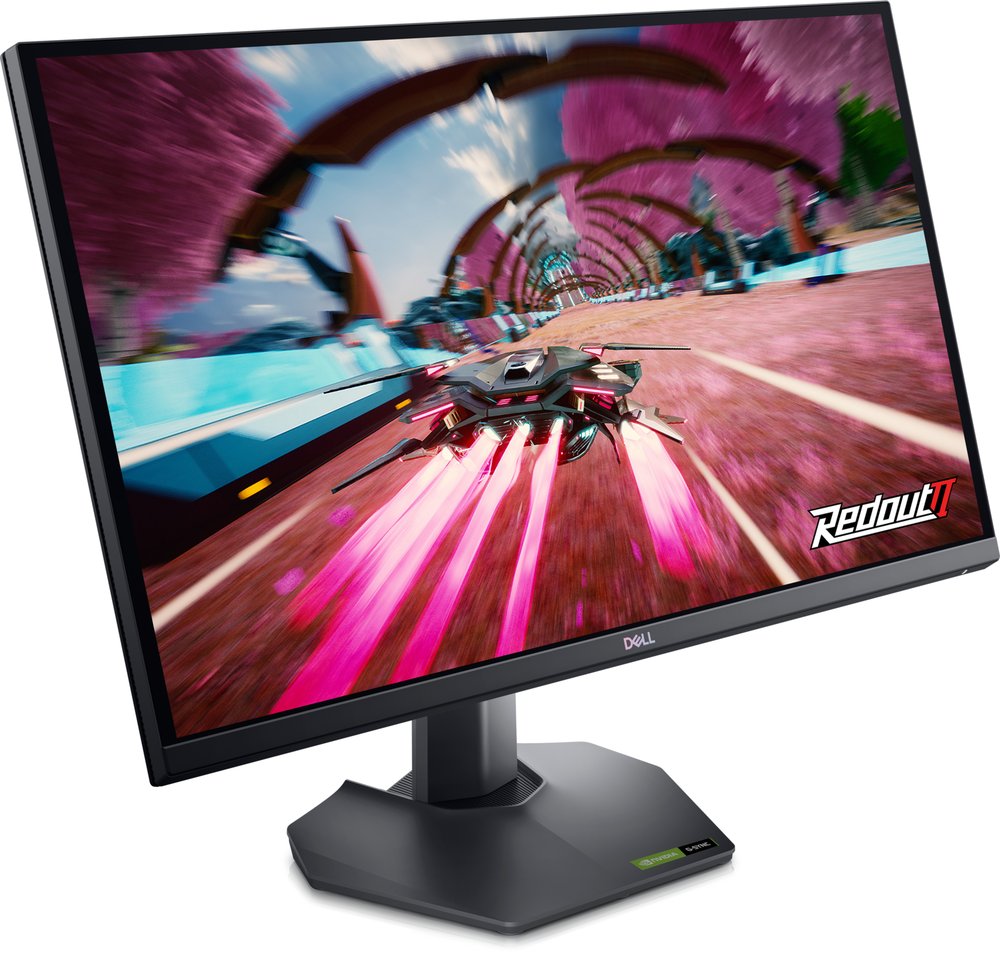
165Hz instead of 180Hz, the same 1440p Fast IPS class, G-Sync Compatible certified — and frequently the cheapest ticket into the pairing. The 15Hz you give up is worth far less than the money you keep.
Buy if it is on sale in the bottom half of its range — 1440p at near-1080p money.
Skip if you need a USB hub or headphone jack; neither is fitted.
- 165Hz 1440p with G-Sync Compatible and FreeSync Premium
- HDMI 2.1 port, unusual at this price
- Stock at Dell is intermittent
- Prices near $300 are third-party markups
LG UltraGear 27GS75Q-B — the steady 180Hz alternative
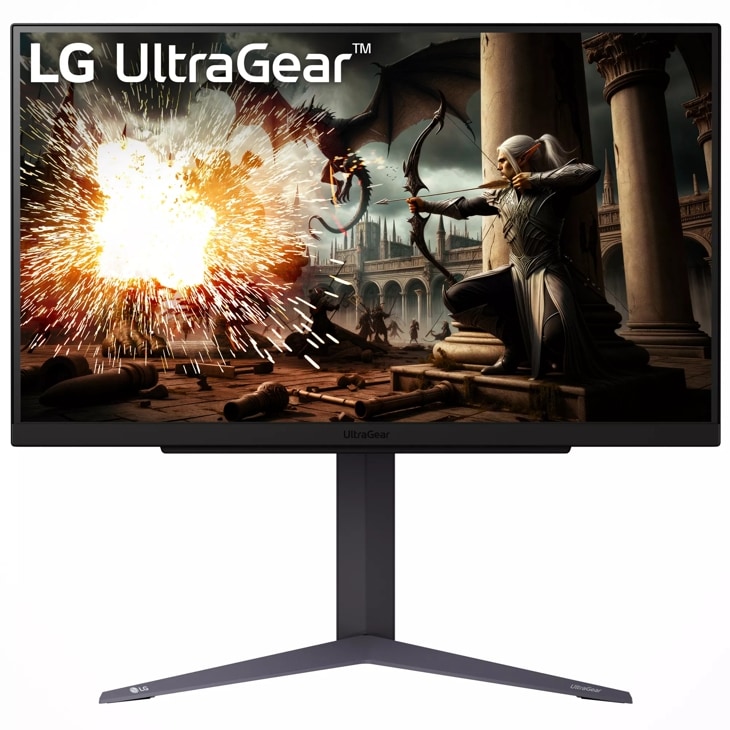
180Hz native (200Hz overclocked) with independently measured response around 3ms — properly fast for the frame rates a 5070 produces. FreeSync Premium is its certification; NVIDIA cards drive it over DisplayPort Adaptive-Sync.
Buy if you want 180Hz 1440p at a steady $170-$200 street price.
Skip if you want USB ports (there are none) or certified HDR.
- 200Hz overclock over DisplayPort
- About 3.0ms measured average GtG in independent testing
- No USB ports
- Listings disagree on the HDMI version
ASUS TUF VG34VQL3A — the ultrawide stretch
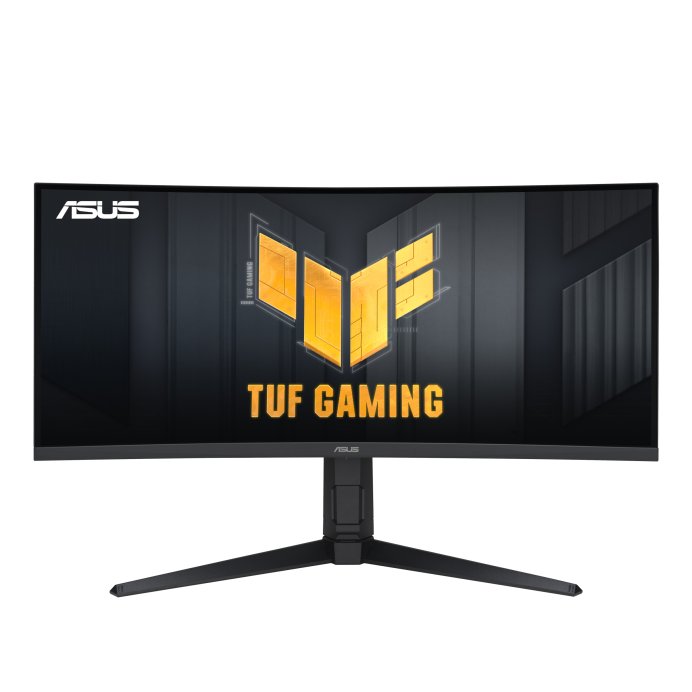
3440x1440 is about a third more pixels than standard 1440p — the 5070 drives it natively in lighter games and with DLSS in demanding ones. In exchange you get the immersion of ultrawide and VA contrast for films, at the lowest ultrawide price we recommend.
Buy if you want a 34-inch ultrawide at 180Hz for entry money — it drops under $300 on sale.
Skip if you need full refresh over HDMI (capped at 100Hz; DisplayPort is required) or certified G-Sync.
- 180Hz at 3440x1440 for the lowest price on this page
- USB hub and DisplayHDR 400 at entry money
- HDMI tops out at 100Hz at full resolution
- VA dark-transition smearing versus IPS and OLED
BenQ MOBIUZ EX251 — for esports-first 5070 owners
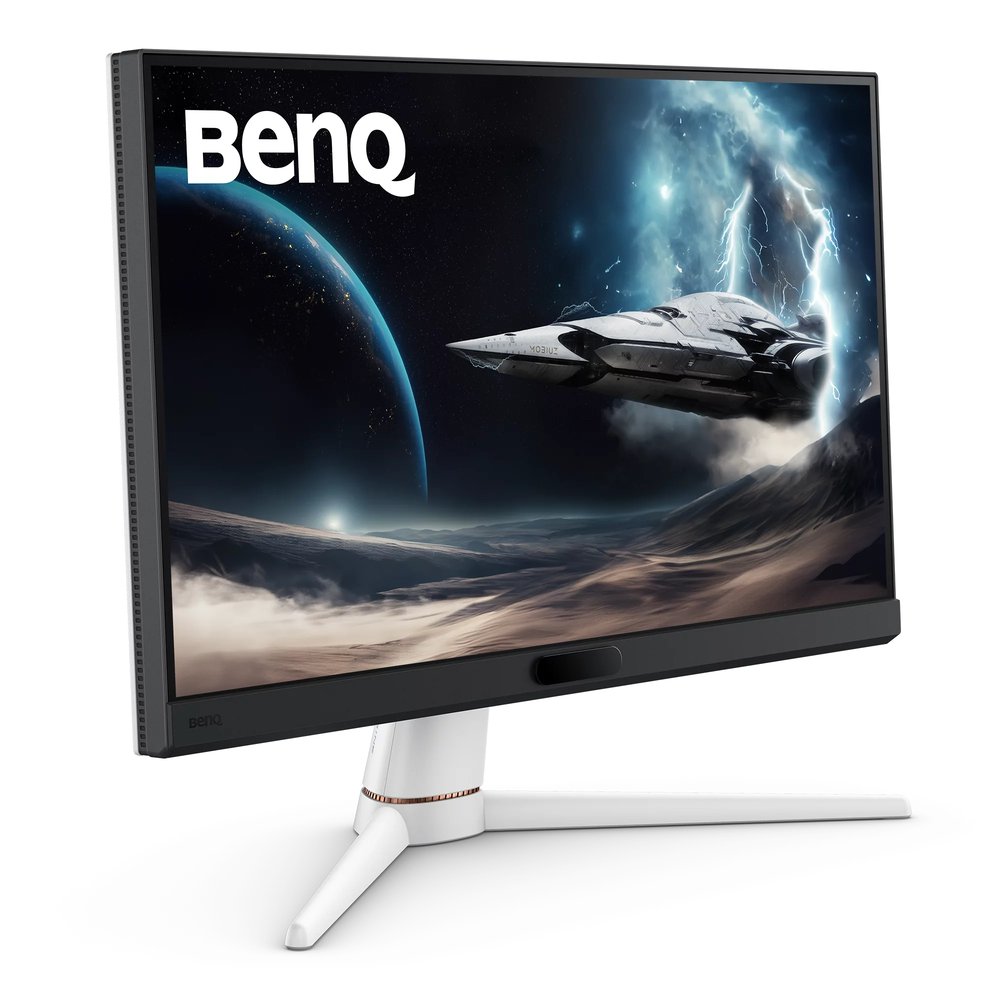
The deliberate exception: at 1080p and 220Hz, the 5070 will pin the refresh ceiling in competitive titles and stay there. Buy it if your games are shooters and your metric is frames, not pixels — the reasoning is in our esports guide.
Buy if you want the highest refresh on this page — 220Hz — at the lowest typical price.
Skip if you need DisplayPort 1.4; BenQ fits DP 1.2, which is sufficient at 1080p but no more.
- 220Hz at 1080p in the esports-standard 24.5-inch size
- USB hub and built-in speakers, rare at this price
- Check you are not buying old EX2510S stock by mistake
- FreeSync tier listings disagree — Premium is unconfirmed
Update history
November 10, 2026: Published: 1440p pairings for the RTX 5070, assembled from the site's two-source checked research.

Akbar Khan Editor, BuyBestMonitor
Akbar has run BuyBestMonitor since its original 2020 launch. Every guide here is checked under the site's two-source rule — manufacturer specs confirmed against an independent lab review — before publication and at every refresh. About the editor · How we check monitors