 BuyBest
Home › Best Monitors for Work in 2026: 4K & Ultrawide Picks
Best Monitors for Work & Office in 2026
At a glance
| Model | Best for | Size / Panel | USB-C power | Typical price |
|---|---|---|---|---|
| Dell S2725QS | Best overall | 27" 4K IPS | None | $230-$300 |
| Samsung Smart Monitor M7 | One-cable budget | 32" 4K VA | 65W | $230-$300 |
| MSI MPG 322URX | Premium dock | 31.5" 4K QD-OLED | 98W + KVM | $950-$1,200 |
| LG UltraGear 34GP83A-B | Ultrawide documents | 34" Nano IPS UW | None (USB hub) | $500-$650 |
| Samsung Odyssey G9 G91F | Two-monitor replacement | 49" VA super-UW | None | $650-$700 |
Prices checked November 2026 — live prices at the retailer may differ.
The picks
Dell S2725QS — best work monitor overall
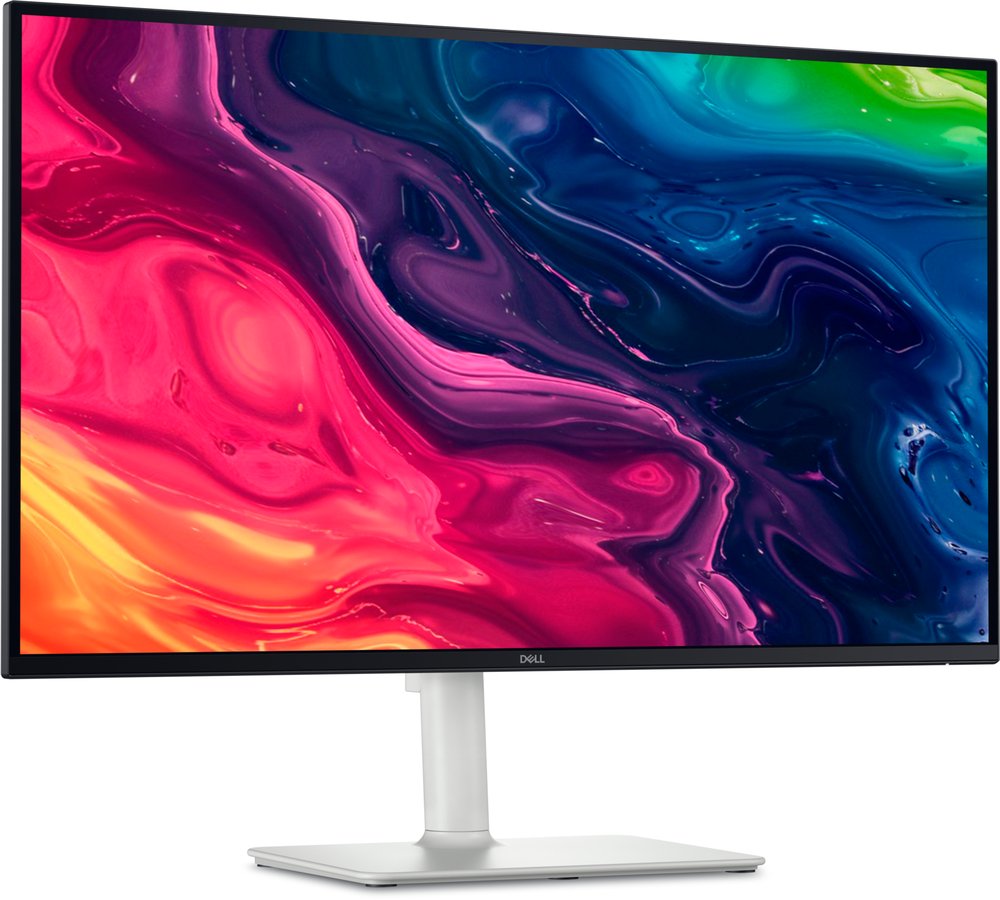
27" IPS · 3840x2160 (163 ppi) · 120Hz · height / tilt / pivot stand · 2x HDMI 2.1, DisplayPort 1.4 · built-in 2x 5W speakers · 1,500:1 contrast · $230-$300
Text is the job, and 4K at 27 inches renders it at 163 ppi — crisp at any sane scaling, all day. The stand adjusts properly (cheap monitors skimp here and your neck pays), the speakers are unusually good for the class, and 120Hz makes scrolling and window-dragging visibly smoother than the 60Hz office standard. The gap in the spec sheet is USB: there are no USB ports at all, so a laptop needs its own charger and dongles — if one-cable docking is the dream, the Samsung below is your pick.
Buy if you want crisp 4K text, a proper stand and speakers for calls.
Skip if you want one-cable USB-C docking — there are no USB ports at all.
- 163 ppi text clarity
- Height and pivot ergonomic stand
- No USB-C and no hub
- Contrast is modest for media use
Samsung Smart Monitor M7 — best one-cable budget pick
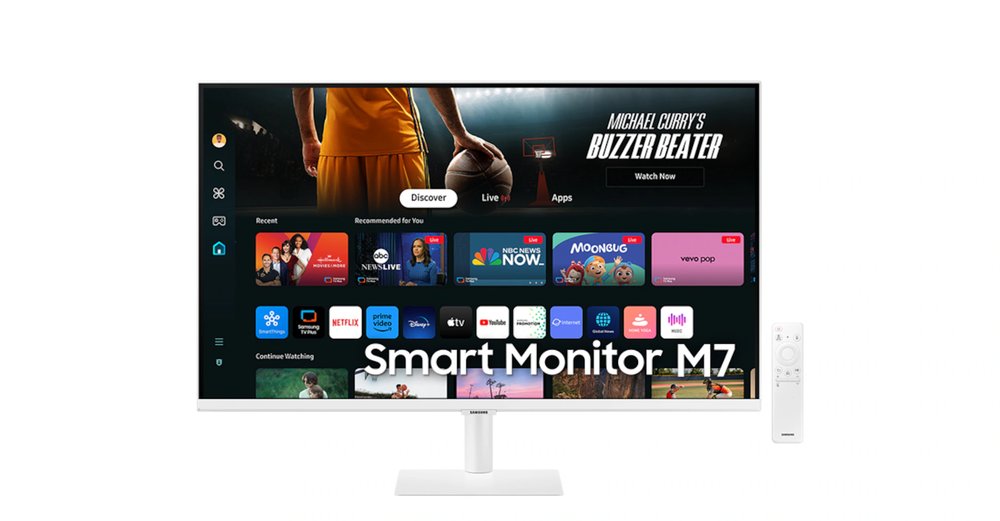
32" VA · 3840x2160 · 60Hz · USB-C with 65W power delivery · 3,000:1 contrast · Tizen apps, remote, 10W speakers · $230-$300
One USB-C cable carries the picture and charges the laptop at 65W — enough for almost any ultrabook — and the desk stays clean. The VA panel's 3,000:1 contrast is double the Dell's, the built-in smart platform covers lunch-break streaming without the work laptop, and the price undercuts most dedicated USB-C monitors. Compromises: a tilt-only stand (budget for a desk arm if you can) and 60Hz. Buy whichever colour is in the price band — US pricing splits by colour while the specs are identical.
Buy if you want one cable for picture and 65W laptop charging on a budget.
Skip if you need height adjustment — the stand is tilt-only, so budget for an arm.
- USB-C with 65W power delivery
- Smart TV apps for breaks
- Fixed 60Hz
- Tilt-only stand
MSI MPG 322URX — the premium one-cable desk
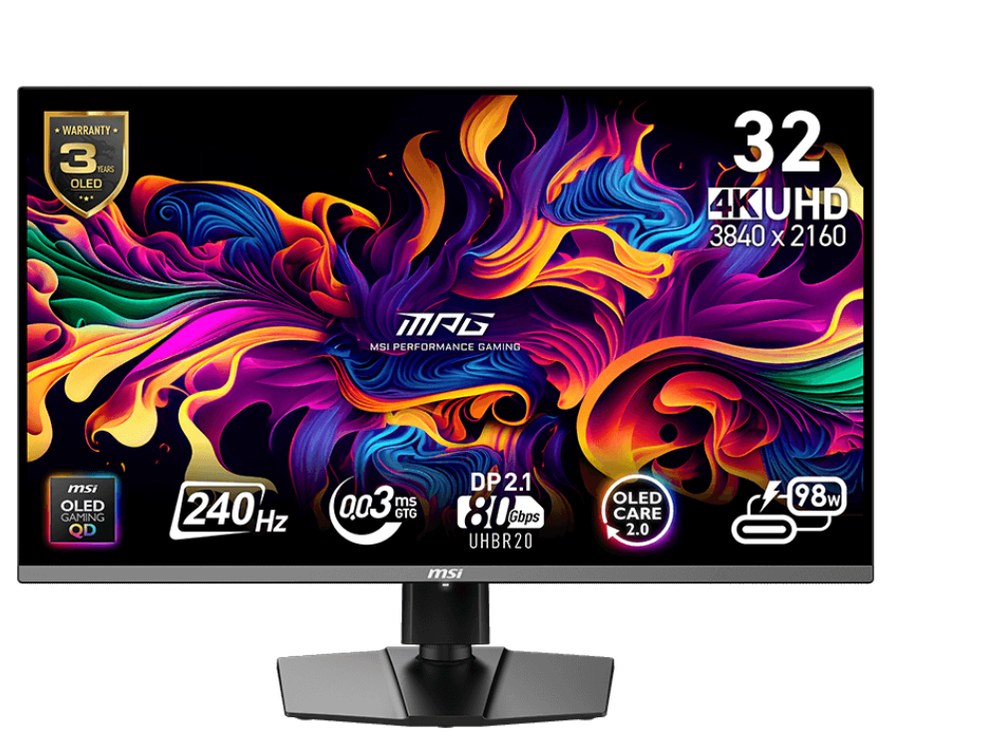
31.5" QD-OLED · 3840x2160 · 240Hz · USB-C with 98W power delivery · built-in KVM switch · DisplayHDR True Black 400 · $950-$1,200
For a desk that hosts a work laptop by day and a gaming PC by night, nothing else here does both jobs at this level: 98W USB-C charging, a KVM to share keyboard and mouse between machines, and a 240Hz OLED after hours. Two honest cautions for work use. First, OLED burn-in is a managed risk with static office windows — MSI's 3-year warranty includes burn-in cover, and auto-hiding the taskbar plus a screensaver are the standard habits. Second, full-screen brightness is modest (about 223 nits measured), fine in a normal room, less so facing a bright window. It also leads our 4K guide.
Buy if your desk hosts a work laptop by day and a gaming PC by night.
Skip if the same static windows sit at full brightness all day, every day.
- 98W USB-C charging with a KVM switch
- 3-year warranty includes burn-in cover
- OLED habits needed — auto-hide the taskbar, use a screensaver
- Modest full-screen brightness
LG UltraGear 34GP83A-B — best ultrawide for documents
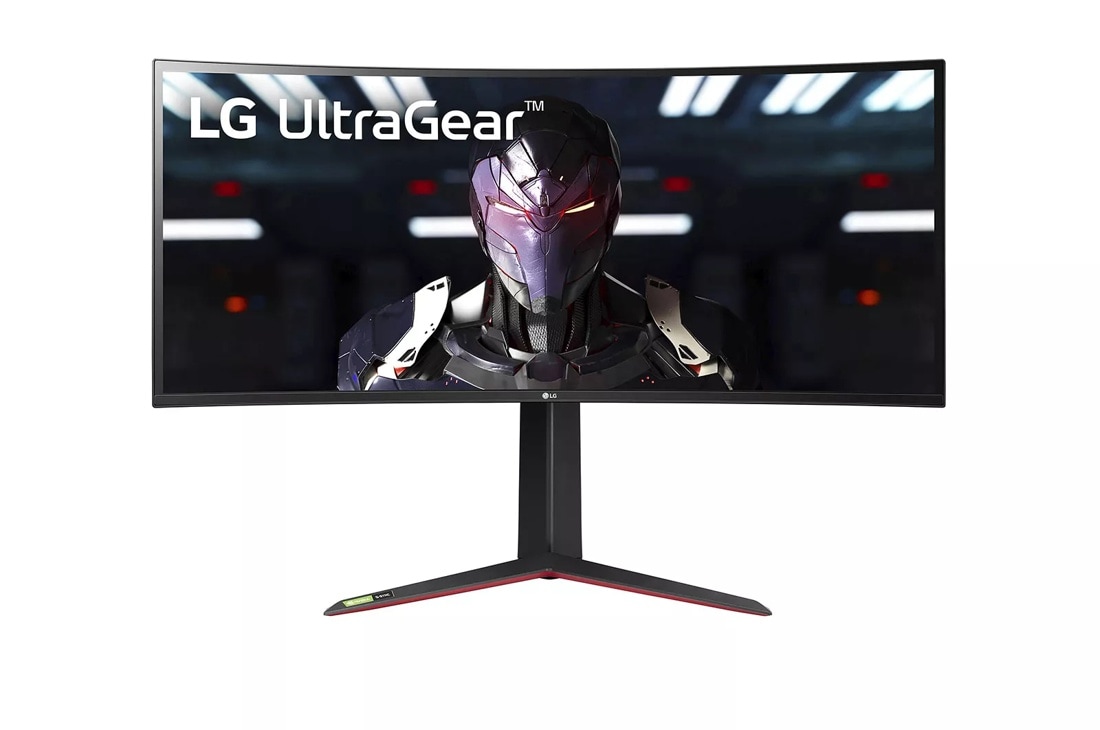
34" Nano IPS, curved · 3440x1440 · 144Hz (160Hz overclock) · USB 3.0 hub · 98% DCI-P3 · 2x HDMI 2.0, DisplayPort 1.4 · $500-$650
An ultrawide is a workflow change, not just a bigger screen: two full documents side by side with room for a chat window, or a spreadsheet wide enough to stop the horizontal scrolling. This LG's Nano IPS panel is colour-accurate (98% DCI-P3) and its USB hub keeps desk peripherals tidy — but note there is no USB-C input, so a laptop connects over HDMI or DisplayPort plus its own charger, and full refresh needs DisplayPort (HDMI tops out at 85Hz at full resolution, per LG's manual — still ample for office work).
Buy if you work with two documents side by side on colour-accurate IPS.
Skip if you want USB-C docking — the hub is USB-A and there is no USB-C video.
- 98% DCI-P3 colour accuracy
- USB hub keeps peripherals tidy
- No USB-C input
- HDMI caps at 85Hz at full resolution — use DisplayPort
Samsung Odyssey G9 G91F — the two-monitor replacement
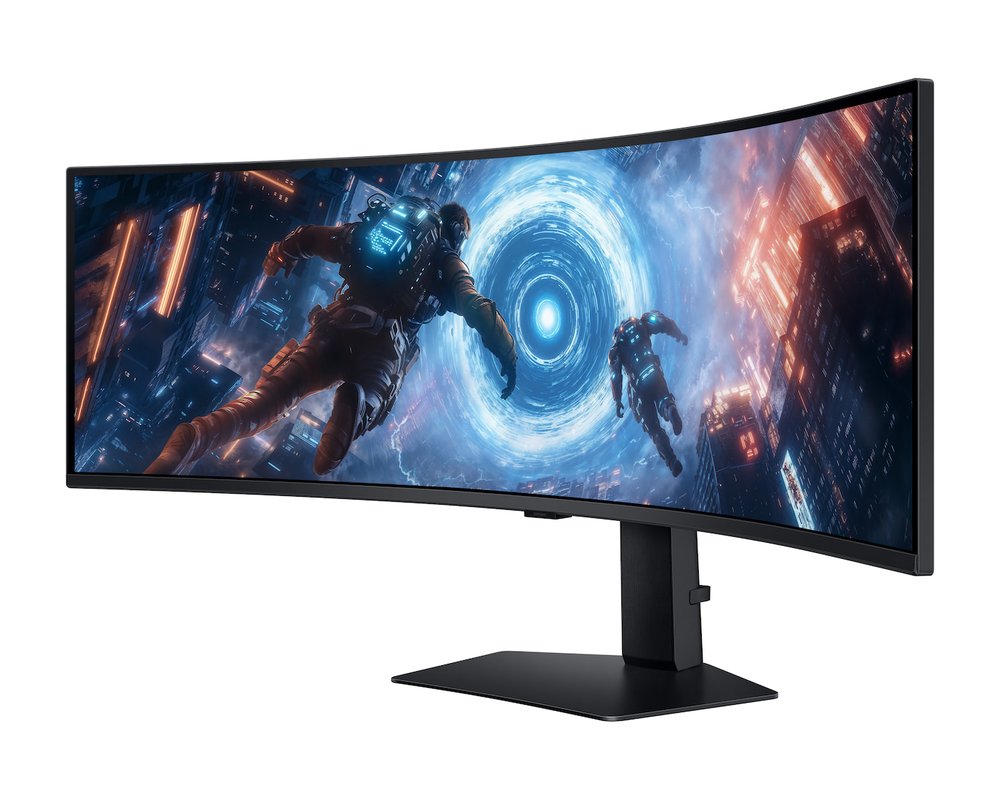
49" VA, 1000R curved · 5120x1440 (32:9) · 144Hz · DisplayHDR 600 · 2x HDMI, DisplayPort 1.4, USB hub · $650-$700
Two 27-inch 1440p monitors fused into one panel, with no bezel down the middle and one power cable instead of two. For spreadsheets, timelines and multi-window research it is the most productive shape on this page, and the 1000R curve keeps the far edges at a natural distance. It is a gaming-line monitor doing office duty, so there is no USB-C video input — a laptop drives it over HDMI or DisplayPort with a separate charger. Samsung's marketed 1ms response is a best-case figure; for office work it simply does not matter.
Buy if you want to replace two monitors with one seamless 49-inch canvas.
Skip if you want laptop docking over USB-C — there is no USB-C video input.
- 5120x1440 — two 1440p screens with no centre bezel
- One stand and one power cable
- Needs a deep desk
- Gaming-line ergonomics, no USB-C video
Buying notes
Text sharpness is pixels per inch. Above about 140 ppi, text looks print-like at desk distance and scaling stays clean. That is 4K at 27-32 inches, or 1440p at 25 inches and below. A 34-inch 1440p ultrawide is about 110 ppi — perfectly readable, a small step below the 4K picks.
USB-C wattage: 65W runs most laptops. Ultrabooks and MacBook Air-class machines charge happily at 45-65W. Bigger 16-inch laptops ship with 90-140W chargers and will charge slowly (or hold charge) on a 65W monitor port under heavy load — the MSI's 98W is the comfortable answer for those.
The stand matters more than the panel for comfort. Height adjustment is the feature your neck notices. The Dell and MSI adjust fully; the Samsung M7 is tilt-only, so pair it with a cheap monitor arm if your desk setup needs the screen raised.
Frequently asked questions
Is 4K worth it for office work?
Yes — text clarity is where 4K earns its money at a desk. At 27 inches, 4K gives about 163 ppi, so fonts render smoothly with no visible pixel steps, and you can run comfortable scaling while keeping a large workspace. It is the single most felt upgrade for document, code and spreadsheet work.
One ultrawide or two monitors?
One ultrawide (34 or 49 inches) means no centre bezel, one stand and one set of cables — and windows snap across the whole width. Two monitors give you a natural full-screen split for calls on one side and work on the other, and a spare screen if one fails. For document-heavy work we lean ultrawide; for call-heavy work, two screens still win.
How much USB-C power does my laptop need from a monitor?
Check the wattage of the charger that came with your laptop. Most thin laptops need 45-65W, which the Samsung M7's 65W port covers. Large 16-inch machines often ship with 90W+ chargers — they still run from 65W but may charge slowly under load; pick the MSI's 98W port if you want one cable to do everything.
Is an OLED monitor a bad idea for office work?
Not bad, but it asks for habits: static windows at full brightness for years can mark any OLED. If your day is varied content, the MSI's picture quality is worth it and its warranty covers burn-in for 3 years. If your screen shows the same application twelve hours a day, an IPS or VA pick from this page is the safer long-term buy.
Sources for this guide include the manufacturers' own pages (Dell, LG, MSI, Samsung) and US retailer listings and reviews (Best Buy, Amazon US, B&H, RTINGS, PCMonitors), checked November 2026.
Update history
November 10, 2026: Added a Quick Picks jump bar and price-checked stamps.
November 10, 2026: Guide published as part of the site's hub expansion, with every pick drawn from our two-source checked research and a Buy if / Skip if verdict on each.

Akbar Khan Editor, BuyBestMonitor
Akbar has run BuyBestMonitor since its original 2020 launch. Every guide here is checked under the site's two-source rule — manufacturer specs confirmed against an independent lab review — before publication and at every refresh. About the editor · How we check monitors