 BuyBest
Home › Best 1440p Gaming Monitors in 2026
Best 1440p Gaming Monitors in 2026
At a glance
| Pick | Size / Panel | Refresh | Sync | Typical price |
|---|---|---|---|---|
| MSI G274QPF E2 — best overall | 27" Rapid IPS | 180Hz | FreeSync Premium + G-Sync Compatible | $190-$280 |
| Dell G2724D — best value | 27" IPS | 165Hz | FreeSync Premium + G-Sync Compatible | $150-$300 |
| LG 27GS75Q-B — steady value | 27" IPS | 180Hz (200Hz OC) | FreeSync Premium | $170-$200 |
| LG 34GP83A-B — ultrawide | 34" Nano IPS | 144Hz (160Hz OC) | FreeSync Premium + G-Sync Compatible | $500-$650 |
| ASUS VG34VQL3A — ultrawide value | 34" VA | 180Hz | FreeSync Premium Pro | $250-$370 |
Prices checked November 2026 — live prices at the retailer may differ.
MSI G274QPF E2 — best 1440p gaming monitor overall
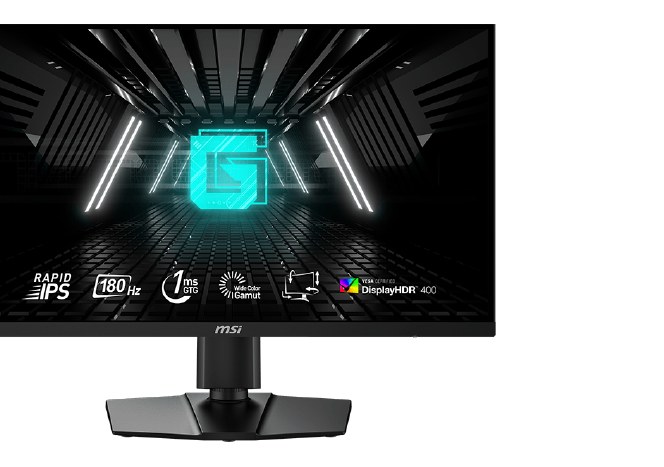
The default recommendation for a reason: a genuine 180Hz at 1440p, both sync technologies certified, a fully adjustable stand and a USB-C input — the complete package that nothing else at this price matches. Full reasoning in our gaming hub.
Buy if you want the one 1440p monitor that does everything well.
Skip if you need 180Hz over HDMI — it caps at 144Hz at this resolution.
- USB-C input with 15W power delivery
- Fully adjustable stand
- Must be the E2 — older models still circulate
Dell G2724D — best value 1440p
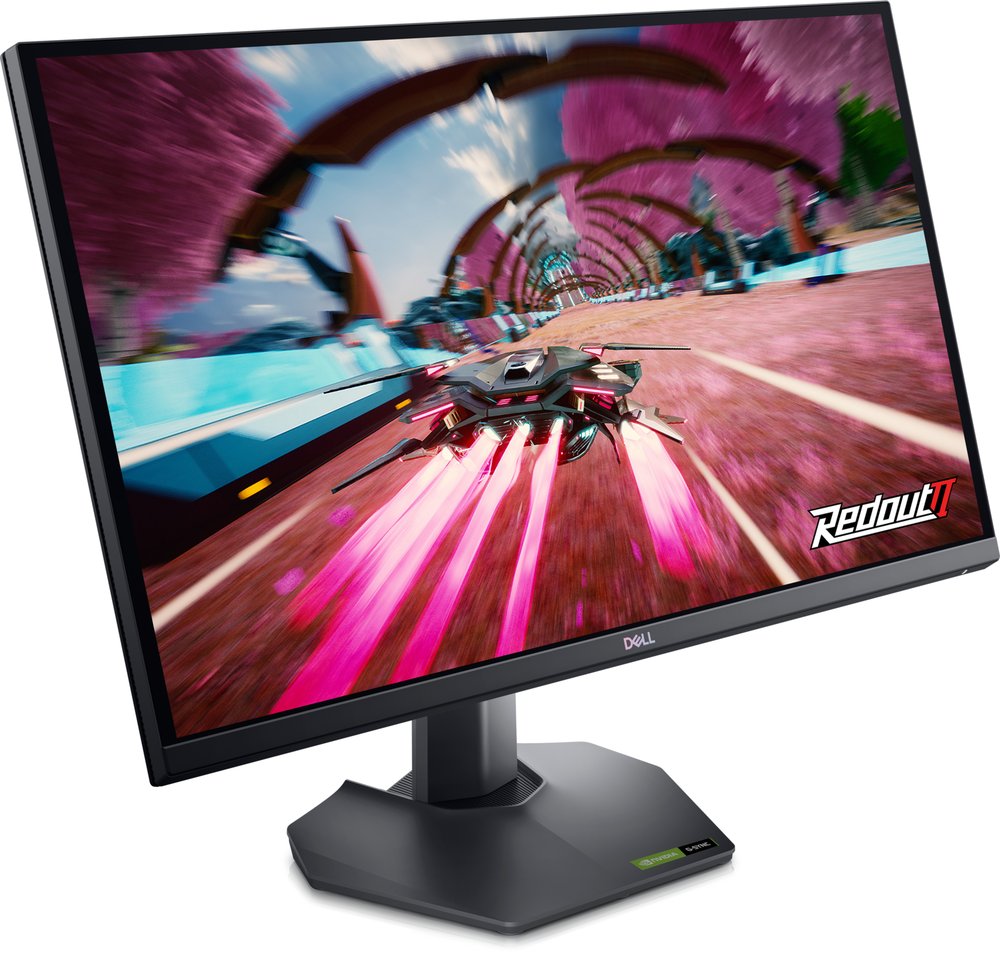
When Dell discounts it — which is often — this is 1440p at near-1080p money: 165Hz, both sync certifications and an HDMI 2.1 port that even runs the PS5's 1440p VRR mode (independently verified). The catch is stock: Dell's own store is intermittent, and high prices elsewhere are markups.
Buy if you catch it in the bottom half of its price range.
Skip if you need a USB hub or headphone jack — neither is fitted.
- HDMI 2.1 at a budget price
- Height, pivot and tilt stand
- Intermittent stock at Dell
LG UltraGear 27GS75Q-B — the steady-priced 180Hz
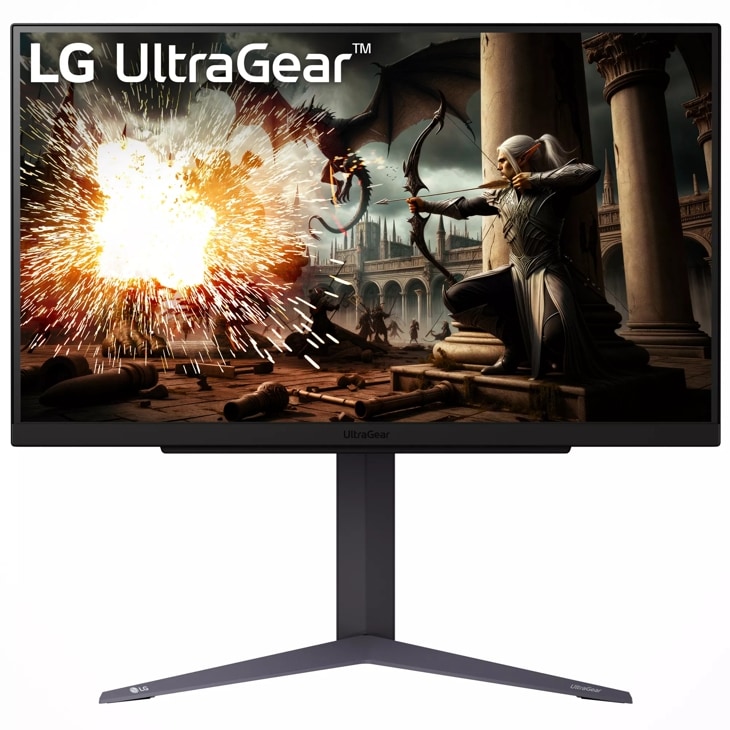
The alternative when Dell is out of stock: 180Hz native with a 200Hz overclock, FreeSync Premium, and independent measurements of about 3.0ms average GtG. No USB ports and no HDR certification — an honest, focused gaming panel at a steady $170-$200.
Buy if you want 180Hz 1440p today at a predictable price.
Skip if USB ports or HDR matter to your setup.
- 200Hz overclock over DisplayPort
- Fast measured response for the price
- Listings disagree on the HDMI version
LG UltraGear 34GP83A-B — the 1440p ultrawide
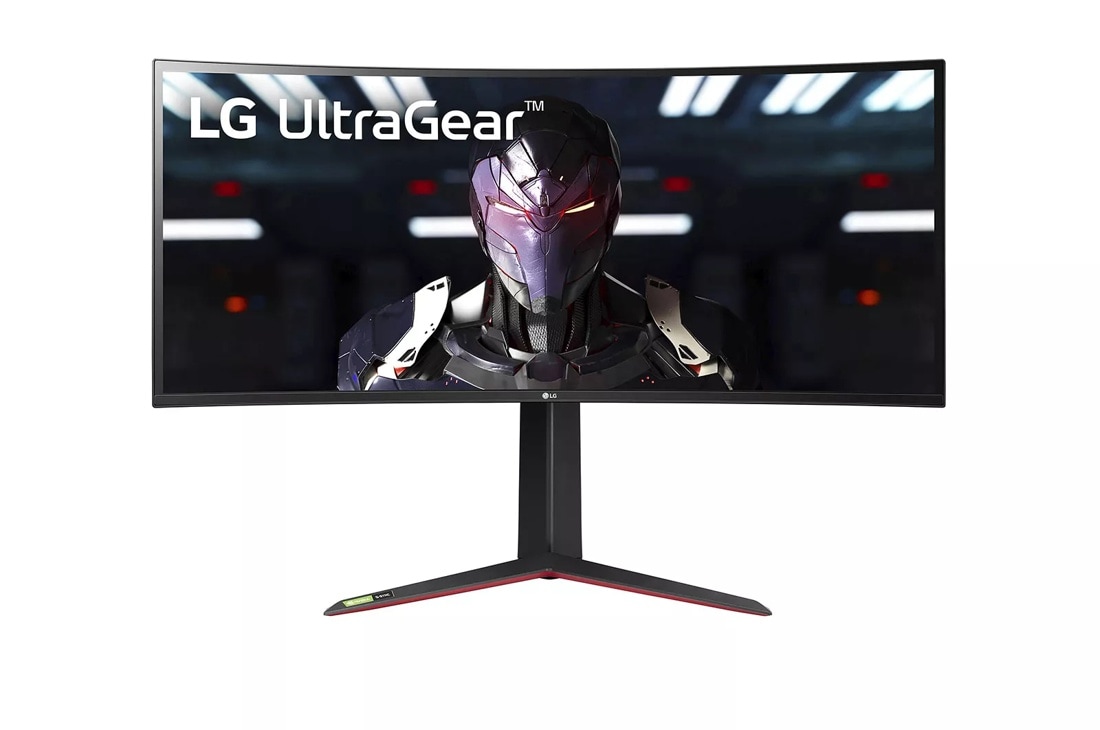
Ultrawide is 1440p stretched sideways: 3440x1440 on a colour-accurate Nano IPS panel (98% DCI-P3) with both sync certifications. Racing, flight sims and immersive single-player games gain the most; competitive shooters gain nothing. Full analysis in the ultrawide guide.
Buy if the wide view is the point and colour accuracy matters.
Skip if you need USB-C (none) — or full refresh over HDMI (85Hz cap).
- 98% DCI-P3 Nano IPS
- 144Hz, 160Hz overclocked
- No USB-C input
ASUS TUF Gaming VG34VQL3A — ultrawide value
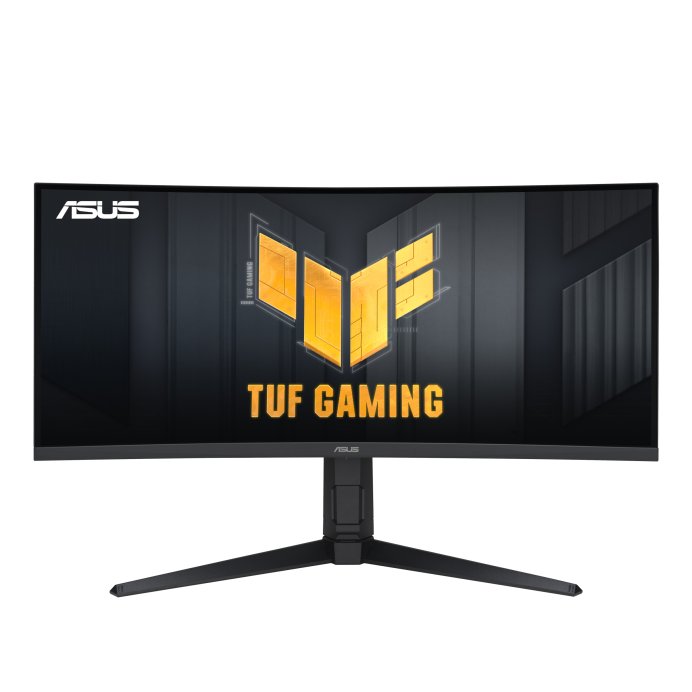
The same 3440x1440 canvas for roughly half the LG's price: a 180Hz VA panel with a USB hub and DisplayHDR 400. You trade IPS colour and viewing angles for the price — and you must use DisplayPort, because HDMI caps at 100Hz.
Buy if you want ultrawide 1440p at 180Hz for entry money.
Skip if you need full refresh over HDMI or certified G-Sync.
- Cheapest 180Hz ultrawide here
- USB hub included
- VA dark-transition smearing
Why 1440p is the sweet spot
At 27 inches, 1440p gives about 109 pixels per inch — roughly a third sharper than 1080p at the same size, so text and game detail both clean up noticeably. The pixel count is 78% higher than 1080p, which a mid-range GPU can drive at high refresh; 4K asks for nearly two and a half times 1440p's pixels and usually a flagship card to match these frame rates. For most gaming desks, 1440p is where sharpness per dollar peaks — which is exactly why every pick on our main gaming list at mainstream prices lives here.
Frequently asked questions
Is 1440p worth it over 1080p for gaming?
For most players, yes: at 27 inches the sharpness jump is obvious in games and on the desktop, and current mid-range GPUs can hold high frame rates at 1440p. Pure esports players chasing 240Hz+ still get more from 1080p panels like the 220Hz BenQ in our budget guide.
What refresh rate should a 1440p gaming monitor have?
165-180Hz is the sweet spot — every pick here meets it. Above 200Hz at 1440p the prices climb into OLED territory, and below 144Hz you are leaving the format's main advantage on the table.
Do consoles support 1440p monitors?
Yes — both the PS5 and Xbox Series X output a native 1440p signal, which is why 1440p monitors are also our value recommendation for console desks. The Dell G2724D's PS5 VRR support at 1440p has been independently verified by RTINGS.
What GPU do I need for 1440p high-refresh gaming?
A current mid-range card holds 1440p well in most titles at high settings; competitive games reach 165Hz+ easily. Native 4K at these refresh rates is the step that demands a flagship GPU — the reason 1440p is the value play.
Update history
November 10, 2026: Added a Quick Picks jump bar and price-checked stamps.
November 10, 2026: Slice guide published from the site's two-source checked research, with a Buy if / Skip if verdict on every pick.

Akbar Khan Editor, BuyBestMonitor
Akbar has run BuyBestMonitor since its original 2020 launch. Every guide here is checked under the site's two-source rule — manufacturer specs confirmed against an independent lab review — before publication and at every refresh. About the editor · How we check monitors