 BuyBest
Home › Best Monitor for Xbox Series X in 2026
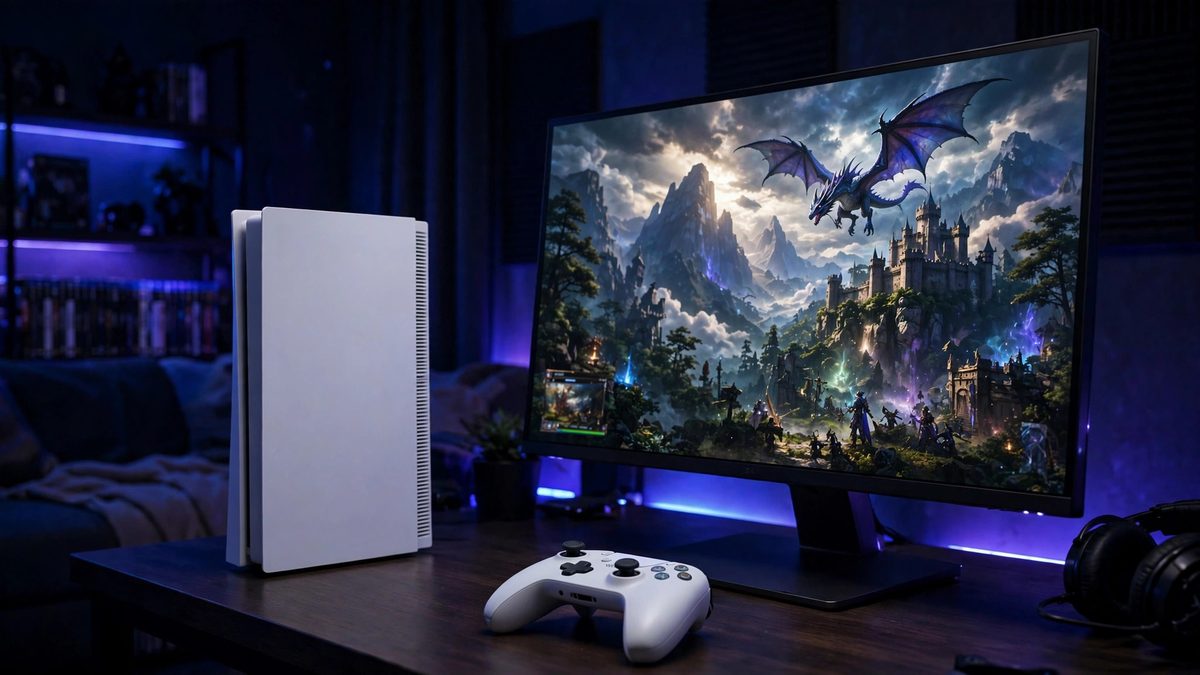
Best Monitor for Xbox Series X in 2026
What an Xbox actually needs (30 seconds)
The Series X outputs up to 4K at 120Hz, or 1440p at 120Hz — and unlike a PC, it always renders in a 16:9 frame, so ultrawide monitors gain an Xbox nothing. For 4K/120 you need an HDMI 2.1 port with full 48Gbps bandwidth. At 1440p/120, HDMI 2.1 is not required. Variable refresh (both FreeSync and HDMI Forum VRR are supported by the console) kills tearing in the 40-120fps range where most Series X games live. That is the whole checklist — everything below is scored against it.
At a glance
| Pick | Size / Panel | Xbox mode | VRR | Typical price |
|---|---|---|---|---|
| Dell G2724D — best value | 27" IPS 1440p | 1440p / 120Hz | FreeSync Premium | $150-$300 |
| LG 27GS75Q-B — 1440p headroom | 27" IPS 1440p | 1440p / 120Hz | FreeSync Premium | $170-$200 |
| MSI MPG 322URX — best 4K | 32" QD-OLED 4K | 4K / 120Hz | FreeSync Premium Pro | $950-$1,200 |
| Samsung Neo G7 32" — 4K LCD | 32" VA Mini-LED 4K | 4K / 120Hz | FreeSync Premium Pro | $600-$750 |
| LG OLED C5 42" — living room | 42" OLED 4K (TV) | 4K / 120Hz | G-Sync + FreeSync | $850-$1,050 |
Prices checked November 2026 — live prices at the retailer may differ.
Dell G2724D — best value Xbox monitor
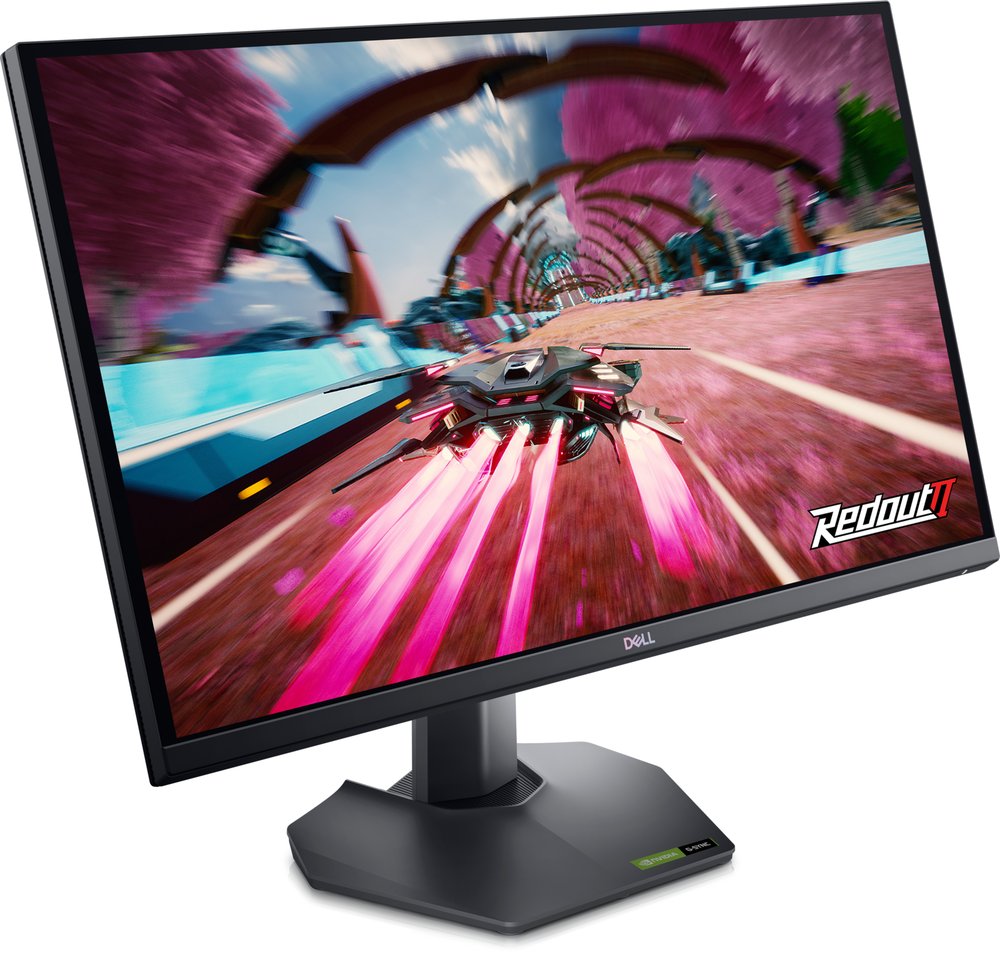
The smart-money pick: the Series X's 1440p/120 mode looks sharp on a 27-inch screen, VRR is certified, and the HDMI 2.1 port future-proofs the desk. Buy it in the bottom half of its range — prices near $300 are marketplace markups, and Dell's own stock comes and goes.
Buy if you want Series X at 120Hz with VRR for the least money.
Skip if you specifically want the console's 4K output mode.
- Native 1440p/120 with certified VRR
- HDMI 2.1 port at a budget price
- Intermittent stock at Dell
LG UltraGear 27GS75Q-B — 1440p with PC headroom
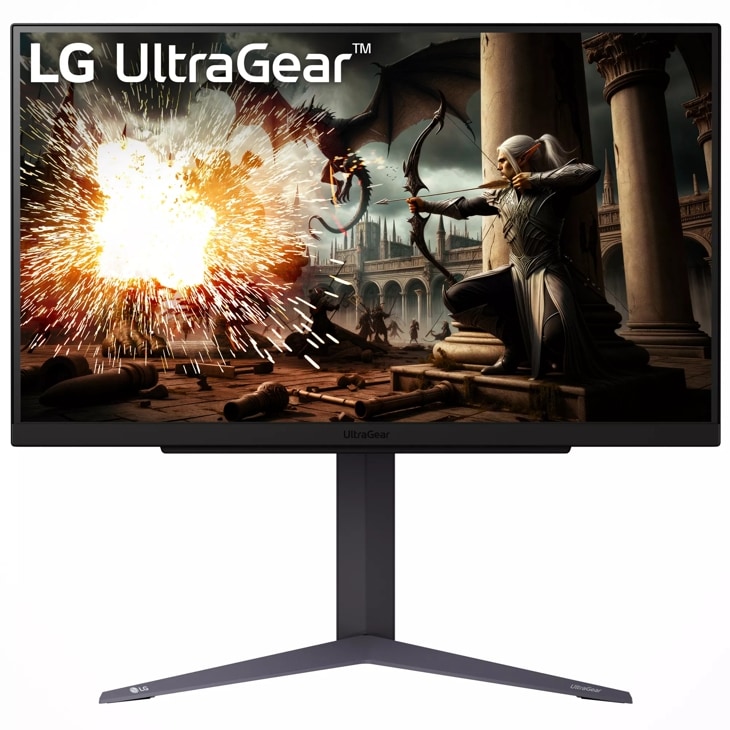
Same console story as the Dell — 1440p/120 with FreeSync Premium — plus 180Hz (200Hz overclocked) waiting if a gaming PC joins the desk later. One caution: sources disagree about this model's HDMI version, which does not affect the Xbox's 1440p mode but is worth knowing.
Buy if a PC might join the console on this desk later.
Skip if you want USB ports (none) or a settled HDMI spec sheet.
- 180-200Hz headroom for PC play
- Steady $170-$200 pricing
- HDMI version disputed between sources
MSI MPG 322URX — best 4K monitor for Xbox
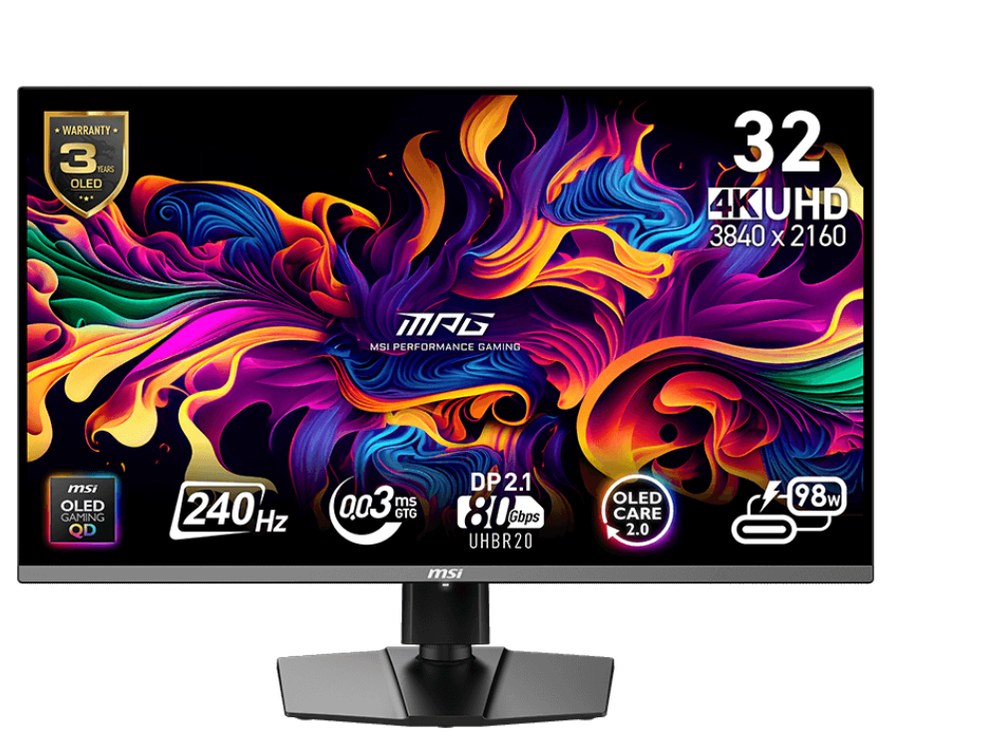
The full-fat option: two full-bandwidth 48Gbps HDMI 2.1 ports run the Series X at 4K/120, FreeSync Premium Pro handles VRR, and QD-OLED HDR makes supported games look their best. You are also paying for 240Hz PC headroom the console cannot use — worth it only if a PC shares the screen.
Buy if you want 4K/120 OLED for the console and a flagship PC.
Skip if the Xbox is the only machine — cheaper 4K picks below do the console justice.
- 2x full-bandwidth HDMI 2.1
- OLED HDR with a 3-year burn-in warranty
- No built-in speakers
Samsung Odyssey Neo G7 32" — 4K/120 without OLED
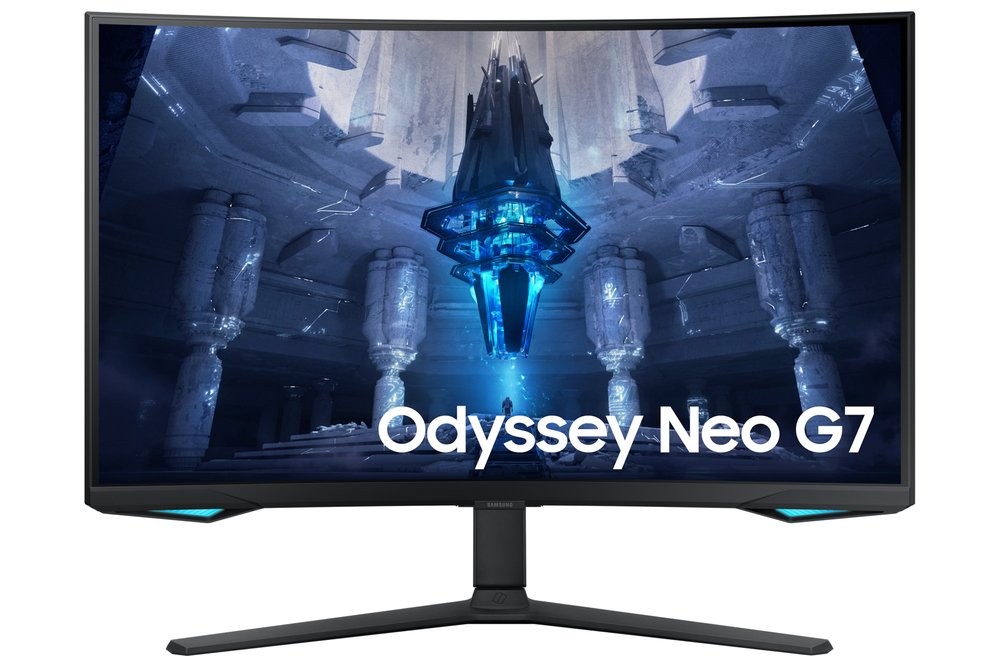
Mini-LED local dimming (1,196 zones), two HDMI 2.1 ports and FreeSync Premium Pro: the 4K/120 experience with LCD brightness and no burn-in questions. Mind the name — "Quantum HDR 2000" is a tier label; measured HDR peaks are about 796 nits in a 10% window. Samsung US lists it out of stock, so buy through retailers.
Buy if you want 4K/120 HDR with LCD peace of mind.
Skip if friends watch along — the 1000R curve and VA angles favour one centred player.
- Real Mini-LED local dimming
- 165Hz for PC use as well
- Retailer stock only
LG OLED evo C5 42" — the living-room Xbox pick
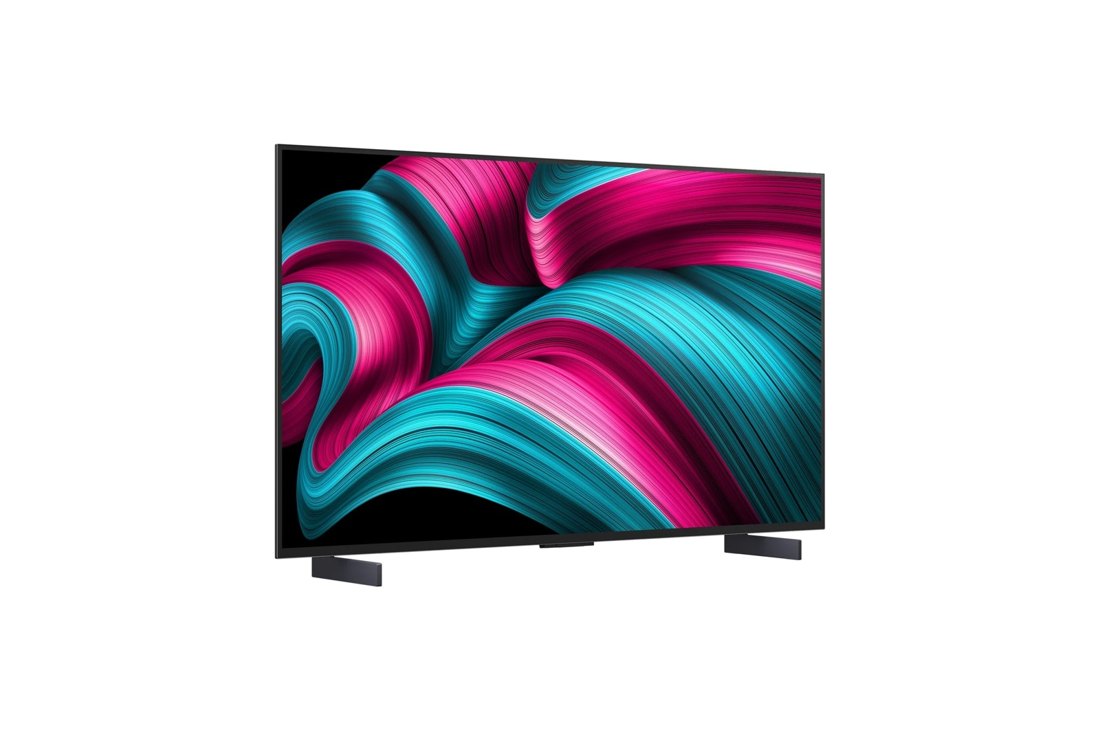
It is a TV, and for a living-room Series X that is a feature: four HDMI 2.1 ports with ALLM, Dolby Vision (which the Series X supports for games as well as films), real speakers and every streaming app. At a desk it is less happy — no DisplayPort, and text can fringe on its WRGB subpixels.
Buy if the Xbox lives in the living room and films share the screen.
Skip if the screen sits at arm's length on a desk all day.
- Dolby Vision gaming support
- 4x HDMI 2.1 — every console gets a port
- 2025 model — stock is clearance-dependent
Frequently asked questions
Does the Xbox Series X need an HDMI 2.1 monitor?
Only for 4K at 120Hz, which needs a full-bandwidth HDMI 2.1 port. At 1440p/120 — the mode most of our picks run — HDMI 2.1 is not required, which is why the value picks work. Avoid monitors whose HDMI 2.1 ports are bandwidth-limited if 4K/120 is your goal.
Does the Xbox support ultrawide monitors?
Not usefully: the Series X always outputs a 16:9 frame, so an ultrawide shows side bars. Ultrawide is a PC-first format; console desks are better served by the 16:9 picks here.
Is 1440p or 4K better for the Series X?
Both are native console modes. 1440p at 27 inches is sharp, cheaper and every pick supports 120Hz with VRR; 4K earns its premium on 32-inch and larger screens, or when films share the display.
What about the Xbox Series S?
The Series S also outputs 1440p/120 and supports VRR, so the two 1440p picks are its natural partners — the 4K picks would simply downscale its signal.
Update history
November 10, 2026: Added a Quick Picks jump bar and price-checked stamps.
November 10, 2026: Slice guide published from the site's two-source checked research, with a Buy if / Skip if verdict on every pick.

Akbar Khan Editor, BuyBestMonitor
Akbar has run BuyBestMonitor since its original 2020 launch. Every guide here is checked under the site's two-source rule — manufacturer specs confirmed against an independent lab review — before publication and at every refresh. About the editor · How we check monitors