Home › Best 144Hz Ultrawide Gaming Monitors in 2026
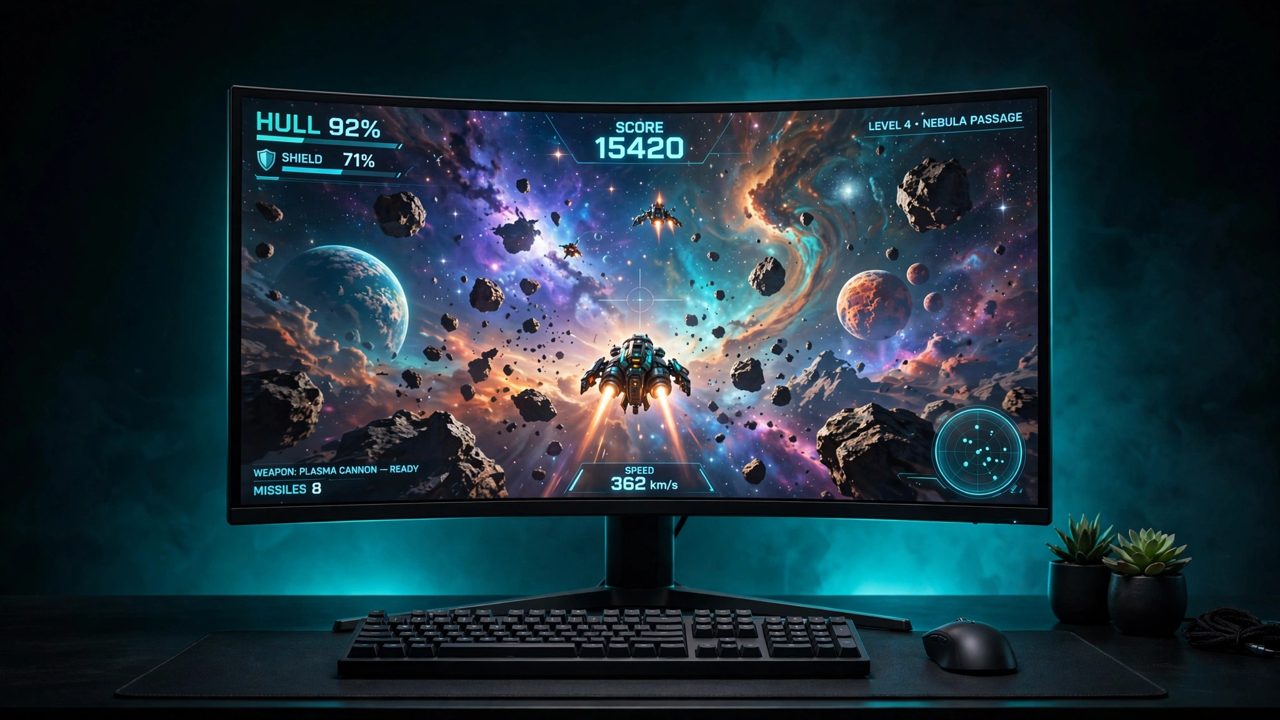
Best 144Hz Ultrawide Gaming Monitors in 2026
Quick answer: the best 144Hz+ ultrawide for most gamers is the Alienware AW3425DW ($650-$800) — 34-inch QD-OLED at 240Hz with a 3-year burn-in warranty. On a budget, the ASUS TUF VG34VQL3A ($250-$370) delivers 180Hz at 3440x1440 for a third of the price. Want maximum screen? The 49-inch Samsung Odyssey G9 G91F ($650-$700) gives you two monitors' worth of VA panel at 144Hz.
At a glance
| Pick | Size / Panel | Resolution | Refresh | HDR | Typical price |
|---|---|---|---|---|---|
| ASUS TUF VG34VQL3A — entry | 34" VA, 1500R | 3440x1440 | 180Hz | DisplayHDR 400 | $250-$370 |
| LG UltraGear 34GP83A-B — IPS | 34" Nano IPS | 3440x1440 | 144Hz (160Hz OC) | DisplayHDR 400 | $500-$650 |
| Alienware AW3425DW — OLED | 34.2" QD-OLED, 1800R | 3440x1440 | 240Hz | True Black 400 | $650-$800 |
| Samsung OLED G9 G93SC — 49" | 49" QD-OLED, 1800R | 5120x1440 | 240Hz | True Black 400 | $850-$1,100 |
| Samsung G9 G91F — 49" value | 49" VA, 1000R | 5120x1440 | 144Hz | DisplayHDR 600 | $650-$700 |
1. ASUS TUF Gaming VG34VQL3A — the entry pick
34" VA (1500R) · 3440x1440 · 180Hz · 1ms GtG (marketed) · FreeSync Premium Pro · DisplayHDR 400 · 2x HDMI 2.0, 2x DisplayPort 1.4, USB hub · $250-$370
The cheapest honest way into 144Hz+ ultrawide gaming. The VA panel gives you 4,000:1 contrast — far deeper blacks than any IPS at this price — and 180Hz is a genuine step up from the 144Hz class. Two honest warnings from our checks: full 180Hz is DisplayPort-only (HDMI tops out at 100Hz), and as with every VA panel, real dark-scene response is slower than the 1ms headline, so very fast competitive players may notice smearing in dark games.
2. LG UltraGear 34GP83A-B — the IPS pick
34" Nano IPS · 3440x1440 · 144Hz native, 160Hz overclock (DP only) · 1ms GtG (marketed) · FreeSync Premium + G-Sync Compatible · DisplayHDR 400 · 98% DCI-P3 · 2x HDMI 2.0, 1x DisplayPort 1.4 · $500-$650
The classic Nano IPS ultrawide, still sold new: fast, colour-accurate (98% DCI-P3) and the pick if you don't want OLED burn-in questions or VA smearing. RTINGS rates its response fast at all refresh rates. Weaknesses are equally clear — IPS contrast is low, there is no local dimming so HDR is a label rather than an experience, there is no USB-C, and per LG's own manual HDMI caps at 85Hz at full resolution, so DisplayPort is mandatory. A note on age: this is a 2020 design, so make sure the unit you buy is new, not refurbished.
3. Alienware AW3425DW — best for most gamers
34.2" QD-OLED Gen 2 (1800R) · 3440x1440 · 240Hz · 0.03ms GtG · FreeSync Premium Pro + G-Sync Compatible · DisplayHDR True Black 400 · 1x DisplayPort 1.4, 2x HDMI 2.1 · $650-$800
Second-generation QD-OLED at 240Hz is simply the best gaming picture in this size: per-pixel blacks, a genuine ~1,000-nit HDR peak, and pixel response that really is near-instant (RTINGS confirms it — for OLED, unlike LCD, the marketed figure is honest). Dell's 3-year warranty explicitly covers burn-in. Two gotchas: the USB-C port is data/charging only, not a video input, and Dell has launched a 280Hz successor (AW3426DW) at the same $799.99 list price — so buy this one when it is discounted below the successor, as it frequently is.
4. Samsung Odyssey OLED G9 G93SC — the 49-inch OLED
49" QD-OLED (1800R) · 5120x1440 · 240Hz · 0.03ms GtG · FreeSync Premium Pro + G-Sync Compatible · DisplayHDR True Black 400 · 1x DisplayPort 1.4, 1x HDMI 2.1, 1x Micro-HDMI 2.1, USB hub · $850-$1,100
Two 27-inch QHD monitors fused into one 32:9 QD-OLED panel — the most immersive gaming display on this page. The G93SC is the pure-monitor version; the G95SC is the same panel with Samsung's smart-TV layer added. Read Samsung's spec sheet before you buy cables: the second HDMI input is Micro-HDMI, despite retailer blurbs claiming two full-size HDMI ports. There is also no USB-C video or power delivery at all, which matters if you dock a laptop.
5. Samsung Odyssey G9 G91F — the 49-inch value pick
49" VA (1000R) · 5120x1440 · 144Hz · 1ms GtG (marketed) · FreeSync Premium Pro · DisplayHDR 600 · 2x HDMI, 1x DisplayPort 1.4, USB hub · $650-$700
The cost-per-inch champion: a full 49-inch super-ultrawide for roughly 34-inch OLED money, from Samsung's 2025 line. VA brings higher SDR brightness than the OLED G9, a stronger HDR certificate on paper (DisplayHDR 600), and zero burn-in exposure. You give up OLED contrast and 240Hz, and Samsung's own footnote admits its "1ms" is a truncated average under internal test conditions — treat it as marketing and expect normal VA behaviour in dark transitions.
Before you buy any ultrawide
Use DisplayPort. On the LCD picks, HDMI cannot reach the headline refresh rate at full resolution (LG: 85Hz cap, ASUS: 100Hz cap). The two OLEDs are the exception — both do full refresh over HDMI 2.1 too.
"1ms" on VA and IPS boxes is a best-case figure for a single pixel transition at maximum overdrive, not an average. OLED's 0.03ms claims are the honest exception.
DisplayHDR 400 is a floor, not HDR. The LCD picks accept an HDR signal without delivering convincing highlights; real HDR on this list starts at the G91F's DisplayHDR 600 and is only truly delivered by the two OLEDs.
OLED and all-day work: static spreadsheets and IDEs all day carry a burn-in consideration. Dell warrants the AW3425DW against it for 3 years; if your use is 90% static desktop, the IPS or VA picks are the safer buy.
Frequently asked questions
Is a 144Hz ultrawide worth it over a normal 144Hz monitor?
For gaming, yes if your GPU can feed it: 3440x1440 has about 2.4x the pixels of 1080p, so budget roughly a 1440p-class graphics card. The wider view is a genuine advantage in racing, flight and strategy games, and it replaces a dual-monitor desk for work.
Can a PS5 or Xbox use a 144Hz ultrawide?
Consoles do not output 21:9 — they show a 16:9 image with black bars at the sides. Every pick here accepts a console signal fine, but if console is your main use, a 16:9 1440p or 4K monitor is the better-shaped buy.
Why does this page's URL say 'ultrawid'?
Because the original 2021 version of this guide lived at this exact address and other sites still link to it. We kept the address (typo and all) so those links keep working, and the correctly-spelled version redirects here.
Sources for this guide include the manufacturers' own product pages (ASUS, LG, Dell, Samsung) and independent reviews and listings from RTINGS, DisplayNinja, Best Buy, Newegg, Abt and Amazon US, checked November 2026.