 BuyBest
Home › Best 4K Monitors in 2026: OLED, Mini-LED & Value Picks
Best 4K Monitors in 2026
At a glance
| Model | Best for | Size / Panel | Refresh | Typical price |
|---|---|---|---|---|
| MSI MPG 322URX | Best overall | 31.5" QD-OLED | 240Hz | $950-$1,200 |
| Dell S2725QS | Best value 27" | 27" IPS | 120Hz | $230-$300 |
| Samsung Odyssey Neo G7 | Best Mini-LED | 32" VA Mini-LED | 165Hz | $600-$750 |
| Samsung Smart Monitor M7 | Budget + smart TV | 32" VA | 60Hz | $230-$300 |
| LG OLED evo C5 42" | Big screen | 42" WOLED (TV) | 120Hz | $850-$1,050 |
Prices checked November 2026 — live prices at the retailer may differ.
The picks
MSI MPG 322URX QD-OLED — best 4K monitor overall
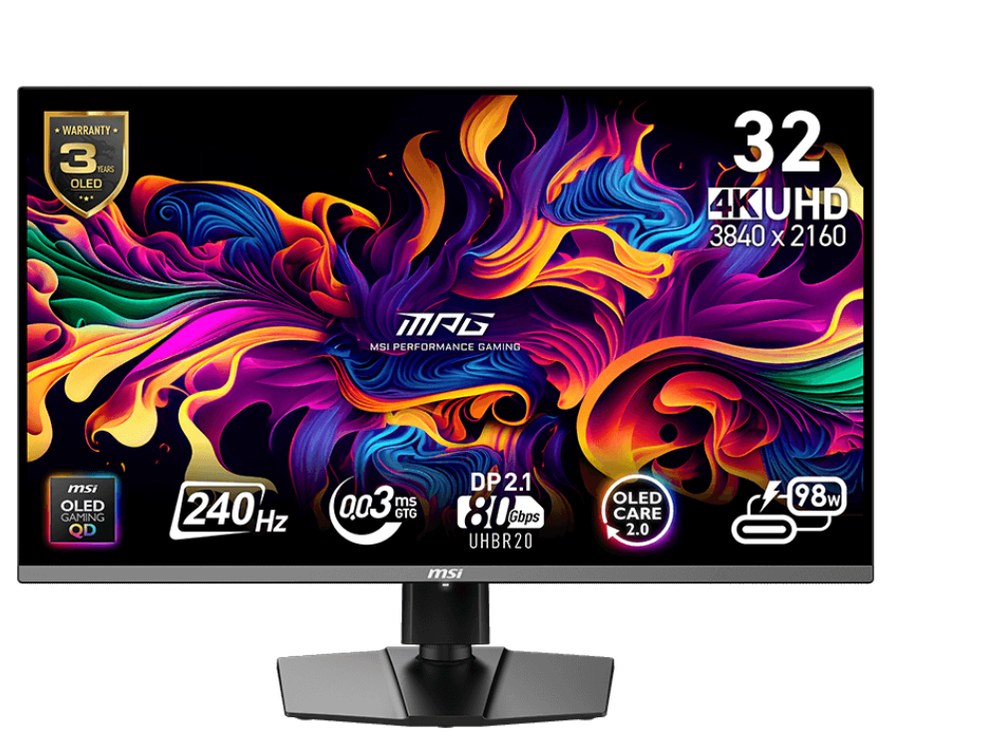
31.5" QD-OLED · 3840x2160 · 240Hz · 0.03ms GtG · DisplayPort 2.1a, 2x HDMI 2.1, USB-C with 98W power delivery and KVM · DisplayHDR True Black 400 · 1,500,000:1 (per-pixel OLED) · $950-$1,200
The current flagship 32-inch 4K QD-OLED, and the successor to the popular MPG 321URX — the panel is the same third-generation QD-OLED, with DisplayPort 2.1a and 98W USB-C as the upgrades. Buy the 322URX unless the older model is heavily discounted. RTINGS found near-instantaneous pixel response, and the 3-year warranty includes burn-in cover. It also leads our gaming monitors guide at 4K.
Buy if you want the best 4K picture plus future-proof ports.
Skip if the same static apps run twelve hours a day — consider the Mini-LED pick instead.
- 240Hz QD-OLED with DisplayPort 2.1a
- 98W USB-C and KVM switch
- Full-screen brightness about 223 nits
- Premium price
Dell S2725QS — best value 4K monitor
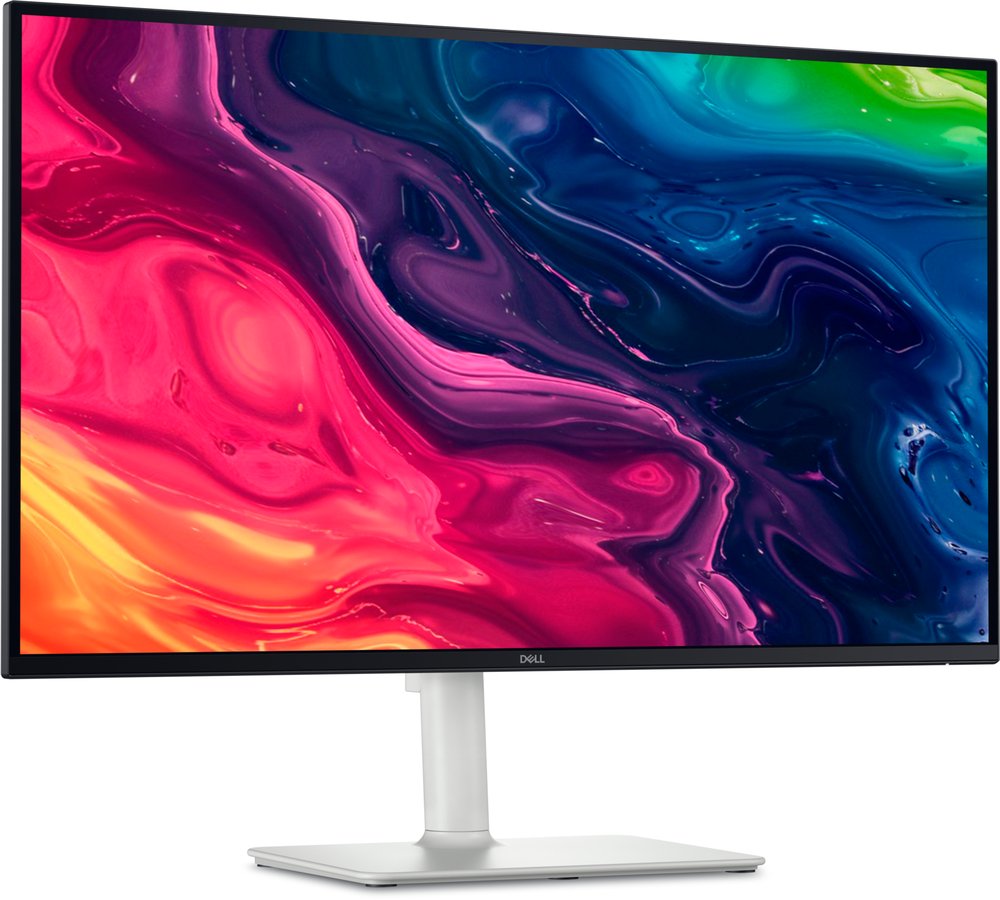
27" IPS · 3840x2160 (163 ppi) · 120Hz · 2x HDMI 2.1, DisplayPort 1.4 · FreeSync Premium · 1,500:1 contrast · built-in 2x 5W speakers · $230-$300
The sensible desk-size 4K buy: genuinely sharp text at 163 ppi, a real 120Hz refresh (rare at this price), console-friendly HDMI 2.1 ports and unusually good speakers. The honest weakness is contrast — at 1,500:1, blacks look dark grey in a dark room, and there is no local dimming, so treat its HDR support as compatibility rather than impact. For dark-room movies, pick an OLED or the Neo G7 below; it is also compared there in our movies guide.
Buy if you want sharp 4K text and a genuine 120Hz at a fair price.
Skip if you want a one-cable USB-C desk — this monitor has no USB at all.
- 163 ppi — the crispest text on this page
- A real 120Hz at this price is rare
- No USB ports
- 1,500:1 contrast limits dark scenes
Samsung Odyssey Neo G7 32" — best Mini-LED 4K monitor
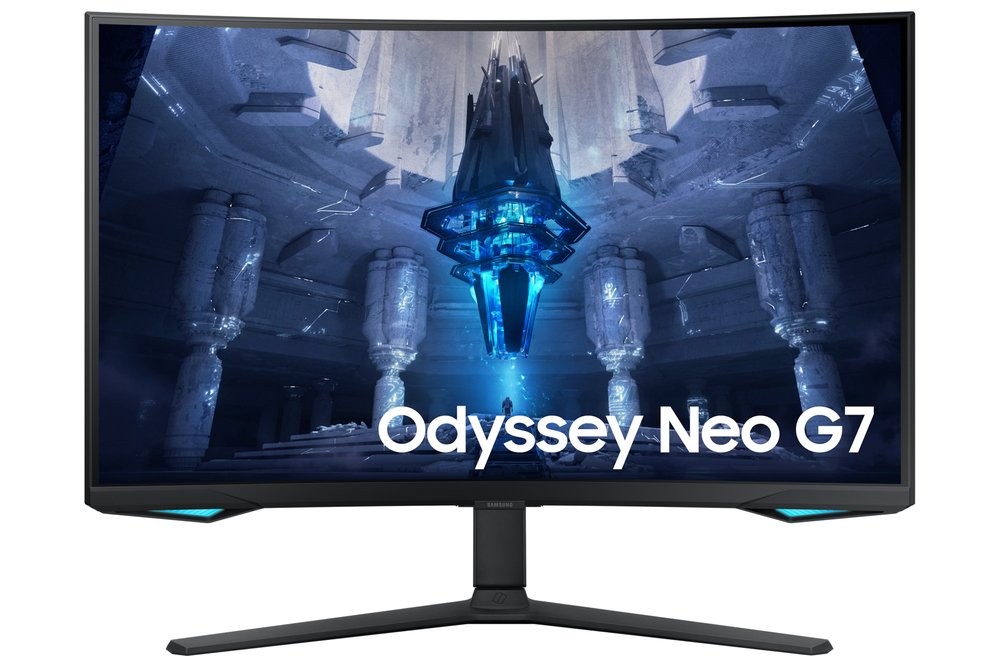
32" VA, 1000R curved · 3840x2160 · 165Hz · Mini-LED backlight with 1,196 local dimming zones · Quantum HDR 2000 / HDR10+ · 2x HDMI 2.1, DisplayPort 1.4 · $600-$750
The high-contrast LCD answer if you do not want OLED: dark scenes stay dark without burn-in considerations, and HDR highlights hit harder than any other LCD here. Two honest flags: Samsung's "HDR 2000" name is a tier label, not a measured figure (Notebookcheck measured about 796 nits in a 10% window — still bright for an LCD), and Samsung US lists it out of stock at list price while Amazon sells it new at roughly half — buy from a seller with easy returns while stock lasts.
Buy if you want Mini-LED HDR without OLED compromises.
Skip if you need to buy from Samsung direct — it is listed out of stock there.
- 1,196 local dimming zones
- 165Hz with HDMI 2.1
- HDR 2000 is a tier name, not a measurement
- The steep 1000R curve suits one centred viewer
Samsung Smart Monitor M7 — best budget 4K monitor
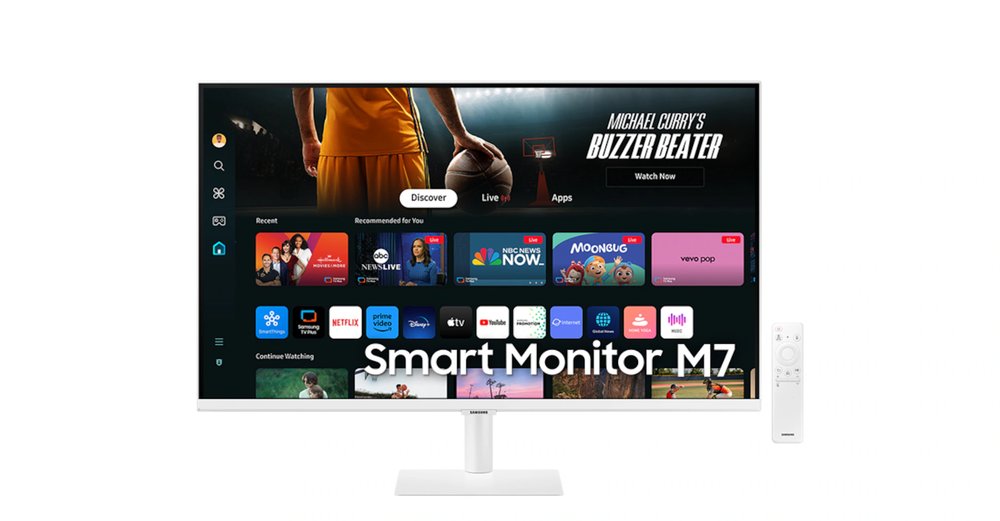
32" VA · 3840x2160 · 60Hz · 3,000:1 contrast · USB-C with 65W power delivery · HDR10 · Tizen smart TV apps, remote, 10W speakers · $230-$300
A 4K VA panel with double the Dell's contrast, a full smart-TV platform and a remote — no PC or streaming stick required. The compromises are a tilt-only stand and a fixed 60Hz, which is fine for work, streaming and casual use and a real limit for gaming. Note the colour split in US pricing: the white variant is the one reliably under $300; specs are identical, so buy whichever colour is in the band.
Buy if you want 4K plus a built-in smart TV for under $300.
Skip if you game, or need a height-adjustable stand.
- USB-C with 65W charging
- 3,000:1 VA contrast
- Fixed 60Hz
- Tilt-only stand
LG OLED evo C5 42" — the big-screen option
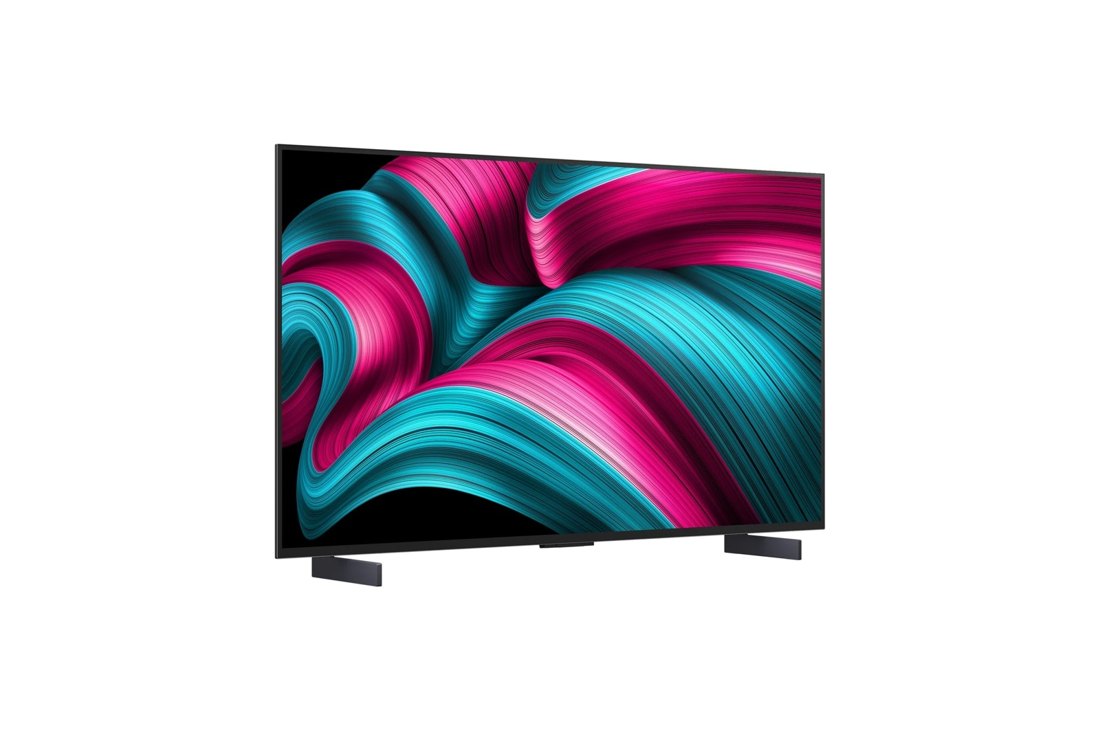
42" WOLED TV · 3840x2160 · 120Hz native, VRR to 144Hz · Dolby Vision, HDR10, Filmmaker Mode · 4x HDMI 2.1 with eARC · webOS smart platform · $850-$1,050
This is a TV used as a monitor, included because nothing at monitor sizes matches it for films: Dolby Vision, proper Filmmaker Mode, real speakers and streaming apps built in. It is a 2025 model replaced by the C6 in 2026, so treat current pricing as a value buy while stock lasts — and do not pay LG's full list price, which US retailers undercut by hundreds. Its WRGB subpixel layout can fringe small text, so it is a better movie and console display than an all-day text monitor.
Buy if you want a cinema screen that also takes a PC or console.
Skip if you read close-up text all day at desk distance.
- Dolby Vision and Filmmaker Mode
- 4x HDMI 2.1 ports
- About 105 ppi — sit further back
- A 2025 model, so stock is clearance-dependent
Buying notes
Size decides sharpness. 4K at 27 inches is about 163 ppi — crisp text with room to scale. At 32 inches it is about 138 ppi, still sharp and more immersive. At 42 inches it drops to about 105 ppi, which suits viewing from further back.
4K gaming needs a serious GPU. Driving 3840x2160 at high refresh in modern games is flagship-card territory. If your card is mid-range, a 1440p monitor from our budget gaming guide will give you higher frame rates and a better experience for less money.
Check the USB-C wattage if you use a laptop. The MSI delivers 98W and the Samsung M7 65W — both enough to run and charge most laptops over one cable. The Dell S2725QS has no USB ports at all, which matters if you wanted a one-cable desk.
Frequently asked questions
27-inch or 32-inch 4K monitor?
27-inch 4K (about 163 ppi) is the sharpest for text and suits a normal desk depth; 32-inch 4K (about 138 ppi) is more immersive for games and video and lets you run less display scaling. Most people editing text all day pick 27; most people mixing work and play pick 32.
Is a 4K monitor worth it for gaming?
Only with the GPU to feed it. 4K at 120Hz+ in modern titles needs a flagship-class card; with a mid-range card you will turn settings down or accept lower frame rates, and a good 1440p monitor will look smoother in motion. For console gaming the maths differ — the PS5 targets 4K output, so a 4K screen makes sense there.
Can I use a 4K monitor with a Mac?
Yes — macOS renders 4K at a scaled 'looks like 1440p' workspace by default, which is sharp on both the 27-inch and 32-inch picks here. Just confirm the connection: DisplayPort or USB-C from a Thunderbolt port gives the full 4K at the panel's refresh rate.
Is OLED burn-in a real risk on a 4K monitor?
It is a managed risk, not an imaginary one: static elements (taskbars, IDE toolbars) held at high brightness for years can mark any OLED. The MSI above carries a 3-year warranty that includes burn-in, and sensible habits — auto-hide the taskbar, use a screensaver, vary content — keep most users clear of it. If your screen shows the same spreadsheet twelve hours a day, the Mini-LED Neo G7 is the safer pick.
Sources for this guide include the manufacturers' own pages (Dell, LG, MSI, Samsung) and US retailer listings and reviews (Best Buy, Amazon US, B&H, RTINGS, Notebookcheck), checked November 2026.
Update history
November 10, 2026: Added a Quick Picks jump bar and price-checked stamps.
November 10, 2026: Guide published as part of the site's hub expansion, with every pick drawn from our two-source checked research and a Buy if / Skip if verdict on each.

Akbar Khan Editor, BuyBestMonitor
Akbar has run BuyBestMonitor since its original 2020 launch. Every guide here is checked under the site's two-source rule — manufacturer specs confirmed against an independent lab review — before publication and at every refresh. About the editor · How we check monitors