 BuyBest
Home › Best Monitor for PS5 in 2026: 1440p & 4K 120Hz Picks
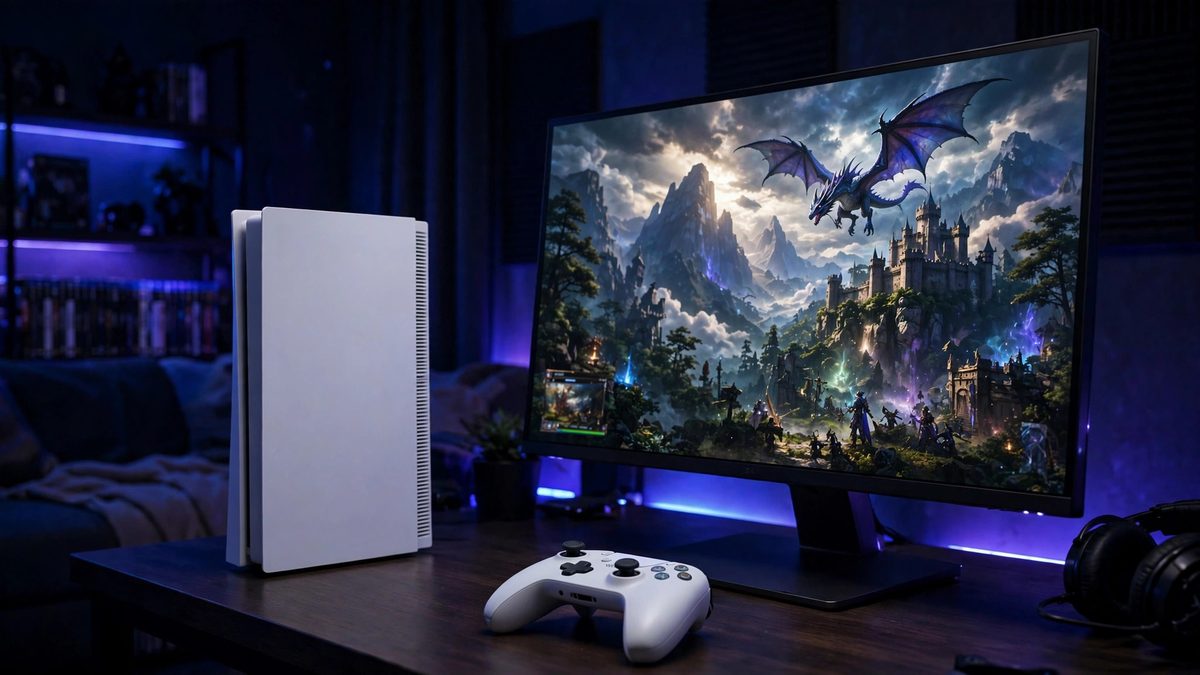
Best Monitor for PS5 in 2026
At a glance
| Model | Best for | Size / Resolution | Refresh | Typical price |
|---|---|---|---|---|
| Dell G2724D | Best value | 27" / 1440p | 165Hz | $150-$300 |
| LG UltraGear 27GS75Q-B | 1440p high refresh | 27" / 1440p | 180Hz | $170-$200 |
| MSI MPG 322URX | Best 4K / PS5 Pro | 31.5" / 4K QD-OLED | 240Hz | $950-$1,200 |
| Samsung Odyssey Neo G7 | 4K HDR LCD | 32" / 4K VA Mini-LED | 165Hz | $600-$750 |
| LG OLED evo C5 42" | Big screen | 42" / 4K WOLED (TV) | 120Hz | $850-$1,050 |
Prices checked November 2026 — live prices at the retailer may differ.
The 1440p picks — the PS5 value route
Dell G2724D — best value PS5 monitor
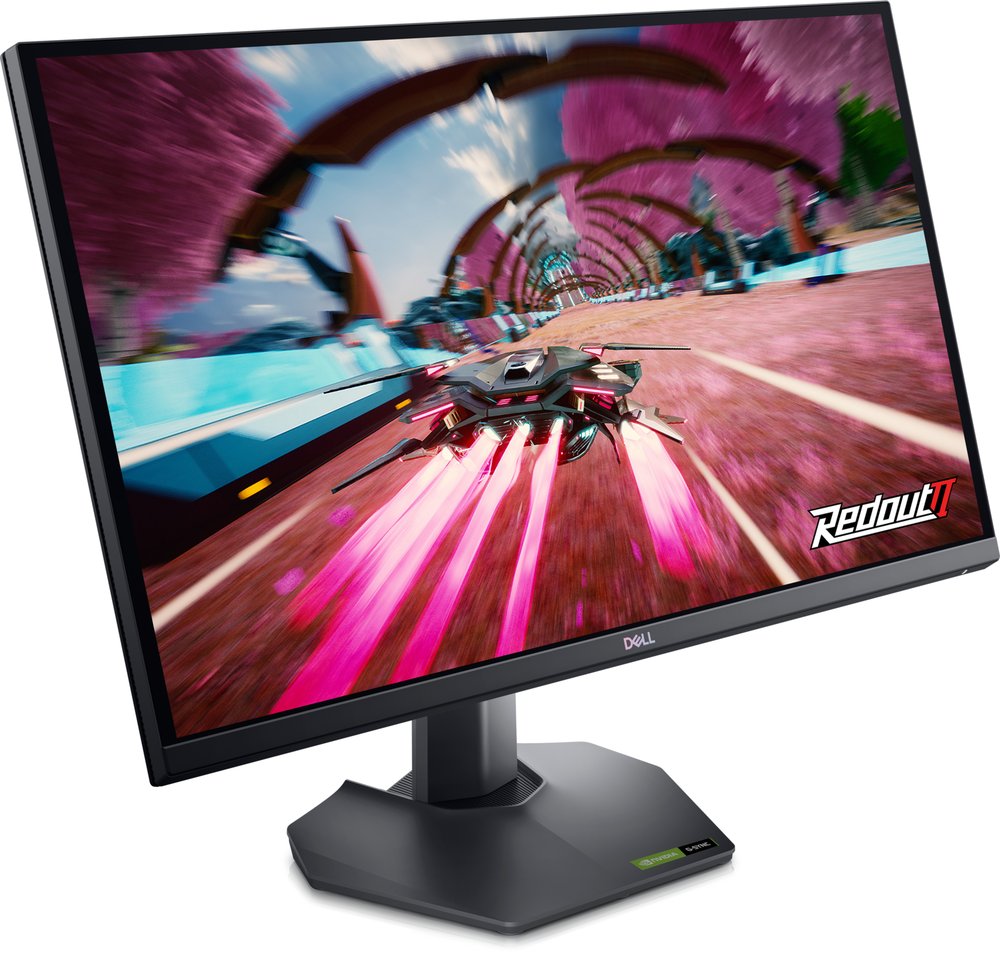
27" Fast IPS · 2560x1440 · 165Hz over DisplayPort, 144Hz over HDMI · 1x HDMI 2.1 (TMDS), 2x DisplayPort 1.4 · G-Sync Compatible and FreeSync Premium · DisplayHDR 400 · $150-$300
The PS5 gained a native 1440p output mode, and this Dell is the panel reviewers reach for at the price — RTINGS reports PS5 VRR works on it, so supported games can run their unlocked and 120Hz modes smoothly. The honest catch is availability: Dell's own stock is intermittent, the price worth paying is the bottom half of the range, and marketplace prices near $300 are markups. Full details in our budget gaming guide.
Buy if you want the value route — the PS5's native 1440p mode with VRR, confirmed working by RTINGS.
Skip if you specifically want 4K output — see the 4K picks below.
- HDMI 2.1 input at a budget price
- PS5 VRR verified in independent testing
- Stock at Dell is intermittent
- No USB hub for accessories
LG UltraGear 27GS75Q-B — 1440p with headroom
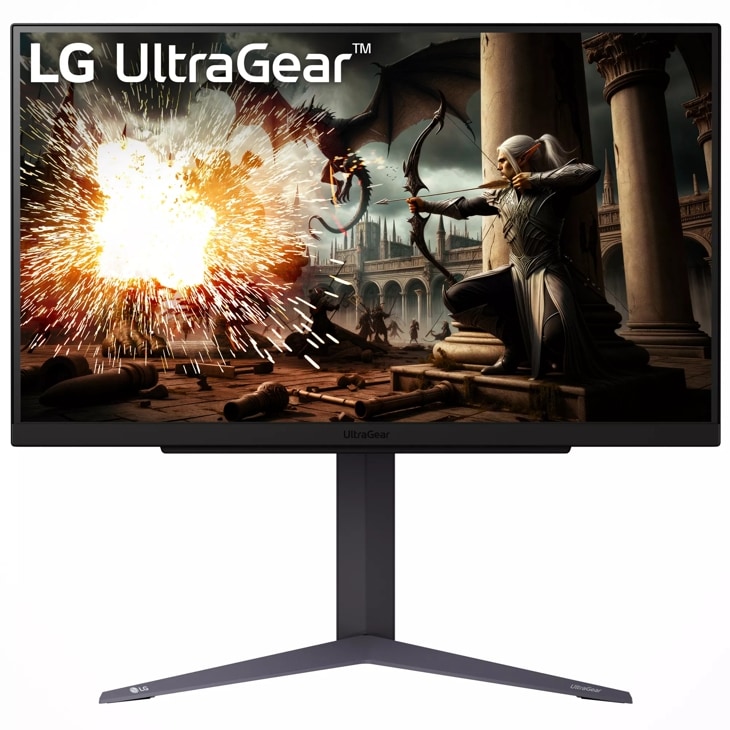
27" IPS · 2560x1440 · 180Hz native, 200Hz overclock over DisplayPort · 1ms GtG (marketed) · G-Sync Compatible and FreeSync · HDR10 · $170-$200
A dual-purpose pick: on PS5 it runs the console's 1440p mode at 120Hz, and if a gaming PC joins the desk later, the same panel goes to 180-200Hz over DisplayPort. One check before checkout: listings disagree on the HDMI version fitted, so if console use is the priority, confirm the port spec on LG's page for your region — the panel itself is a proven 1440p buy either way.
Buy if you want 1440p for the PS5 today and 180-200Hz for a future gaming PC.
Skip if you cannot verify the HDMI version on the listing — sources disagree about it.
- Dual-purpose console and PC value
- Steady $170-$200 pricing
- HDMI version disputed between sources
- No USB ports
The 4K picks — for PS5 Pro and full-fat 120Hz
MSI MPG 322URX — best 4K monitor for PS5
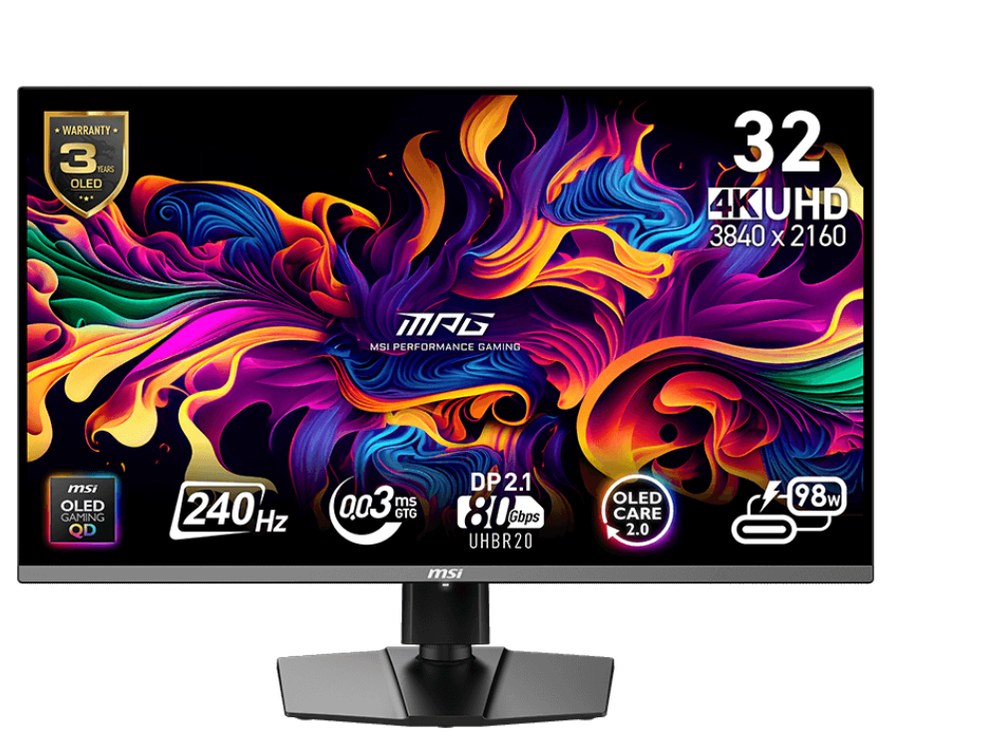
31.5" QD-OLED · 3840x2160 · 240Hz · 2x HDMI 2.1 (48Gbps), DisplayPort 2.1a · DisplayHDR True Black 400 · 0.03ms GtG · $950-$1,200
Full-bandwidth HDMI 2.1 means the PS5 and PS5 Pro run 4K at 120Hz with VRR exactly as intended, and per-pixel OLED blacks make HDR games look the way their trailers promise. It is far more monitor than the console can max out — the 240Hz panel is headroom for a future PC — so buy it as a flagship for everything, not for the PS5 alone. It also tops our 4K monitors guide.
Buy if you run a PS5 Pro and want full 4K at 120Hz over full-bandwidth HDMI 2.1.
Skip if the console is your only machine — you would pay for 240Hz headroom you cannot use.
- 2x 48Gbps HDMI 2.1 ports
- OLED HDR for games
- Most expensive pick on this page
- No built-in speakers
Samsung Odyssey Neo G7 32" — 4K HDR without OLED
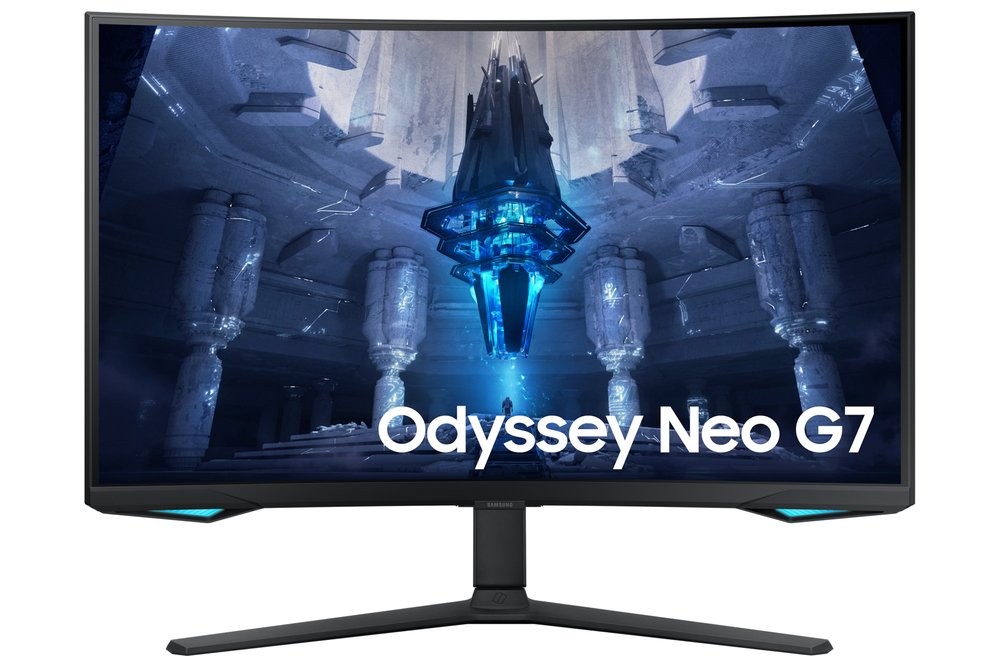
32" VA, 1000R curved · 3840x2160 · 165Hz · Mini-LED backlight, 1,196 local dimming zones · 2x HDMI 2.1, DisplayPort 1.4 · Quantum HDR 2000 / HDR10+ · $600-$750
The strongest HDR on an LCD at this size, with the HDMI 2.1 ports the PS5 needs for 4K/120. The steep 1000R curve suits one centred player — exactly how a desk PS5 setup is used. Samsung's HDR 2000 name overstates measured brightness (about 796 nits in a 10% window per Notebookcheck), but that is still bright, and the local dimming is genuinely good.
Buy if you want 4K/120 with LCD HDR and no burn-in worry.
Skip if you host group viewing — the curve and VA angles favour one centred player.
- Mini-LED local dimming
- 2x HDMI 2.1 ports
- HDR 2000 name overstates measured brightness
- Retailer stock only
LG OLED evo C5 42" — the big-screen PS5 pick
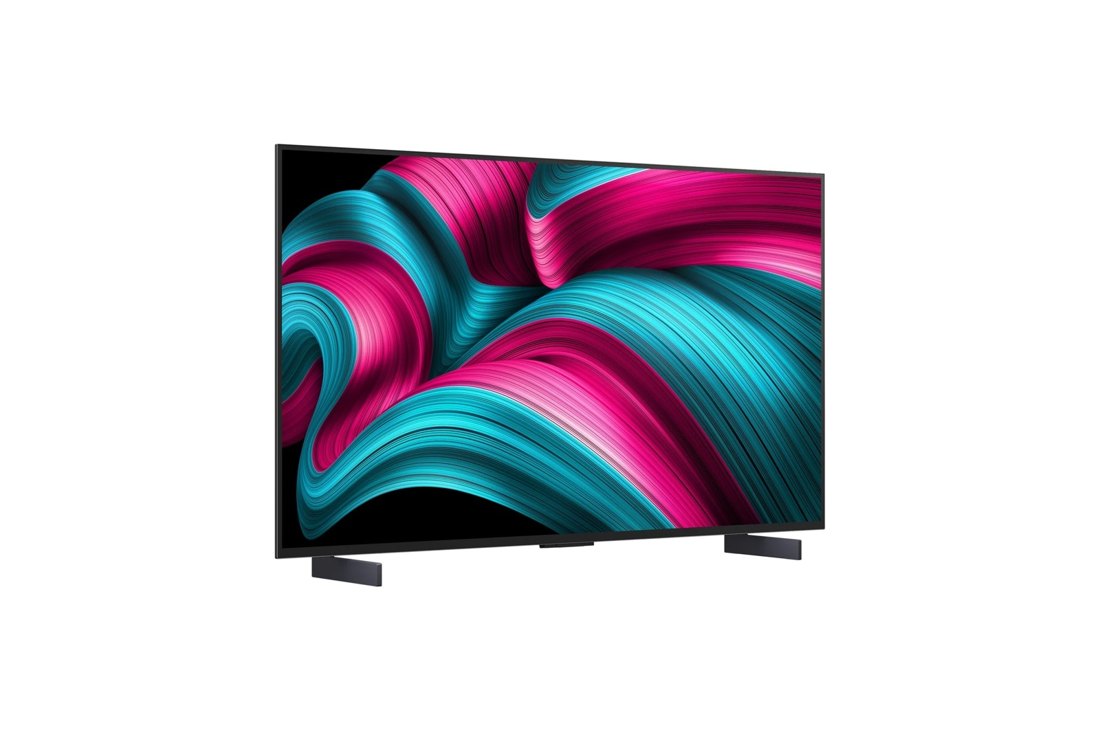
42" WOLED TV · 3840x2160 · 120Hz native, VRR to 144Hz · 4x HDMI 2.1 with ALLM and eARC · Dolby Vision and HDR10 · built-in speakers and streaming apps · $850-$1,050
If the PS5 lives in a living-room-style setup, a TV beats a monitor: every port is full HDMI 2.1, VRR and ALLM are built in, and you get real speakers and a remote. It is a 2025 model replaced by the C6 in 2026, so current pricing is clearance value — do not pay LG's list price. At a desk it is big; across a room it is perfect.
Buy if your PS5 lives in a living-room setup and deserves real speakers.
Skip if your desk is small — 42 inches needs viewing distance.
- Every HDMI port is 2.1 with ALLM
- Dolby Vision for films as well
- It is a TV — no DisplayPort
- Clearance pricing while stock lasts
Buying notes
120Hz is a per-game feature. Only PS5 games with a dedicated 120Hz or performance mode use it — check the game's settings, not just the console's. The console outputs up to 120Hz; the game decides.
Turn on the right console settings. On the PS5: Settings, Screen and Video — set resolution to Automatic (it will pick 1440p or 4K to match the screen), enable 120Hz Output, and enable VRR. On a 1440p monitor, run the Test 1440p Output option once so the console unlocks the mode.
Skip ultrawide for PS5. The console outputs 16:9 only, so a 21:9 or 32:9 screen shows black bars at the sides. Ultrawides are for PC — see our ultrawide guide if your desk has both.
Frequently asked questions
Is 1440p or 4K better for PS5?
Both are native output modes, so neither is scaled awkwardly. 1440p at 27 inches is the value answer — sharp, cheaper, and every pick above supports the console's 120Hz and VRR modes. 4K earns its premium in HDR and fine detail, and it is the resolution the PS5 Pro's enhanced modes target. Pick by budget, not by fear of missing out.
Do I need HDMI 2.1 for a PS5 monitor?
For 4K at 120Hz, yes — that combination needs HDMI 2.1 bandwidth. For 1440p at 120Hz, the console's requirement is a 120Hz-capable HDMI input, which the 1440p picks here provide. If you plan to keep the monitor for a PS5 Pro or a future console at 4K, HDMI 2.1 is the safe buy.
What is VRR on PS5 and do I need it?
Variable Refresh Rate lets the display match the game's frame rate moment to moment instead of locking to 60Hz steps, which removes tearing and smooths frame drops in supported games. Every pick on this page supports VRR over HDMI for the PS5 — on the Dell G2724D it is confirmed working by RTINGS' testing.
Can I use the same monitor for PS5 and PC?
Yes — that is the smart way to buy. The 1440p picks run the PS5 at 120Hz over HDMI and a PC at 165-200Hz over DisplayPort, with the LG adding a 200Hz overclock for PC. The 4K picks do the same at higher rates. One screen, both machines, no compromises that matter.
Sources for this guide include the manufacturers' own pages (Dell, LG, MSI, Samsung) and US retailer listings and reviews (Best Buy, Amazon US, B&H, RTINGS, Notebookcheck), checked November 2026.
Update history
November 10, 2026: Added a Quick Picks jump bar and price-checked stamps.
November 10, 2026: Guide published as part of the site's hub expansion, with every pick drawn from our two-source checked research and a Buy if / Skip if verdict on each.

Akbar Khan Editor, BuyBestMonitor
Akbar has run BuyBestMonitor since its original 2020 launch. Every guide here is checked under the site's two-source rule — manufacturer specs confirmed against an independent lab review — before publication and at every refresh. About the editor · How we check monitors