 BuyBest
Home › Best Monitors Under $200 (2026): Five That Are Actually Good
Best Monitors Under $200 (2026): Five That Are Actually Good
At a glance
| Monitor | Size / Panel | Resolution | Refresh | Typical price |
|---|---|---|---|---|
| Samsung Essential S3 S30GD | 24" IPS | 1080p | 100Hz | About $90 |
| BenQ MOBIUZ EX251 | 24.5" IPS | 1080p | 220Hz | $100-$150 |
| AOC 24G4 | 23.8" Fast IPS | 1080p | 180Hz | $110-$180 |
| ASUS TUF VG249Q3A | 23.8" Fast IPS | 1080p | 180Hz | $110-$150 |
| LG UltraGear 27GS75Q-B | 27" IPS | 1440p | 180Hz | $170-$200 |
Prices checked November 2026 — live prices at the retailer may differ.
Samsung Essential S3 S30GD — the $90 floor
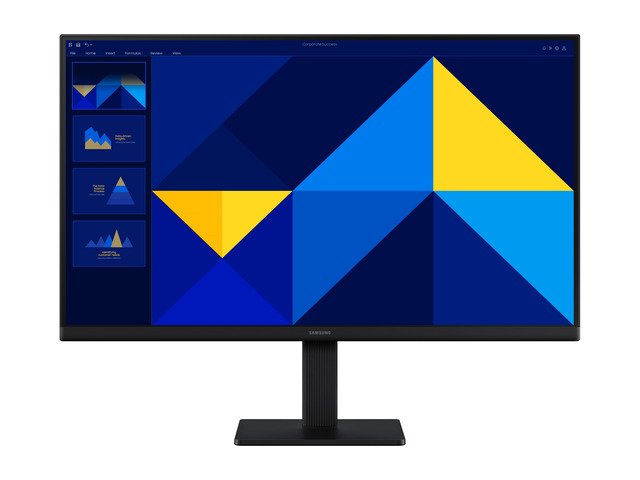
Samsung's current budget staple: a 24-inch IPS at 100Hz with VESA mounting the 2016 model it replaces never had. Ports are HDMI + VGA only and response is a plain 5ms — it is an honest everyday screen, not a gaming weapon. Its full story is on the Samsung S24D330H page.
Buy if: the budget is truly $100 and the screen is for work, study and light play.
Skip if: you game competitively — every other pick here is faster.
- ✓ IPS colours at a TN-era price
- ✓ 100Hz is a real step over 60Hz
- ✗ No DisplayPort, no USB-C, no speakers
BenQ MOBIUZ EX251 — best gaming value under $200
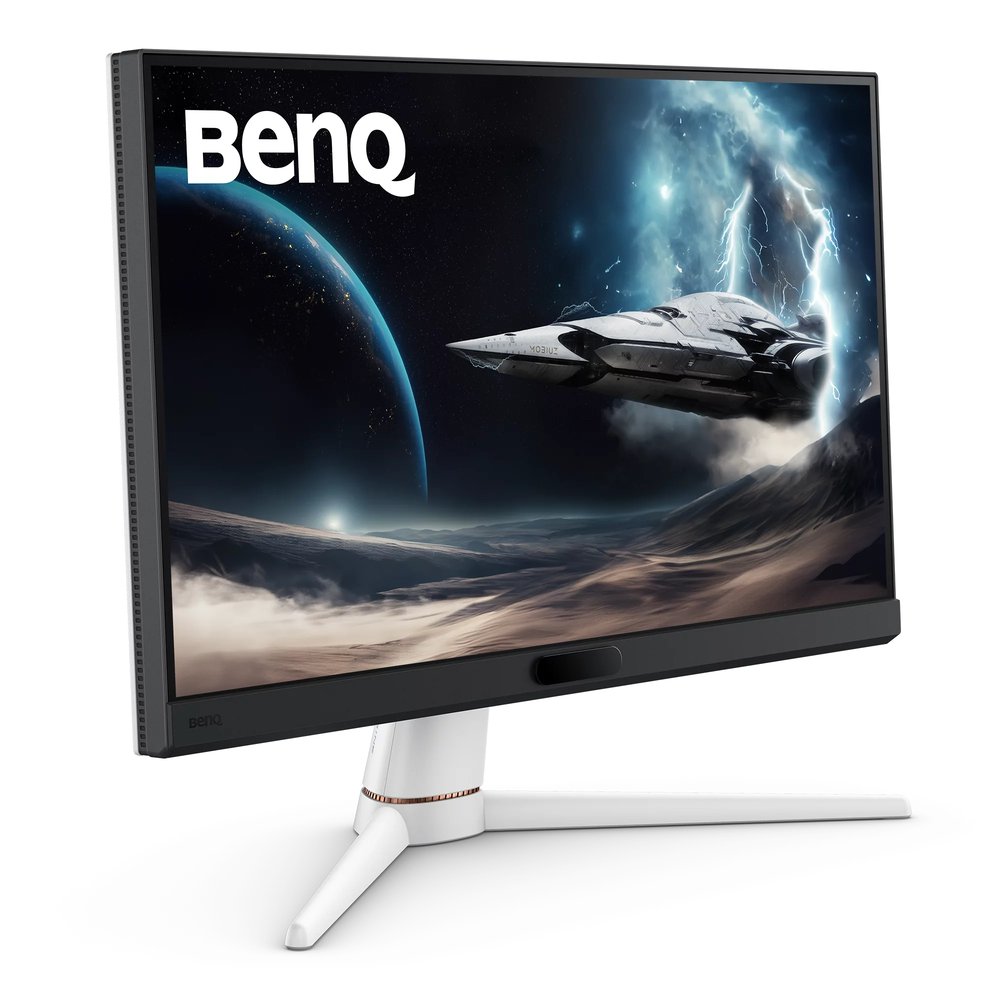
220Hz, a USB hub and real speakers at a price that dips to $100. Nothing else under $200 is close on refresh per dollar. Full reasoning in the budget gaming guide.
Buy if: frames per dollar is your whole personality.
Skip if: you want 1440p — this is a 1080p screen and proud of it.
- ✓ 220Hz over HDMI and DP
- ✓ USB hub + speakers the rivals skip
- ✗ BenQ's direct store stock comes and goes
AOC 24G4 — the all-round budget staple
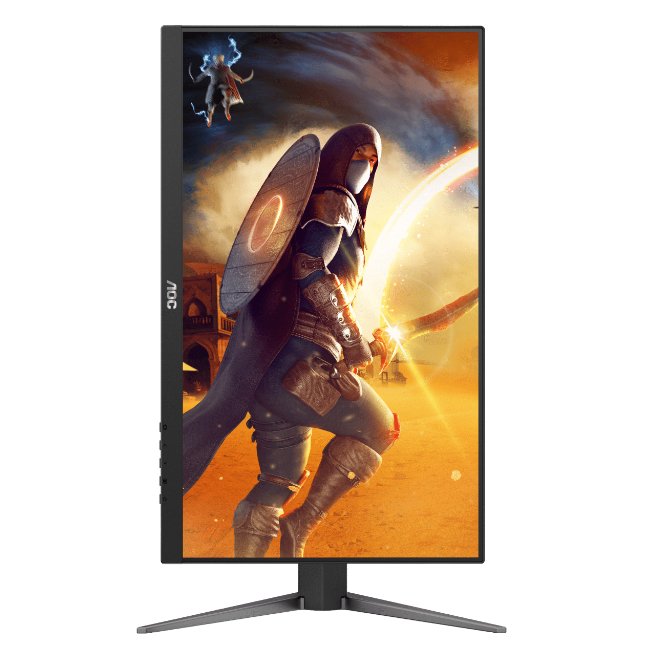
The successor to the most recommended budget monitor ever made, now at 180Hz over both inputs. The safe pair of hands on this page.
Buy if: you want the proven pick with the fewest surprises.
Skip if: you need speakers or a USB hub — it has neither.
- ✓ 180Hz on HDMI and DisplayPort alike
- ✓ G-Sync Compatible on current production
- ✗ HDR10 in name only at 300 nits
ASUS TUF VG249Q3A — the one with speakers
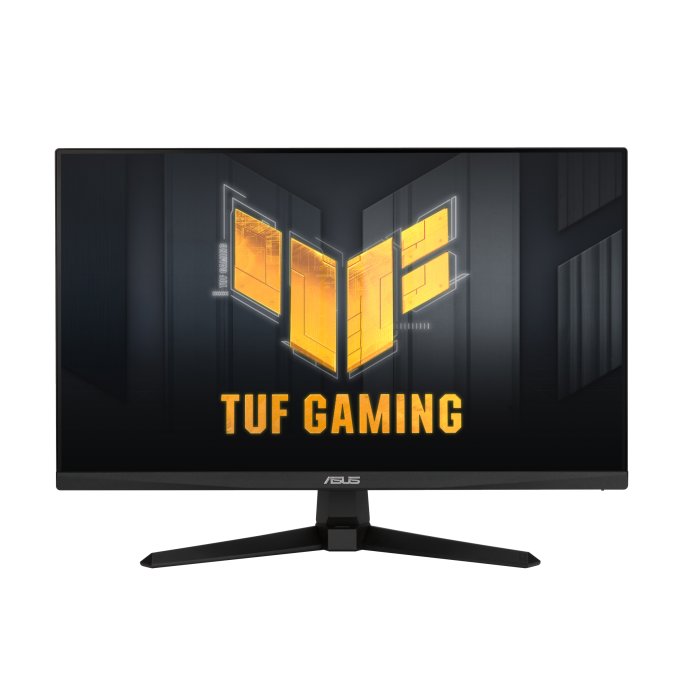
Same 180Hz class as the AOC, plus built-in speakers and ASUS's three-year warranty culture. Its DisplayPort is 1.2 — fine at 1080p, worth knowing.
Buy if: it's for a clean desk or a kid's setup where speakers matter.
Skip if: HDR is on your list — there is no HDR certification here at all.
- ✓ Speakers built in, FreeSync Premium
- ✓ Often the cheapest 180Hz from a big brand
- ✗ 250-nit brightness is modest
LG UltraGear 27GS75Q-B — 1440p at the ceiling of the budget
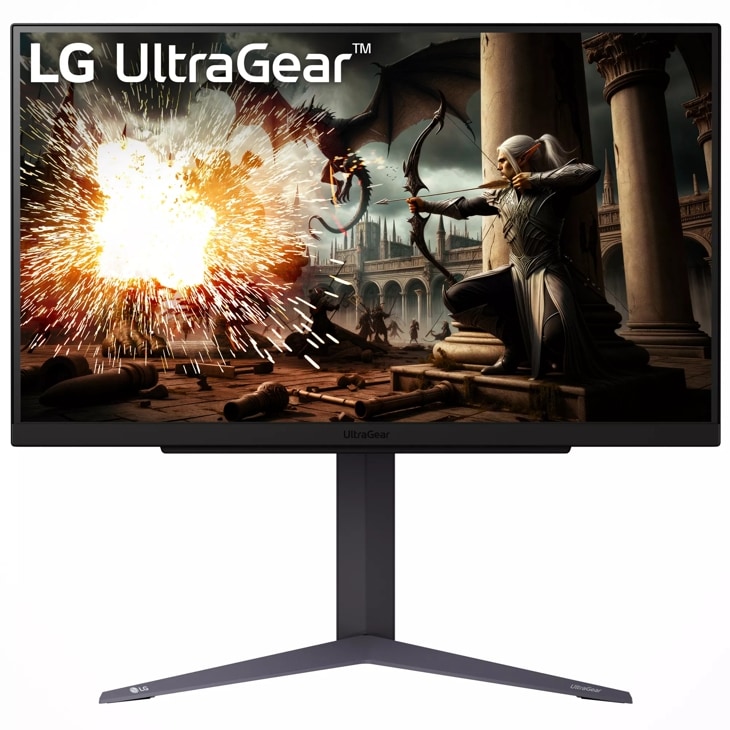
The step-up: 27 inches, 1440p, 180Hz (200Hz overclock) and a measured ~3ms response — for under $200 on its normal pricing. Your GPU needs to be mid-range or better to feed it. Full reasoning in the 1440p guide.
Buy if: you can stretch to the top of the budget and your GPU is up to 1440p.
Skip if: your GPU is entry-level — the 1080p picks will run faster.
- ✓ The only 1440p screen under $200 we'd sign
- ✓ Steady pricing — no sale-watching needed
- ✗ No USB ports of any kind
How to spend $200 on a monitor, in one paragraph
Under $200 the refresh rate is the spec that matters — it is the difference you feel every minute — and resolution is the spec to trade away, which is why four of five picks are fast 1080p panels. The exception proves the rule: the LG earns its place only because its 1440p panel is a genuinely fast one at a 1080p-era price. Ignore HDR claims at this money entirely (none of these do real HDR), ignore "1ms" (marketed everywhere, measured nowhere down here), and put any leftover budget toward the cable you actually need — DisplayPort — rather than a pricier badge.
Frequently asked questions
What is the best monitor under $200 for gaming?
The BenQ MOBIUZ EX251 — 220Hz at $100-$150 with a USB hub and speakers. If it is out of stock, the AOC 24G4 at 180Hz is the standing alternative.
Can I get a 1440p monitor under $200?
Yes — one we'd recommend: the LG UltraGear 27GS75Q-B at $170-$200. It is 27-inch 1440p at 180Hz with a measured response around 3ms.
Is 1080p still worth buying in 2026?
At 24 inches, absolutely — about 92 PPI is perfectly sharp at that size, and high refresh at 1080p is far easier for a GPU to drive. 1080p only disappoints at 27 inches and above.
Should I wait for a sale instead?
In November, prices on this page already sit near their floors. The Dell G2724D (in our PS5 guide) is the one worth sale-watching — it dips toward $150-$200 from a $150-$300 range.
Update history
November 10, 2026: Guide published from the site's two-source checked research, with a Buy if / Skip if verdict on every pick.

Akbar Khan Editor, BuyBestMonitor
Akbar has run BuyBestMonitor since its original 2020 launch. Every guide here is checked under the site's two-source rule — manufacturer specs confirmed against an independent lab review — before publication and at every refresh. About the editor · How we check monitors