 BuyBest
Home › Best Gaming Monitors 2026: Top Picks for Every Budget
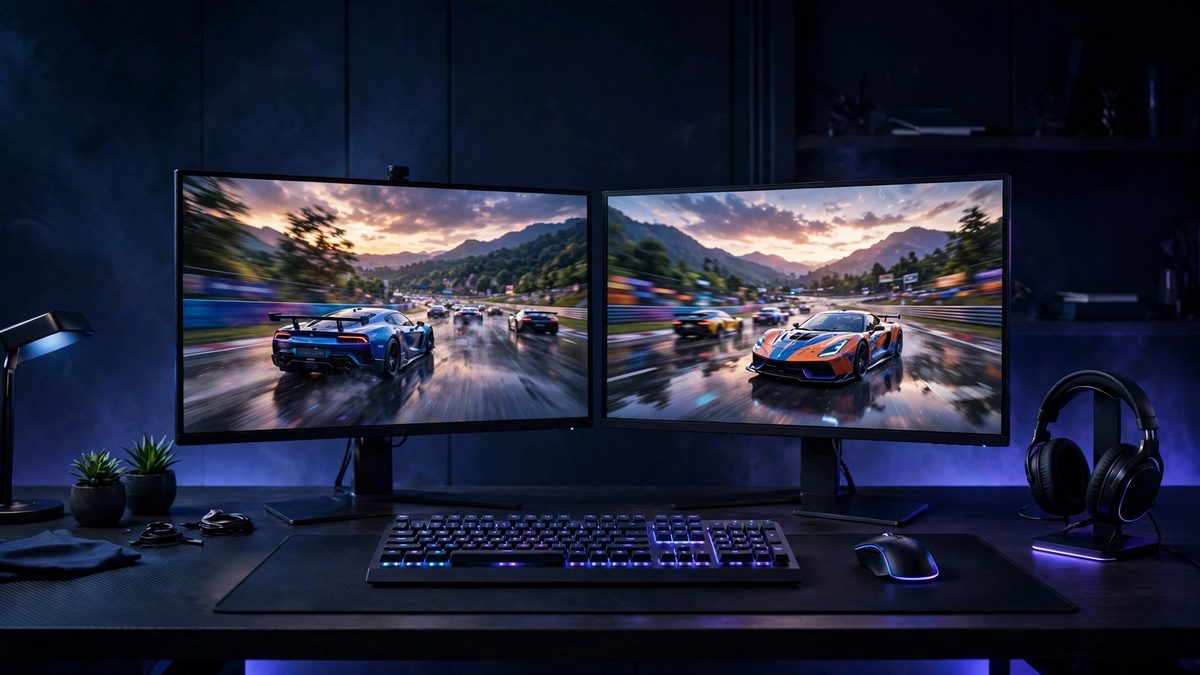
Best Gaming Monitors in 2026
At a glance
| Model | Best for | Size / Resolution | Refresh | Typical price |
|---|---|---|---|---|
| MSI G274QPF E2 | Best overall | 27" / 1440p | 180Hz | $190-$280 |
| BenQ MOBIUZ EX251 | Esports | 24.5" / 1080p | 220Hz | $100-$150 |
| Dell G2724D | 1440p value | 27" / 1440p | 165Hz (DP) | $150-$300 |
| AOC 24G4 | Under $150 | 23.8" / 1080p | 180Hz | $110-$180 |
| Alienware AW3425DW | Ultrawide | 34.2" / 1440p UW | 240Hz | $650-$800 |
| MSI MPG 322URX | 4K flagship | 31.5" / 4K | 240Hz | $950-$1,200 |
Prices checked November 2026 — live prices at the retailer may differ.
The sweet spot — 1440p at 27 inches
MSI G274QPF E2 — best gaming monitor overall
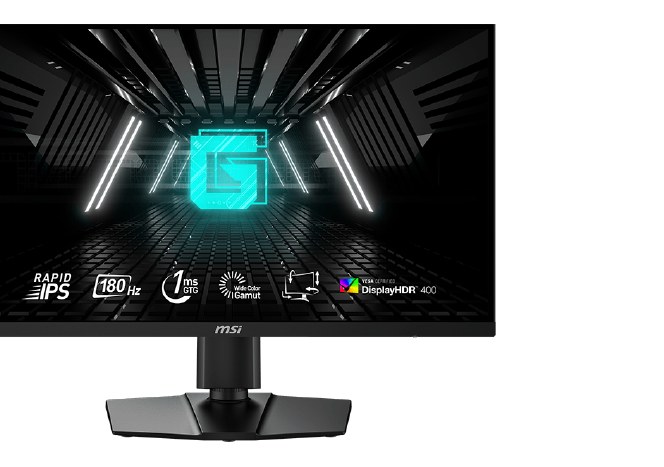
27" Rapid IPS · 2560x1440 · 180Hz over DisplayPort and USB-C, 144Hz over HDMI · 1ms GtG (marketed) · Adaptive-Sync · DisplayHDR 400 · USB-C with 15W power delivery · $190-$280
The E2 revision is the most complete package in the class: sharp 1440p at about 109 ppi, genuine 180Hz, a fully adjustable stand and a USB-C input the rivals skip. Make sure the listing says E2 — the older G274QPF and G274QPF-QD are different, slower monitors still floating around marketplace stock. Full comparison in our budget gaming guide.
Buy if you want one monitor for gaming and desk work at 1440p.
Skip if you play competitive shooters seriously — take the 220Hz BenQ below instead.
- 180Hz with a USB-C input
- Fully adjustable stand
- 180Hz needs DisplayPort or USB-C, not HDMI
- Check the E2 suffix before buying
Dell G2724D — the 1440p value pick
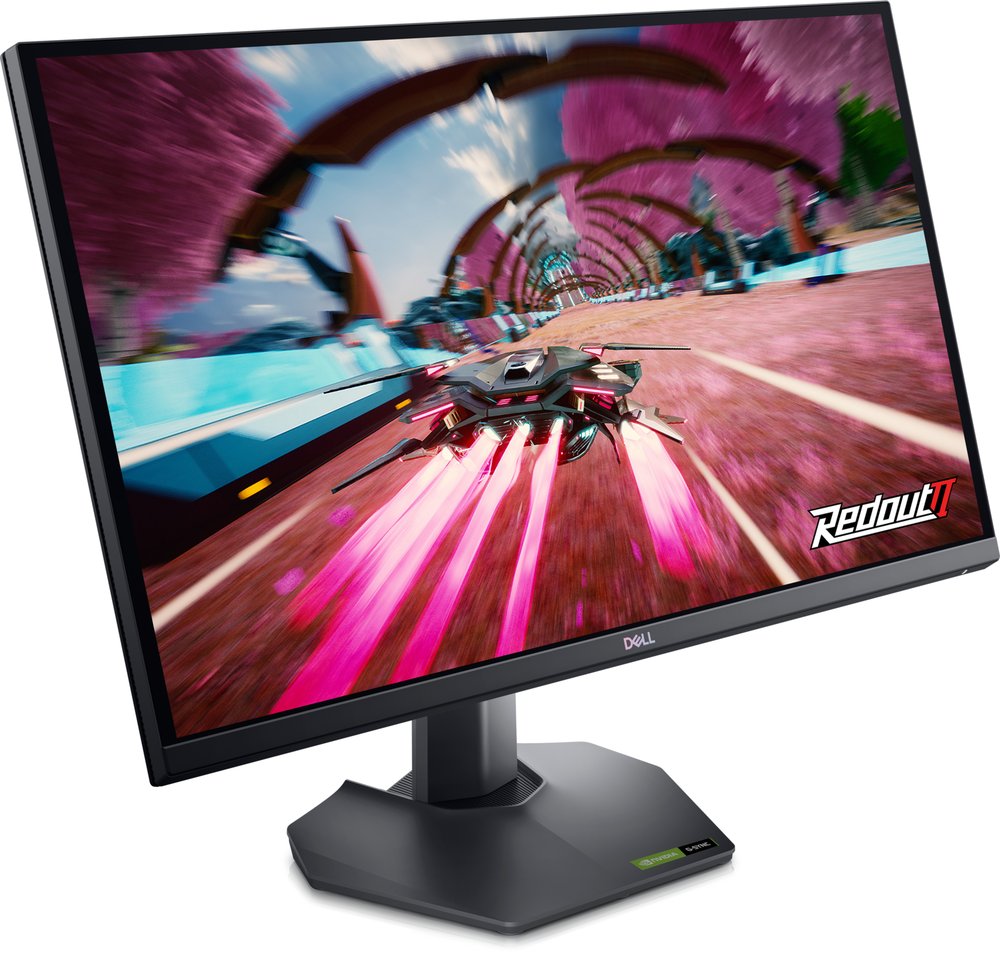
27" Fast IPS · 2560x1440 · 165Hz over DisplayPort, 144Hz over HDMI · G-Sync Compatible and FreeSync Premium · DisplayHDR 400 · $150-$300
Dell's budget 1440p panel regularly discounts to near 1080p money, which is when it becomes the obvious buy. Stock at Dell is intermittent and the honest price is the bottom half of that range — a price near $300 is a third-party markup, so wait for Dell or a major retailer to restock rather than overpaying.
Buy if 1440p value is the goal and Dell has it in stock on sale.
Skip if you need USB ports for your setup.
- G-Sync Compatible and FreeSync Premium both certified
- Often the cheapest 1440p worth buying
- Intermittent stock at Dell
- No USB hub or headphone jack
Esports — 1080p at maximum refresh
BenQ MOBIUZ EX251 — the fastest cheap panel here
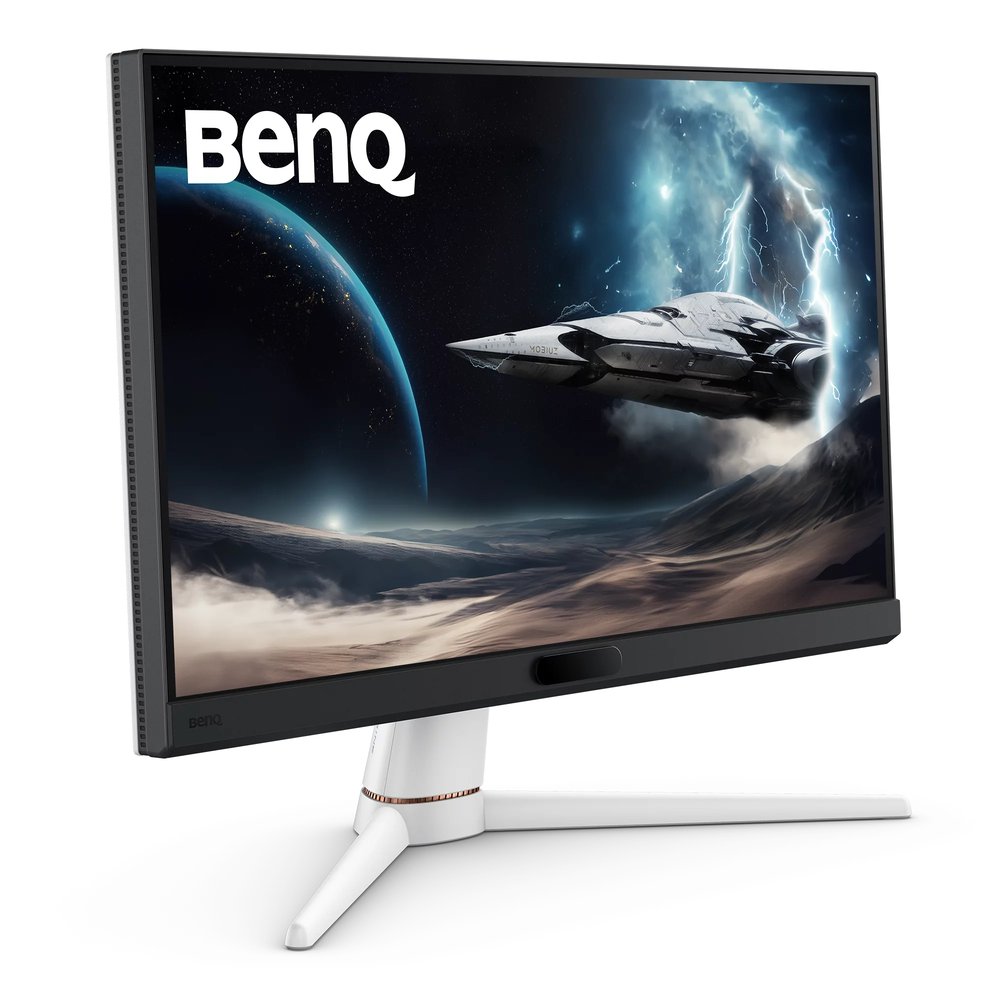
24.5" IPS · 1920x1080 · 220Hz over both HDMI and DisplayPort · 1ms GtG (marketed) · FreeSync · DisplayHDR 400 · $100-$150
The successor to the discontinued EX2510S is the highest refresh rate on this page at the lowest typical price. The 24.5-inch size is the current esports standard: small enough to take in the whole screen without moving your eyes, and 1080p is easy for a mid-range GPU to feed at 200+ frames per second.
Buy if you want the highest refresh on this page — 220Hz — at the lowest typical price.
Skip if you need DisplayPort 1.4; BenQ fits DP 1.2, which is sufficient at 1080p but no more.
- 220Hz at 1080p in the esports-standard 24.5-inch size
- USB hub and built-in speakers, rare at this price
- Check you are not buying old EX2510S stock by mistake
- FreeSync tier listings disagree — Premium is unconfirmed
AOC 24G4 — the budget staple
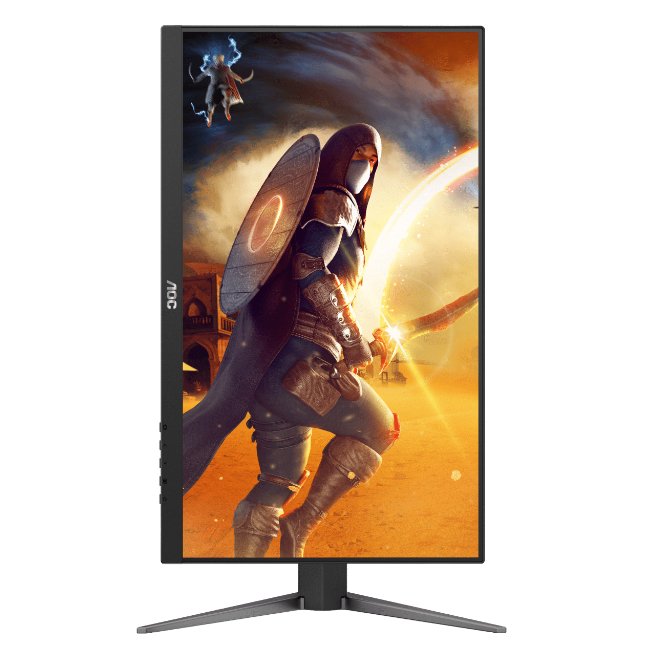
23.8" Fast IPS · 1920x1080 · 180Hz over both DP and HDMI · 1ms GtG / 0.5ms MPRT (marketed) · Adaptive-Sync, G-Sync Compatible on units made from June 2024 · $110-$180
The 24G2 was the budget recommendation for years, and the 24G4 is its proper successor. One trap from AOC's own datasheet: the G-Sync Compatible revision arrived mid-2024, so check the manufacture date on suspiciously cheap old stock.
Buy if you want a proven 180Hz staple at the lowest price.
Skip if HDR impact matters to you.
- 180Hz over both HDMI and DisplayPort
- G-Sync Compatible on current production units
- Check the manufacture date on cheap stock
- HDR10 signal acceptance only
The premium tier — OLED at 240Hz
Alienware AW3425DW — best ultrawide gaming monitor
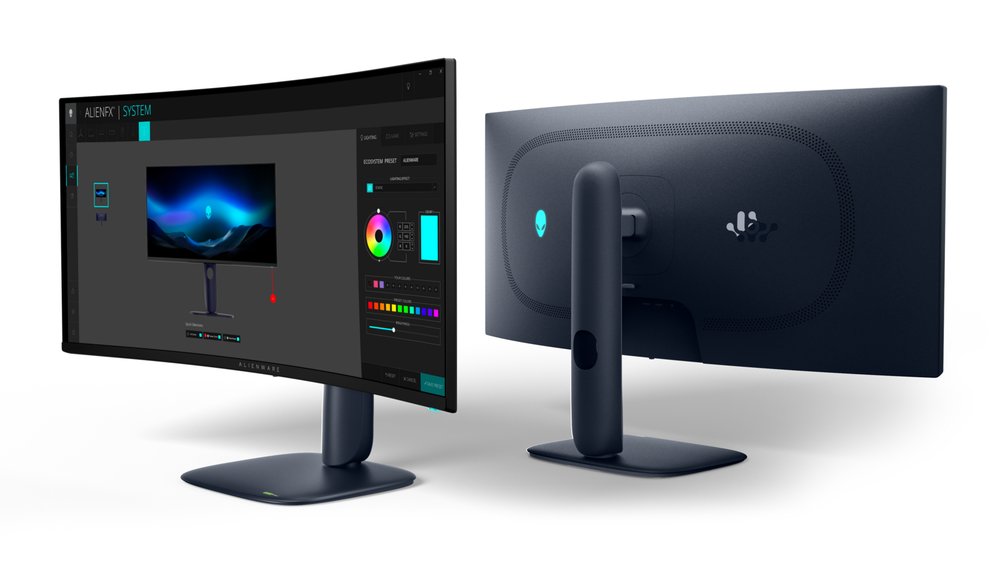
34.2" QD-OLED, 1800R curved · 3440x1440 · 240Hz over DisplayPort and HDMI 2.1 · 0.03ms GtG · FreeSync Premium Pro and G-Sync Compatible · DisplayHDR True Black 400 · $650-$800
Second-generation QD-OLED with near-instant pixel response and Dell's 3-year warranty that explicitly covers burn-in. For OLED the 0.03ms claim is broadly honest — pixel response really is near-instant, unlike the marketed figures on LCD panels. The full five-monitor comparison, including the 49-inch Samsung models, is in our ultrawide gaming guide.
Buy if you want the premium ultrawide — OLED speed with warranty cover.
Skip if you need one-cable USB-C video for a laptop.
- 240Hz QD-OLED with near-instant response
- Burn-in covered for 3 years
- USB-C is not a video input
- Premium pricing
MSI MPG 322URX — best 4K gaming monitor
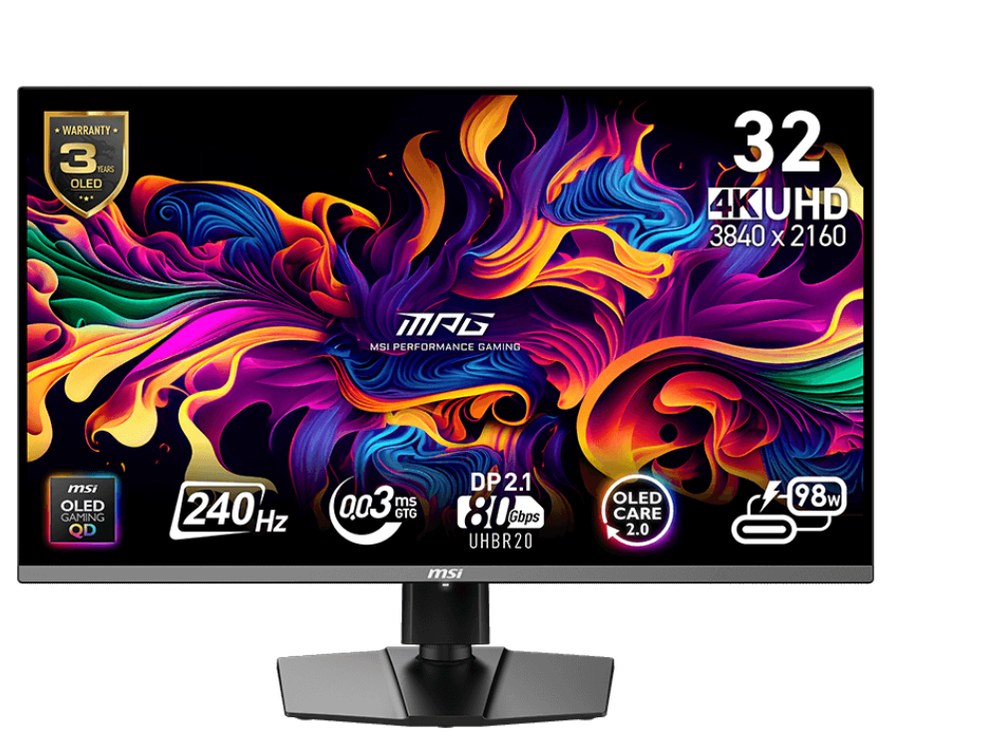
31.5" QD-OLED · 3840x2160 · 240Hz · 0.03ms GtG · DisplayPort 2.1a, 2x HDMI 2.1 · DisplayHDR True Black 400 · USB-C with 98W power delivery and KVM · $950-$1,200
4K at 240Hz with per-pixel OLED blacks and the most future-proof port set in this guide — DisplayPort 2.1a runs 4K/240Hz without compression. It needs a flagship GPU to feed in modern games; if your card is mid-range, the 1440p picks above will honestly serve you better. It also tops our 4K monitors guide.
Buy if you have a flagship GPU and want 4K at 240Hz.
Skip if your GPU is mid-range — the 1440p picks above will honestly serve you better.
- DisplayPort 2.1a runs 4K/240Hz uncompressed
- 98W USB-C with a KVM switch
- Needs a flagship GPU for native 4K at high refresh
- Highest price on this page
Buying notes
Match the monitor to your GPU, not your ambition. A 240Hz 4K panel fed by a mid-range card shows the same frame rates as a cheap monitor — it just cost more to get there. 1440p at 180Hz is the honest sweet spot for most gaming PCs in 2026.
Use DisplayPort for the headline refresh rate on the LCD picks. HDMI tops out lower on the Dell (144Hz) and MSI E2 (144Hz at 1440p). The two OLEDs run full refresh over HDMI 2.1 as well.
The "1ms" on an LCD box is a best-case figure at maximum overdrive; measured averages for fast IPS run to several milliseconds. That is still fast enough for anyone who is not a professional — and OLED's near-instant response is the real jump if motion clarity is your priority.
HDR is a premium-tier feature in practice. DisplayHDR 400 on the LCD picks means the monitor accepts an HDR signal; convincing HDR highlights start with the OLED picks' True Black certification.
Frequently asked questions
Is 240Hz worth it over 144Hz or 180Hz?
For competitive shooters, yes — the step from 144Hz to 240Hz is visible in tracking and flick shots, and modern esports titles can actually run at those frame rates. For story games and mixed play, 180Hz at 1440p is the better spend: the difference shrinks while the GPU cost of feeding 240Hz does not.
What size gaming monitor should I buy?
24-25 inches for esports at 1080p, 27 inches for the 1440p sweet spot, 32 inches for 4K, and 34 inches if you want ultrawide immersion. Bigger is not automatically better — at desk distance, 27-inch 1440p at about 109 ppi is sharp and easy to read at a glance.
IPS, VA or OLED for gaming?
Fast IPS is the safe all-rounder: quick response and good colours at fair prices. VA gives deeper contrast but slower dark transitions (visible smearing in dark games). QD-OLED is the best picture and the fastest response, at the highest price and with burn-in to manage on static content — the Alienware above carries a 3-year burn-in warranty.
Do I need HDMI 2.1 for PC gaming?
No — DisplayPort is the PC connection that matters, and every pick here reaches full refresh over DP. HDMI 2.1 matters for consoles: it is required for 4K at 120Hz on PS5, which is why our PS5 guide treats it as non-negotiable at 4K.
Sources for this guide include the manufacturers' own pages (AOC, ASUS, BenQ, Dell, LG, MSI) and US retailer listings and reviews (Best Buy, Amazon US, Adorama, B&H, RTINGS), checked November 2026.
Update history
November 10, 2026: Added a Quick Picks jump bar and price-checked stamps.
November 10, 2026: Guide published as part of the site's hub expansion, with every pick drawn from our two-source checked research and a Buy if / Skip if verdict on each.

Akbar Khan Editor, BuyBestMonitor
Akbar has run BuyBestMonitor since its original 2020 launch. Every guide here is checked under the site's two-source rule — manufacturer specs confirmed against an independent lab review — before publication and at every refresh. About the editor · How we check monitors