 BuyBest
Home › Best Monitor for RX 9070
Best Monitor for RX 9070: FreeSync 1440p Picks
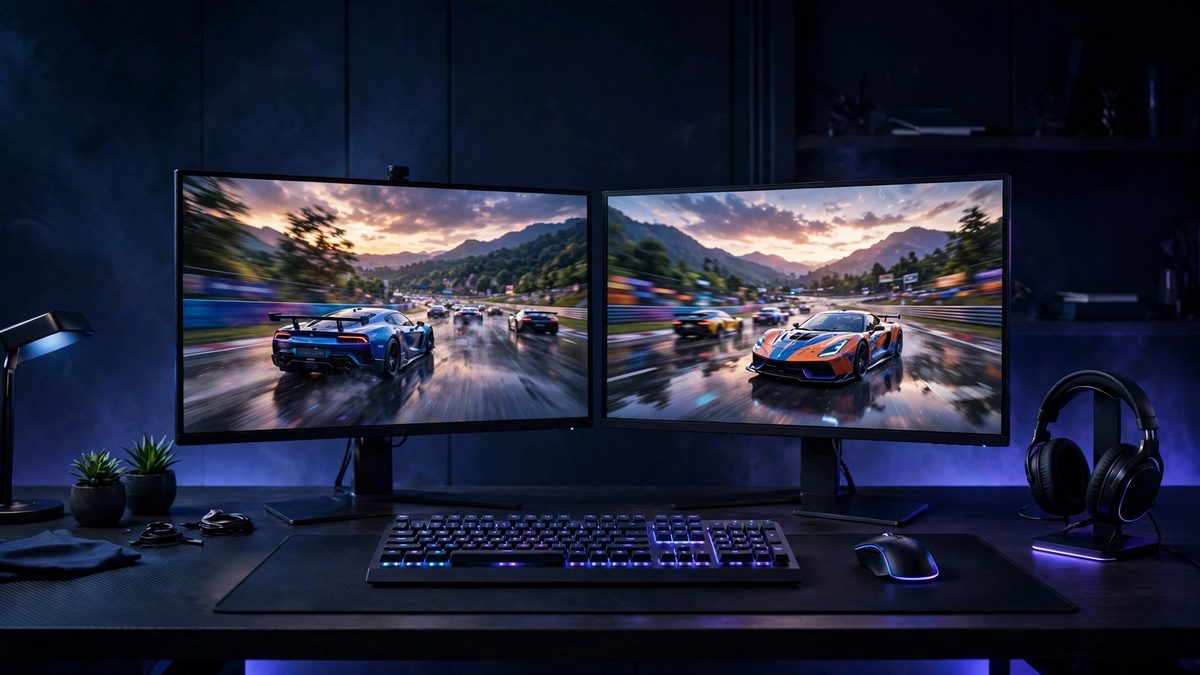
AMD designed the 9070 generation around 1440p: high frame rates at that resolution, with FSR upscaling widening the margin in demanding games. The monitor half of the pairing is refresh in the 165-180Hz band and FreeSync certification — AMD's own variable-refresh standard, implemented natively rather than adapted. These five picks are that pairing at five prices, including the two ultrawide shapes the card can stretch to with FSR's help.
At a glance
| Monitor | Size / Panel | Resolution | Refresh | Sync | Typical price |
|---|---|---|---|---|---|
| MSI G274QPF E2 | 27" Rapid IPS | 2560x1440 | 180Hz | FreeSync Premium | $190-$280 |
| Dell G2724D | 27" Fast IPS | 2560x1440 | 165Hz | FreeSync Premium | $150-$300 |
| LG UltraGear 27GS75Q-B | 27" IPS | 2560x1440 | 180Hz (200Hz OC) | FreeSync Premium | $170-$200 |
| LG UltraGear 34GP83A-B | 34" Nano IPS curved | 3440x1440 | 144Hz (160Hz OC) | FreeSync Premium | $500-$650 |
| ASUS TUF VG34VQL3A | 34" VA curved | 3440x1440 | 180Hz | FreeSync Premium Pro | $250-$370 |
Prices checked November 2026 — live prices at the retailer may differ.
MSI G274QPF E2 — best monitor for RX 9070 overall
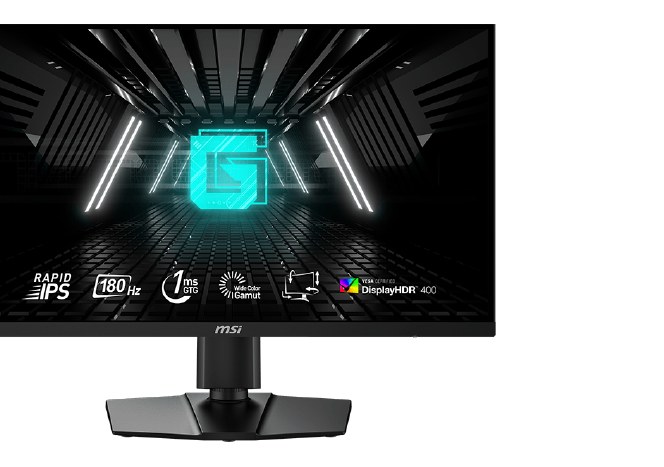
FreeSync Premium at 180Hz over DisplayPort, a Rapid IPS panel with honest motion, and a USB-C input for the laptop days. The 9070 and this monitor were aimed at the same player; it shows.
Buy if you want the most complete 1440p package under $400, USB-C included.
Skip if you need 180Hz over HDMI — it caps at 144Hz at 1440p.
- USB-C input with 15W power delivery
- Fully adjustable stand
- Must be the E2 — older G274QPF models still circulate
- HDMI limited to 144Hz at QHD
Dell G2724D — best value RX 9070 monitor
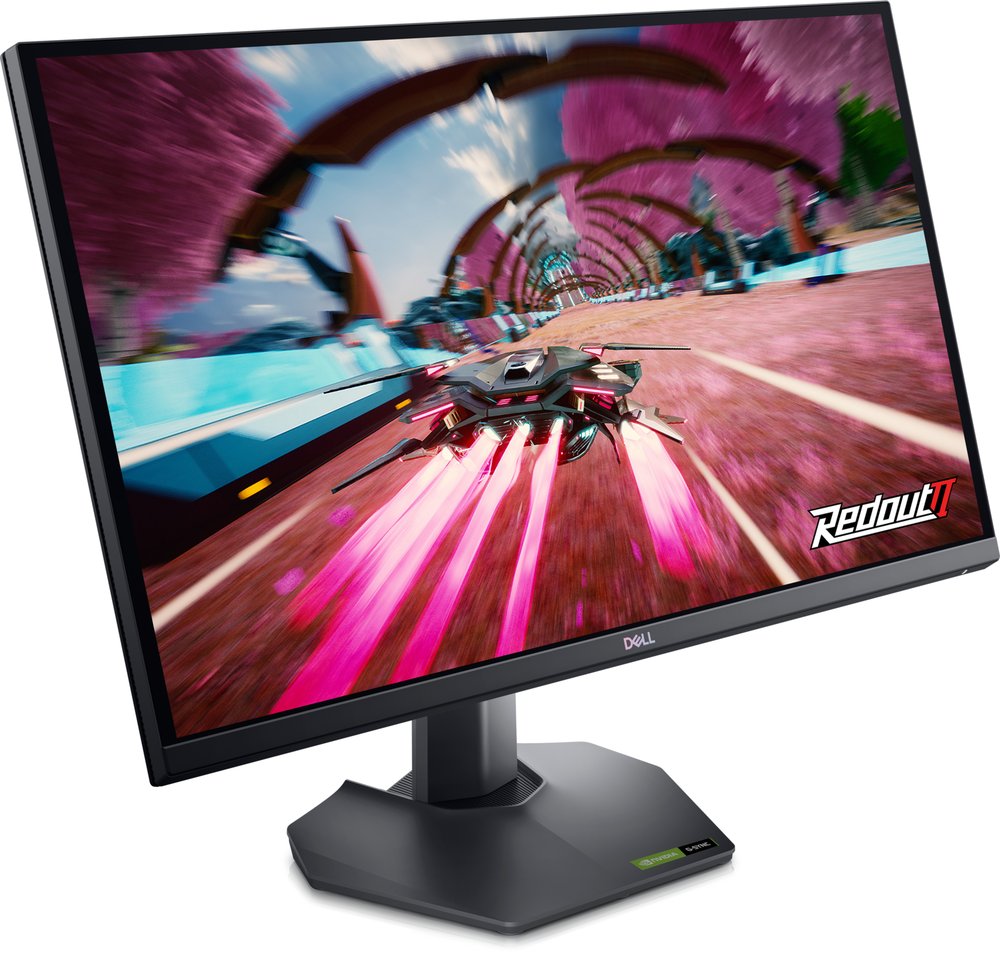
The Dell undercuts the field while keeping the essentials: 1440p Fast IPS, 165Hz, FreeSync Premium. Its measured response (~6.5ms average) is the one honest caveat, printed in our other guides too — at this price, it remains the value answer.
Buy if it is on sale in the bottom half of its range — 1440p at near-1080p money.
Skip if you need a USB hub or headphone jack; neither is fitted.
- 165Hz 1440p with G-Sync Compatible and FreeSync Premium
- HDMI 2.1 port, unusual at this price
- Stock at Dell is intermittent
- Prices near $300 are third-party markups
LG UltraGear 27GS75Q-B — the measured-fast alternative
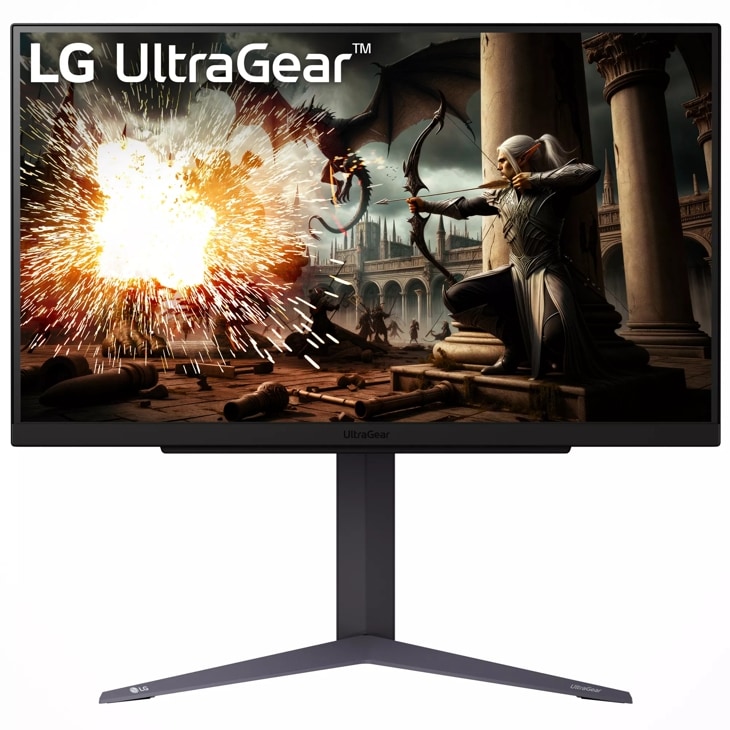
180Hz with independently measured response around 3ms — the quickest LCD here by measurement rather than marketing, and FreeSync Premium certified for the AMD card. The plainest design of the three 27-inch picks, and the easiest to recommend on performance per pound.
Buy if you want 180Hz 1440p at a steady $170-$200 street price.
Skip if you want USB ports (there are none) or certified HDR.
- 200Hz overclock over DisplayPort
- About 3.0ms measured average GtG in independent testing
- No USB ports
- Listings disagree on the HDMI version
LG UltraGear 34GP83A-B — the Nano IPS ultrawide
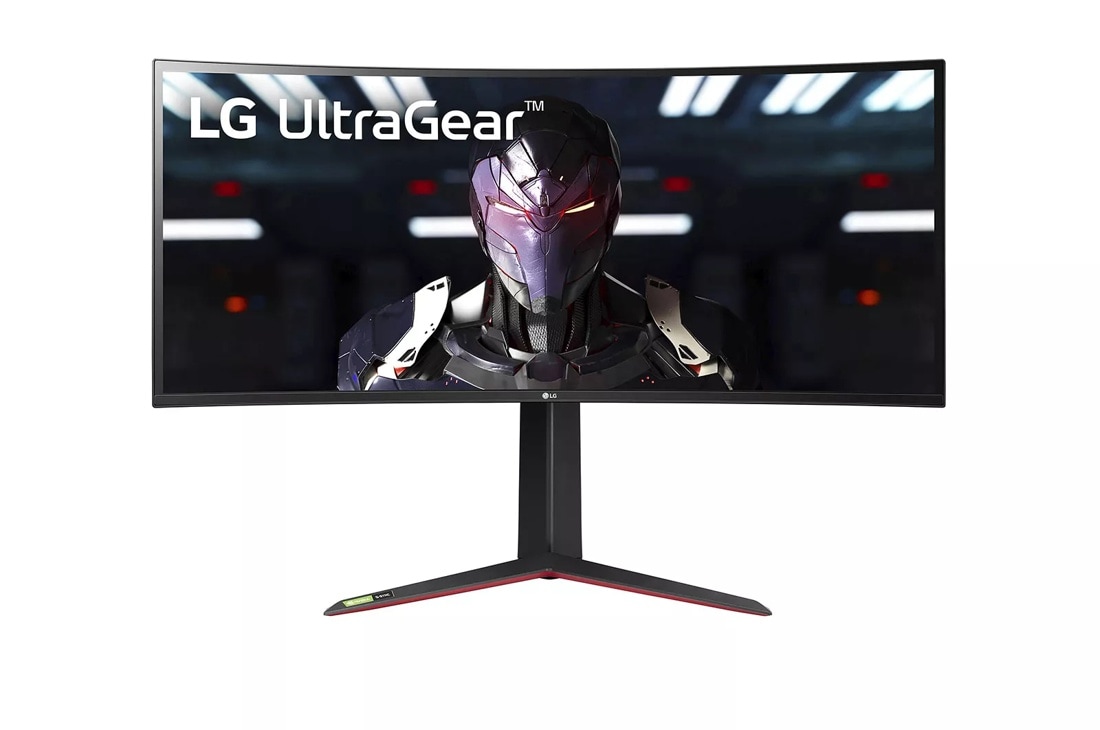
3440x1440 is about a third more pixels than 1440p — the 9070 drives it natively in lighter games and with FSR in demanding ones. Nano IPS keeps colours accurate at ultrawide width, where the VA alternative shifts off-axis.
Buy if you want fast, colour-accurate IPS with both FreeSync and G-Sync certification.
Skip if you need USB-C (there is none) or convincing HDR.
- 98% DCI-P3 Nano IPS at 144Hz, 160Hz overclocked
- Both adaptive-sync certifications
- No USB-C input
- HDMI limited to 85Hz at full resolution, per LG's manual
ASUS TUF VG34VQL3A — ultrawide value with Premium Pro
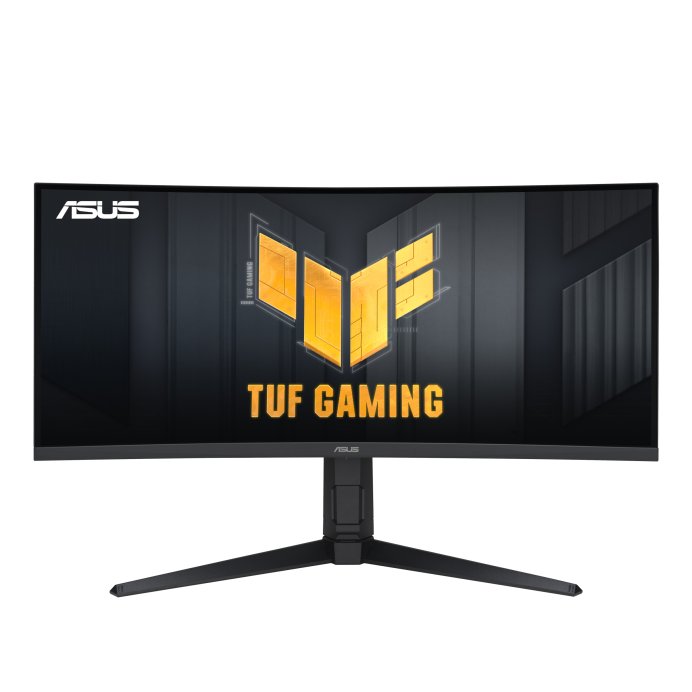
The same ultrawide stretch for roughly half the LG's price, and the only FreeSync Premium Pro panel here — the tier that adds HDR tone-mapping to the sync certification. VA contrast for films is the bonus; use DisplayPort for the full 180Hz.
Buy if you want a 34-inch ultrawide at 180Hz for entry money — it drops under $300 on sale.
Skip if you need full refresh over HDMI (capped at 100Hz; DisplayPort is required) or certified G-Sync.
- 180Hz at 3440x1440 for the lowest price on this page
- USB hub and DisplayHDR 400 at entry money
- HDMI tops out at 100Hz at full resolution
- VA dark-transition smearing versus IPS and OLED
Update history
November 10, 2026: Published: FreeSync 1440p pairings for the RX 9070, assembled from the site's two-source checked research.

Akbar Khan Editor, BuyBestMonitor
Akbar has run BuyBestMonitor since its original 2020 launch. Every guide here is checked under the site's two-source rule — manufacturer specs confirmed against an independent lab review — before publication and at every refresh. About the editor · How we check monitors