 BuyBest
Home › Best Monitor for RTX 5080
Best Monitor for RTX 5080: 4K High-Refresh Picks
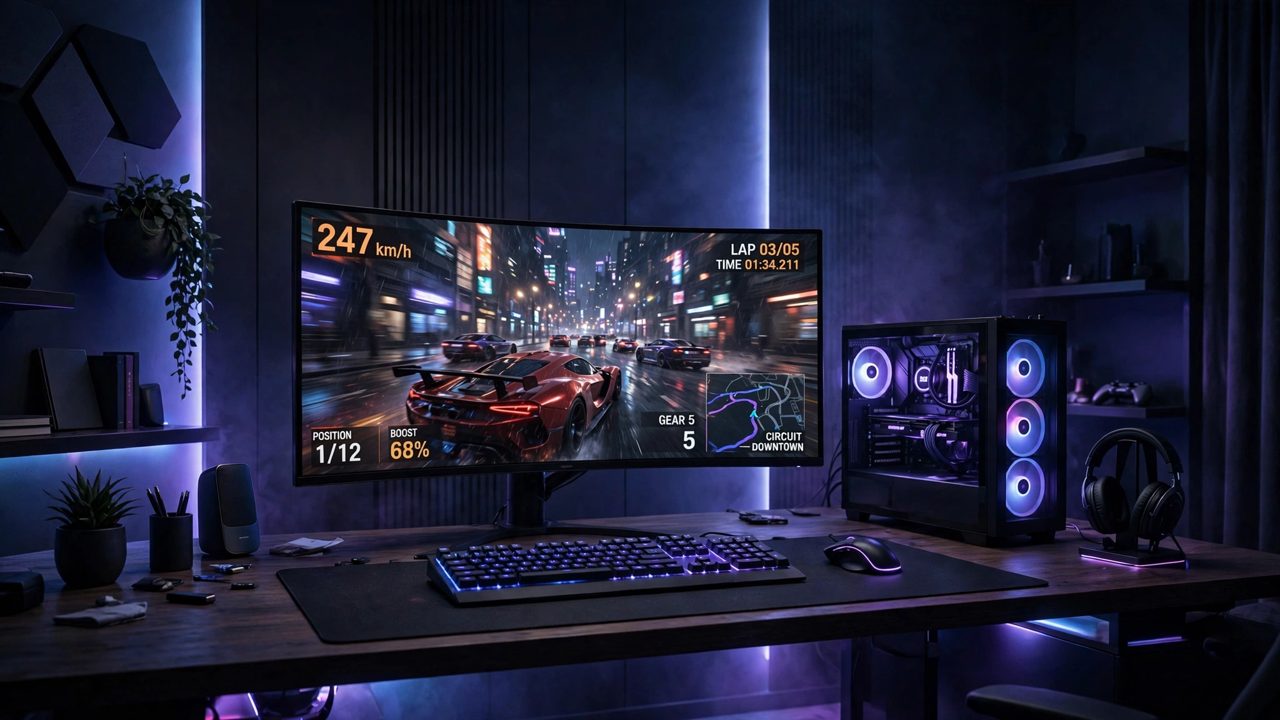
The 5080 exists to drive 4K at frame rates that used to need two cards, with DLSS upscaling and frame generation on top. Pairing it with anything less than a high-refresh 4K panel — or the 3440 ultrawide middle path — strands the performance you paid for. These five picks are the screens that can actually show what the card renders, from the no-compromise OLED to a 4K IPS at a third of its price.
At a glance
| Monitor | Size / Panel | Resolution | Refresh | Typical price |
|---|---|---|---|---|
| MSI MPG 322URX | 31.5" QD-OLED | 3840x2160 | 240Hz | $950-$1,200 |
| Samsung Odyssey Neo G7 | 32" VA Mini-LED | 3840x2160 | 165Hz | $600-$750 |
| Alienware AW3425DW | 34.2" QD-OLED | 3440x1440 | 240Hz | $650-$800 |
| LG OLED evo C5 42 | 42" WOLED (TV) | 3840x2160 | 120Hz | $850-$1,050 |
| Dell 27 Plus 4K S2725QS | 27" IPS | 3840x2160 | 120Hz | $230-$300 |
Prices checked November 2026 — live prices at the retailer may differ.
MSI MPG 322URX QD-OLED — best monitor for RTX 5080 overall
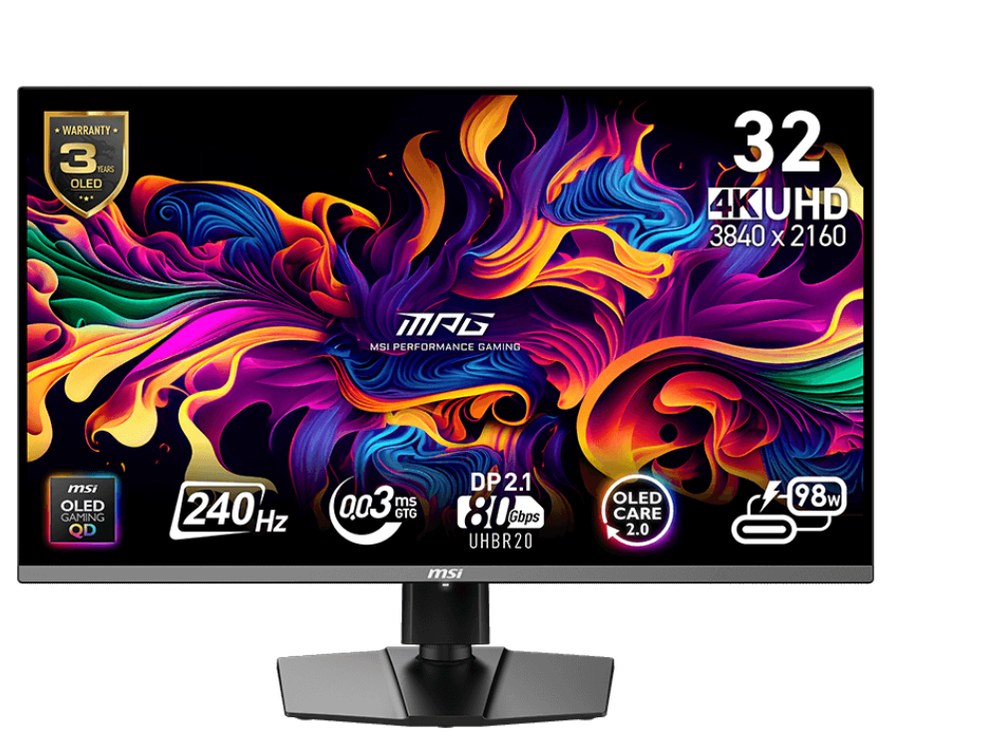
The flagship pairing, port included: DisplayPort 2.1a takes the 5080's full 4K 240Hz output without compression compromises, and the QD-OLED panel answers with per-pixel contrast and near-instant response. This is the monitor the card was effectively built for.
Buy if you want the best movie picture on a desk — per-pixel OLED blacks and real HDR.
Skip if your room is very bright (about 223 nits full-screen) or the budget is under $900.
- DisplayHDR True Black 400 with 1,000-nit peaks
- 3-year warranty includes burn-in cover
- No Dolby Vision
- No built-in speakers
Samsung Odyssey Neo G7 32 — best value 4K monitor for RTX 5080
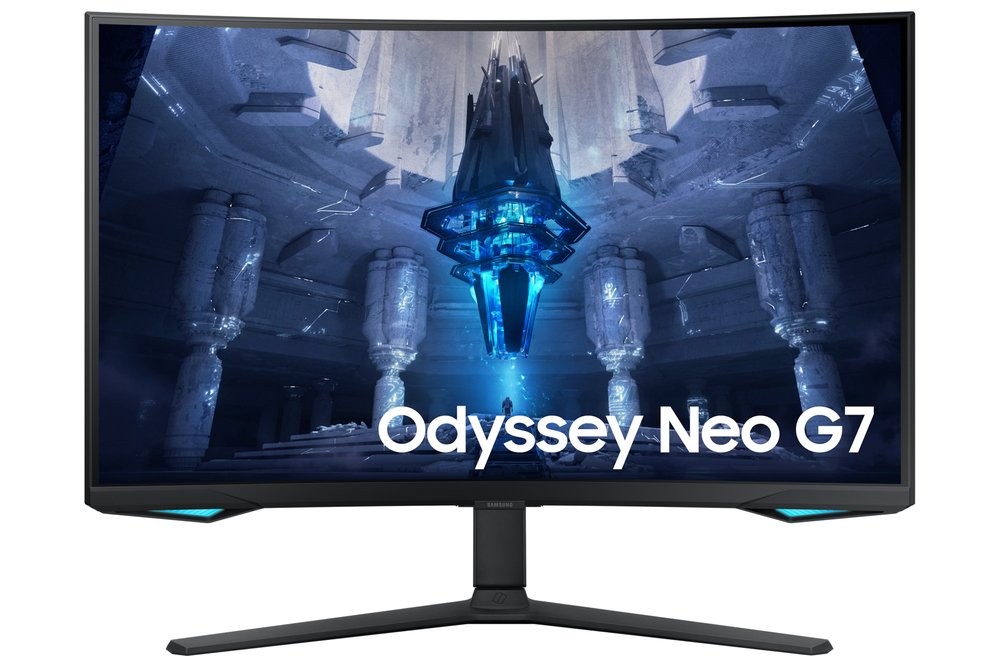
Mini-LED VA at 4K 165Hz: the highest brightness and strongest HDR punch in this list, no burn-in considerations, and usually $300-450 less than the OLED flagship. If your room is bright or your sessions are long, this is arguably the smarter 5080 screen, not just the cheaper one.
Buy if you want LCD HDR punch without OLED burn-in questions.
Skip if a sofa of people watches with you — the steep curve and VA angles narrow off-centre.
- 1,196-zone Mini-LED local dimming
- 4K at 165Hz with HDMI 2.1
- HDR 2000 name overstates measured brightness (about 796 nits in a 10% window)
- Out of stock at Samsung US — buy through retailers
Alienware AW3425DW — the ultrawide alternative
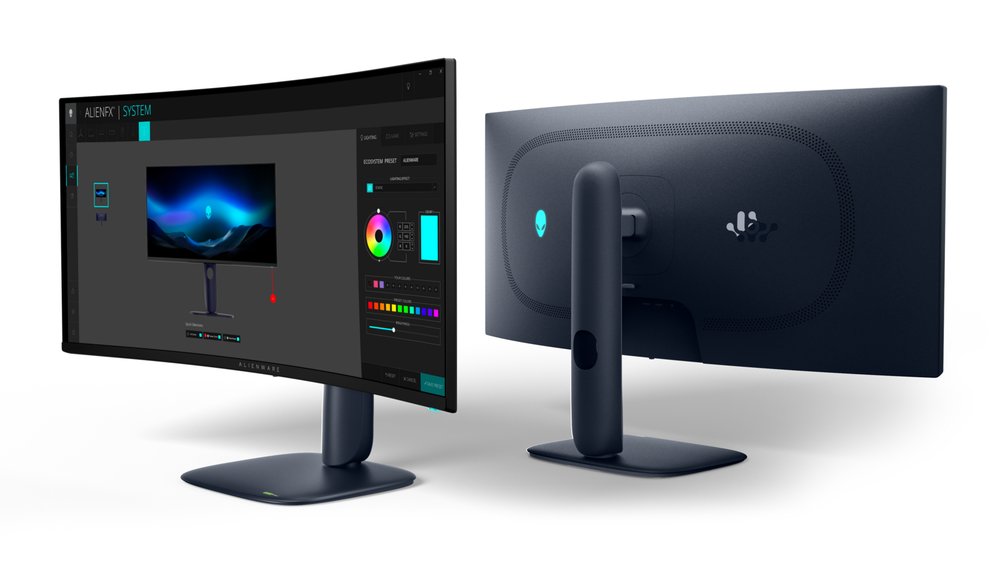
3440x1440 is about 40% fewer pixels than 4K, so the 5080 holds its 240Hz ceiling in more games, more of the time — while the QD-OLED keeps the flagship picture. For many players this is the sweet spot of the whole 5080 range: ultrawide immersion at a refresh the card can genuinely feed.
Buy if you want the best 34-inch gaming picture — 240Hz QD-OLED with burn-in covered by warranty.
Skip if your desk is mostly static productivity work, or you need USB-C video.
- Near-instant OLED response at 240Hz
- 3-year warranty explicitly covers burn-in
- USB-C port is data and charging only, not video
- Modest brightness on full-white screens
LG OLED evo C5 42 — the big-screen 5080 pick
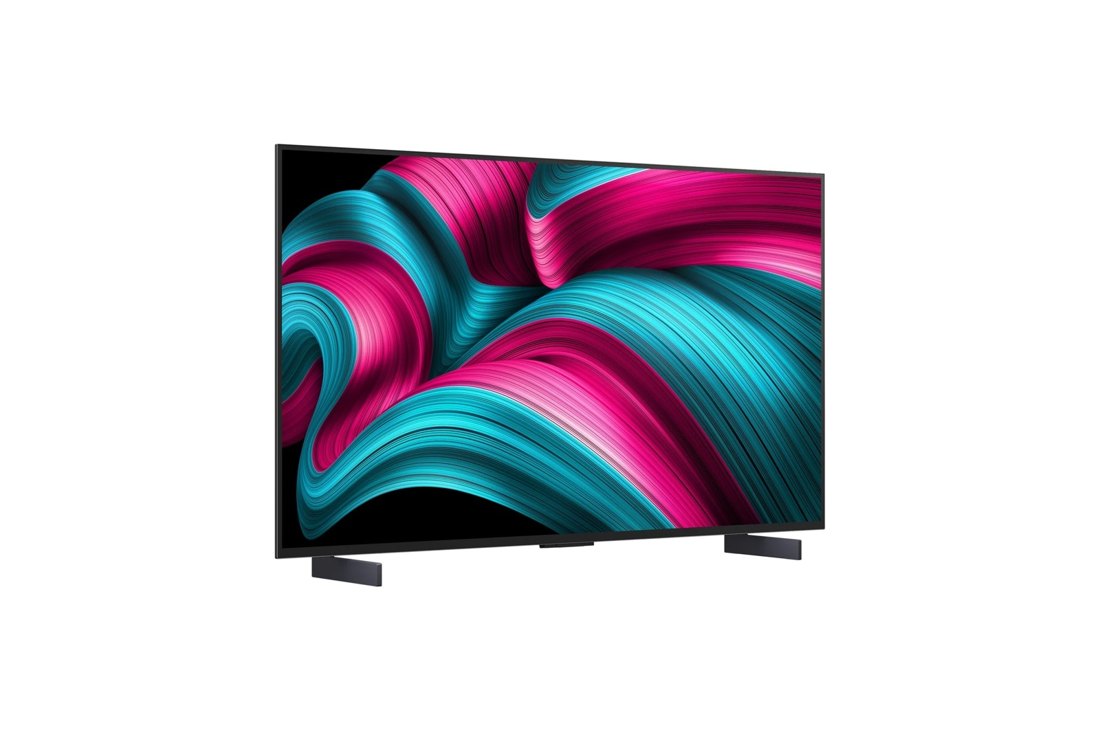
A 42-inch 4K OLED with four full HDMI 2.1 ports and TV speakers — the living-room or deep-desk option. 120Hz is its ceiling, which the 5080 reaches comfortably at 4K; what you trade in refresh you gain in sheer screen.
Buy if films are the priority and you have room for 42 inches.
Skip if you work with text all day — the WRGB subpixel layout can fringe small text.
- Dolby Vision and Filmmaker Mode
- Real speakers and streaming apps built in
- No DisplayPort — HDMI only
- Dimmer than the 55-inch and larger C5 sizes
Dell 27 Plus 4K S2725QS — 4K on a budget for RTX 5080 owners
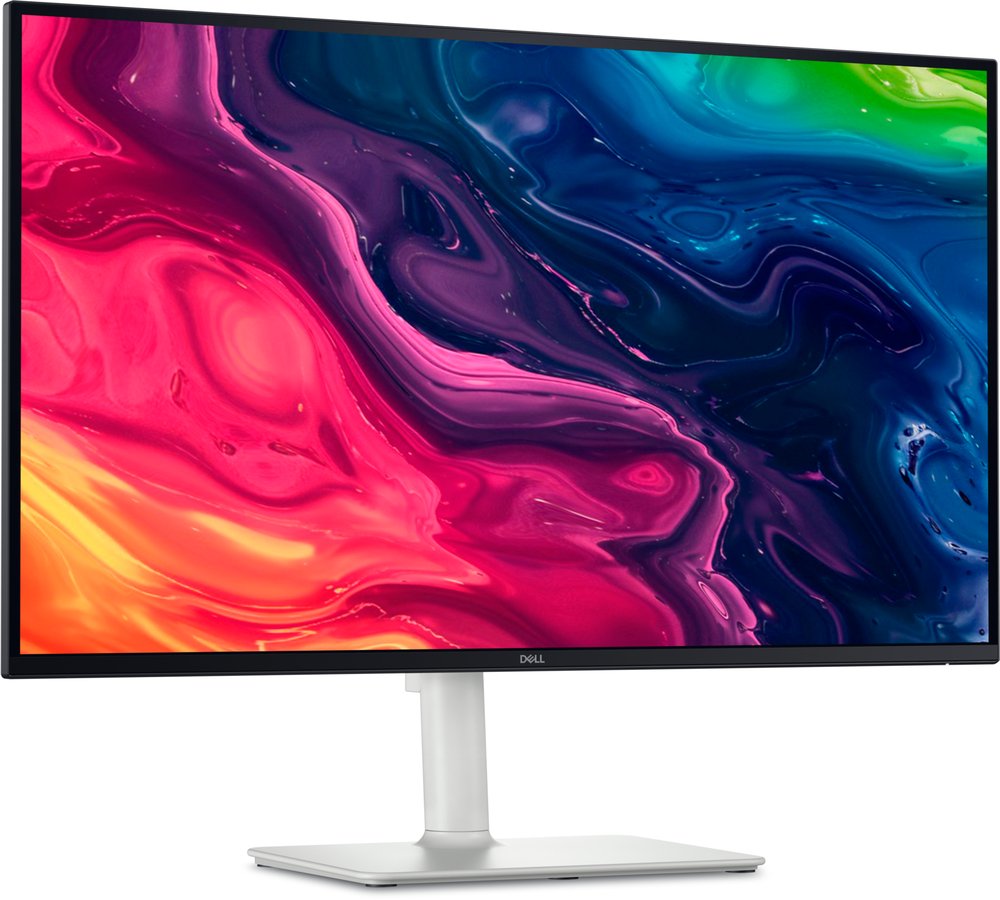
27-inch 4K IPS at 120Hz for the price of a mid-range 1440p monitor. It will not flatter the 5080 the way the OLEDs do — no local dimming, basic HDR — but as a sharp, honest 4K screen for mixed gaming and work, nothing at this price is close.
Buy if you share the screen, want good speakers and 4K value.
Skip if dark-room movies are the main use — IPS blacks render as dark grey.
- Wide IPS viewing angles for groups
- 2x 5W speakers, strong for the class
- 1,500:1 contrast — the weakest blacks on this page
- Independent testing rates its HDR poor
Update history
November 10, 2026: Published: 4K high-refresh pairings for the RTX 5080, assembled from the site's two-source checked research.

Akbar Khan Editor, BuyBestMonitor
Akbar has run BuyBestMonitor since its original 2020 launch. Every guide here is checked under the site's two-source rule — manufacturer specs confirmed against an independent lab review — before publication and at every refresh. About the editor · How we check monitors