 BuyBest
Home › Dell S2725QS vs S2725QC - Same 4K Panel, Swapped Ports
Home › 27-Inch Monitors › S2725QS vs S2725QC
Dell S2725QS vs S2725QC - The 4K Twins Separated by Their Ports
These two Dell 27-inch 4K monitors look like the same product with a letter swapped. They are not: the QS has no USB-C at all, and the QC has no DisplayPort. Dell swapped the port sets between the two models - so the right choice is decided entirely by how you plug in.
The one table you need
| Dell S2725QS | Dell S2725QC | |
|---|---|---|
| Panel | 27-inch IPS, 4K (163ppi) | 27-inch IPS, 4K (163ppi) |
| USB-C input | None - no USB-C at all | Yes - video + 65W charging |
| DisplayPort | Yes | None |
| HDMI | Yes | Yes |
| Street price | $230-$300 | $300-$330 |
Why the QS exists
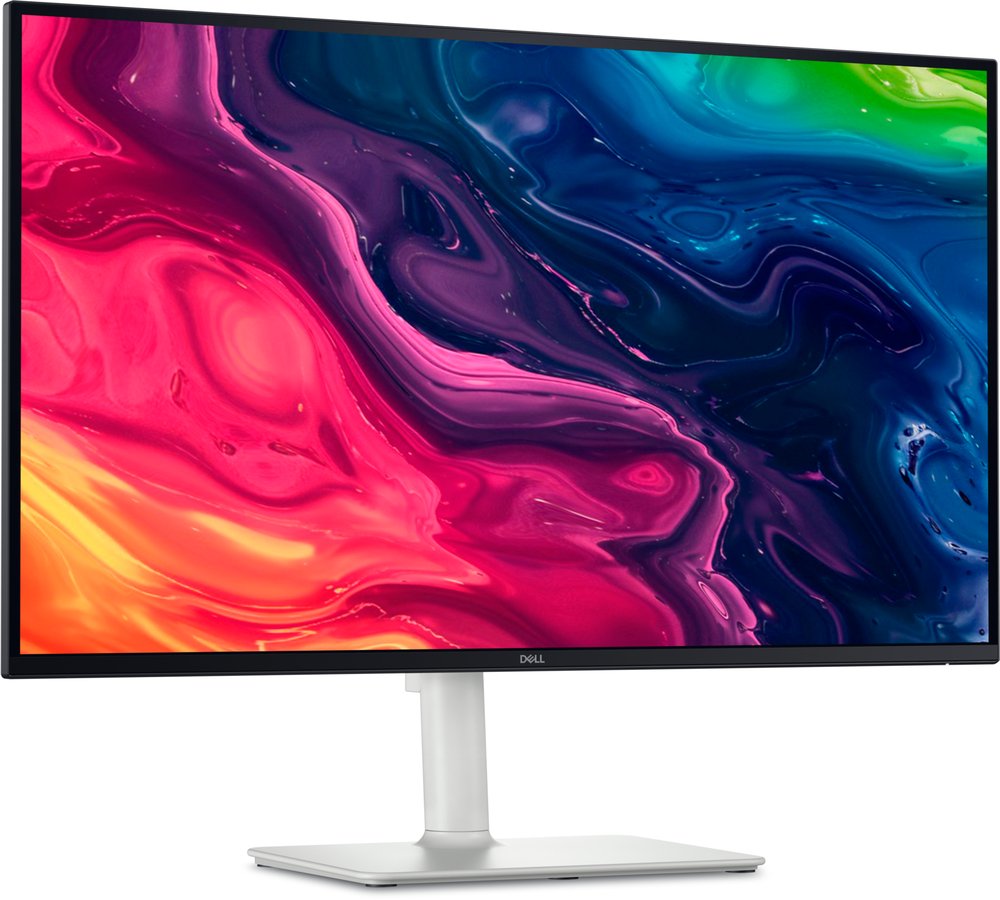
The QS is the desktop route: DisplayPort from your graphics card, done. It is the same sharp 163ppi 4K panel for less money, and it anchors our 27-inch and video editing guides as the budget 4K pick. The trap is real, though: roundups sometimes describe the QS as a USB-C monitor. It has no USB-C input - if your plan was one cable to a laptop, this is the wrong twin.
Why the QC costs more
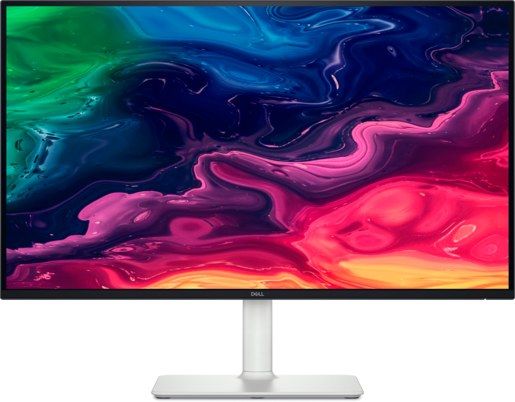
The QC is the one-cable desk: USB-C with 65W power delivery runs a laptop's picture and charge through a single lead, which is why it is our value pick in the programming guide. Its own trap is the mirror image - there is no DisplayPort, so a desktop PC connects over HDMI. Neither twin is broken; each is broken for the other one's buyer.
Verdict
Buy the S2725QS if
- Your source is a desktop PC with DisplayPort.
- You want 27-inch 4K sharpness at the lowest price in the pair.
Buy the S2725QC if
- You plug in a laptop or MacBook and want one-cable video plus charging.
- Your desk has no desktop PC to feed a DisplayPort.
Prices checked November 2026. Last updated November 19, 2026.
Update history
November 19, 2026: Dell S2725QC range corrected to $300-$330 sitewide.
November 11, 2026: Published: head-to-head - the Dell 4K twins separated by their ports.

Akbar Khan Editor, BuyBestMonitor
Akbar has run BuyBestMonitor since its original 2020 launch. Every guide here is checked under the site's two-source rule — manufacturer specs confirmed against an independent lab review — before publication and at every refresh. About the editor · How we check monitors