 BuyBest
Home › Best Monitor for GTA 6 in 2026: 30fps, 4K Picks That Earn It
Best Monitor for GTA 6 in 2026
Grand Theft Auto VI launched on November 19, 2026, on PlayStation 5, PS5 Pro and Xbox Series X|S only — there is no PC version announced, and the launch game is single-player, with no online mode announced. The performance picture only settled the day before release: Digital Foundry's analysis, published November 18, 2026, found the game targets 30fps on every console including the PS5 Pro, with no 40fps or 60fps mode. The internal render is about 1440p on PS5, PS5 Pro and Xbox Series X — upscaled to 4K, with the Pro using PSSR reconstruction to get close to native 4K — and about 720p on Xbox Series S, upscaled via AMD FSR 4 to 1080p. Frame pacing on the Pro is near-flawless in normal play, dipping only to about 24fps in explosive chaos; the base PS5 and Series X hold 30fps more loosely, flicking into the high 20s. The limit appears to be the CPU, not the GPU, so do not count on a 60fps patch — a 40fps or 60fps patch is possible but unconfirmed, and this guide treats it as such.
Two honest limits shape everything below. First, Rockstar has published no graphics modes, no resolution/FPS table, no HDR format and no VRR range for GTA 6 — so this guide claims none of those. PlayStation lists the game as PS5 Pro Enhanced with no detail given; Xbox lists it as Optimized for Xbox Series X|S. Second, no lab has tested a monitor with GTA 6 itself — every console-verification claim below is a lab test on the console (PS5), carried over to GTA 6 as labelled reasoning, never as a GTA 6 test. What GTA 6 changes about monitor buying is the priority order: at 30fps, resolution, HDR and contrast decide the picture; refresh rate above 120Hz buys nothing for this game at launch.
What GTA 6 actually needs from a monitor
At 30fps the frame budget is 33.3 milliseconds — motion smoothness is the console's job, not the panel's. What the panel decides is how good each of those 30 frames looks: 4K resolution shows the upscaled image natively instead of as a downsample (the Pro's PSSR image has the most to show at 27 inches); HDR with real local dimming or per-pixel light decides whether Leonida's nights, neon and sunsets have depth or wash out; and contrast decides whether dark scenes stay readable. A genuine HDMI 2.1 FRL port still matters — not for GTA 6's 30fps, but because the consoles output 4K over it, and because the PS5 family caps its HDMI output at 32Gbps (measured by HDTVTest), so the port needs to be genuinely FRL, not a 48Gbps badge. VRR is near-useless for GTA 6 at launch: the PS5's system-level VRR only works above 48fps, and the game sits at 30fps — buy VRR for your other games, not this one. The full port story is in our HDMI 2.1 explainer, and the resolution trade is in 1440p vs 4K for gaming.
At a glance
| Monitor | Panel | Best for | Typical price |
|---|---|---|---|
| MSI MPG 272URX | 26.5" 4K QD-OLED, 240Hz | Best overall | $865-$900 |
| MSI MPG 322URX | 31.5" 4K QD-OLED, 240Hz | Big-screen flagship | $960-$1,030 |
| LG OLED evo C5 42 | 42" WOLED TV, 120Hz | Living room | $850-$1,050 |
| Dell S2725QS | 27" 4K IPS, 120Hz | Budget 4K | $230-$300 |
| LG 27GS75Q-B | 27" IPS 1440p, 180Hz | Series S / budget 1440p | $170-$200 |
| AOC Q27G3XMN | 27" VA Mini-LED 1440p, 180Hz | Budget HDR punch | $230-$285 |
Prices checked November 2026 — live prices at the retailer may differ.
1. MSI MPG 272URX — the best monitor for GTA 6
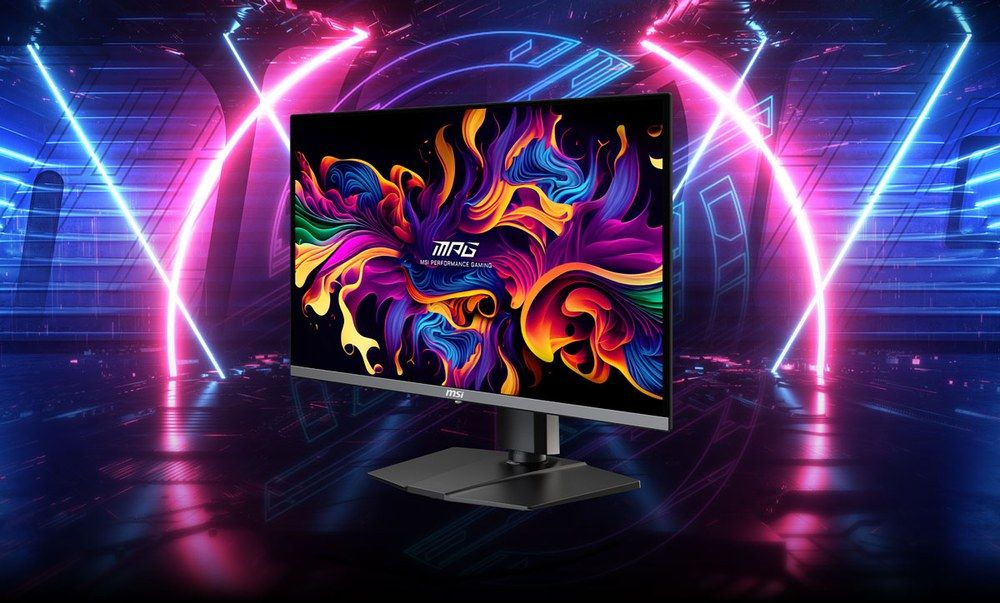
The sharpest panel in this guide — 26.5 inches of 4K is about 166 pixels per inch — which is exactly where a PSSR-reconstructed 4K image has the most to show at desk distance, and that is why it headlines a 30fps game: every one of those 30 frames is shown at full detail. MSI fits two HDMI 2.1 ports at 48Gbps, and MonitorGarage's lab review verified the combination that matters on a PlayStation: 4K at 120Hz, HDR, VRR and ALLM, tested on a PS5. That test was on the base console, not on GTA 6; the Pro's HDMI and VRR implementation is unchanged (HDTVTest's measurement; Sony's shared support documentation), so the compatibility carries — we print the verification as MonitorGarage's and the carry-over as reasoning, not as a GTA 6 test. HDR is by mode, never a bare number: Peak 1000 mode measured about 1,006-1,026 nits at a 2% window across two labs, True Black 400 in the other. The warranty is the strongest burn-in position here — three years, explicitly including panel burn-in in MSI's own wording — which is the honest answer to the OLED-for-console question, since console HUDs are static. The costs: SDR brightness of roughly 240-270 nits across five labs makes it a dim-room screen, there are no speakers, VRR flicker can appear when frame rates swing hard (an OLED-VRR class trait), and the 240Hz is PC headroom the console will never touch — and GTA 6 at 30fps touches even less of it.
Buy if GTA 6 is your main game and you want the sharpest verified 4K desk setup.
Skip if your room is bright, or you need speakers in the screen.
- Lab-verified PS5 feature set — the only pick here with it
- 3-year warranty explicitly covering burn-in
- Dim-room screen (SDR ~240-270 nits measured)
- 240Hz is headroom GTA 6 cannot use at launch
2. MSI MPG 322URX — the 32-inch flagship
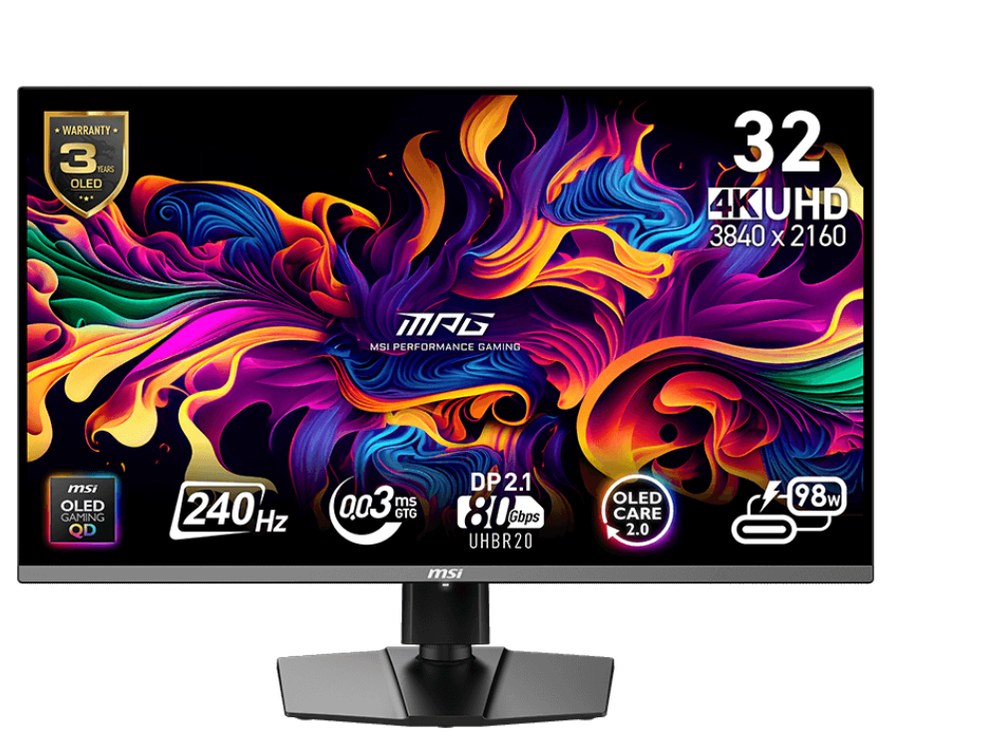
The same console story at 32 inches: two full HDMI 2.1 ports, FreeSync Premium Pro, True Black 400 HDR, and a three-year warranty including burn-in — our full claimed-vs-measured review is here. The choice between this and the 272URX is size against pixel density (about 138 vs 166 ppi), not features: the consoles treat them identically, and GTA 6's 30fps target treats them identically too. The line from our console guides survives unchanged — it is far more monitor than the console can max out, so buy it as a flagship for everything on the desk, not for the console alone. Two measured cautions travel with it: TFTCentral noted moderate VRR flicker in dark greys, and SDR labs measured below the 250-nit claim (223 and 192 nits) — a dim-room screen, like its sibling.
Buy if you want one flagship screen for GTA 6 and a PC.
Skip if the console is the only machine — the 272URX shows it more per dollar.
- Full HDMI 2.1 x2, burn-in in the warranty
- The deepest-checked monitor on this site
- VRR flicker in dark greys (TFTCentral)
- SDR measured below claim — dim-room screen
3. LG OLED evo C5 42 — the living-room GTA 6 screen
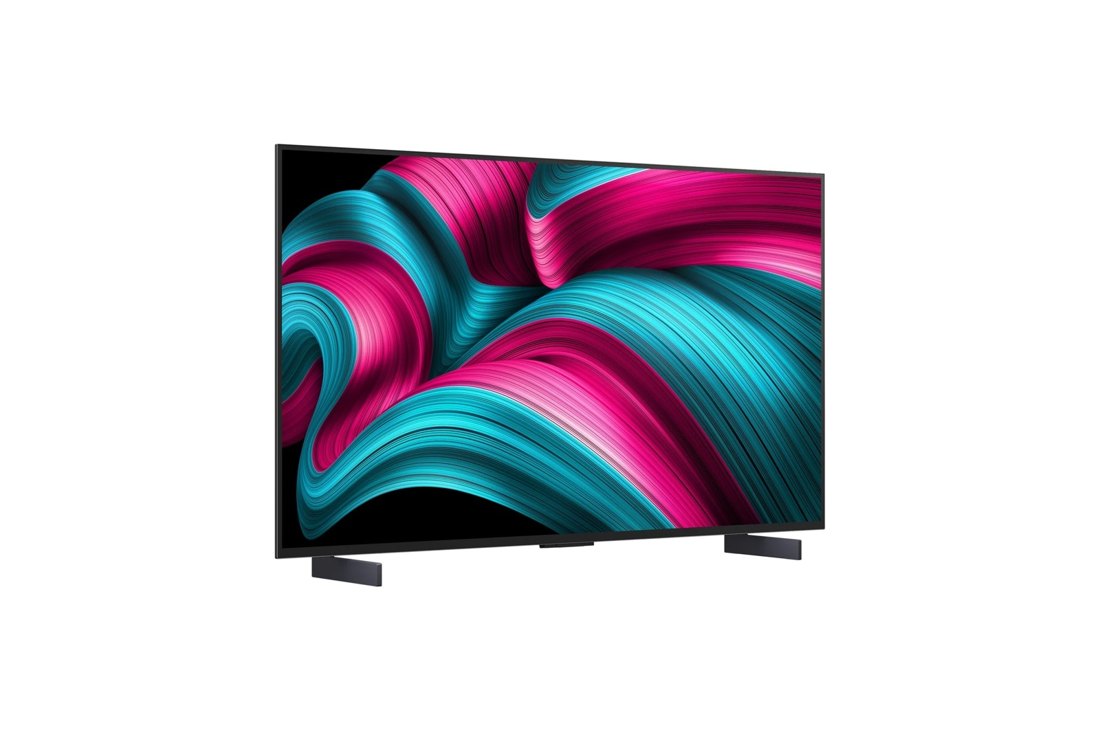
A TV, deliberately: all four HDMI 2.1 ports run 4K/120 with VRR and ALLM, so the consoles' full feature set works on every input, and ALLM matters most exactly here, where picture modes need to switch themselves. You also get real speakers, a remote and the streaming apps — the complete across-the-room package at clearance pricing, because the C5 is a 2025 model replaced by the C6 in 2026. For GTA 6 specifically, the 42-inch size is the point: Leonida is a game to sit back from, and at sofa distance the 4K upscale and OLED contrast carry the picture. Keep the movie features separate in your head: the console outputs HDR10 in games; Dolby Vision is for films. The flags: at 42 inches this is the dimmest C5 (it lacks the Brightness Booster of the larger sizes, per RTINGS via our checked data), there is no DisplayPort, and WRGB text fringing makes it a console and movie screen rather than an all-day desk monitor.
Buy if GTA 6 lives across the room, not on a desk.
Skip if it must double as your work monitor.
- Every port does the console's full feature set
- Clearance pricing while stock lasts
- Dimmest C5 size; no DisplayPort
- Text fringing rules out all-day desk work
4. Dell S2725QS — the budget 4K answer, with its trade printed
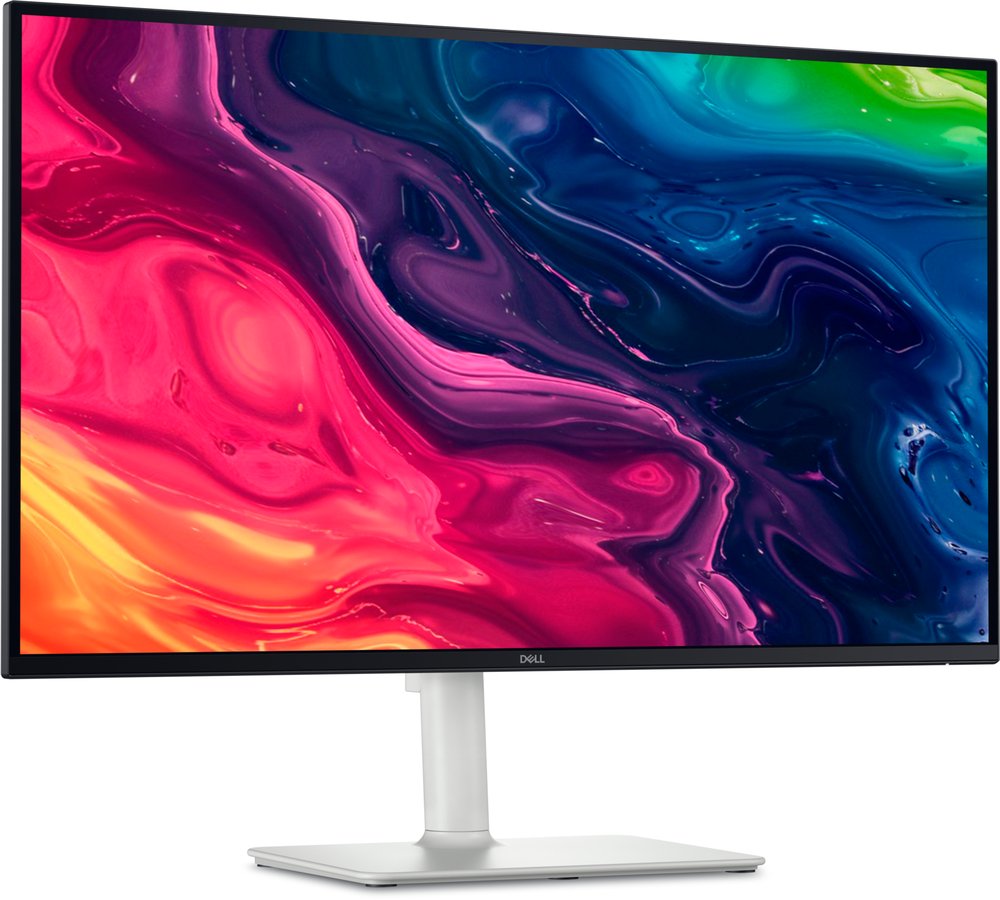
On paper, the cheapest correct answer to what GTA 6 needs: native 4K, 120Hz on every input (its ceiling is the console's ceiling — nothing wasted), two HDMI 2.1 ports that Dell itself specifies as FRL, a FreeSync Premium window of 48-120Hz that matches the console's exactly, and two 5W speakers. It is a mention rather than a headline pick because of what RTINGS measured in the panel behind that perfect spec sheet: response time rated poor, with visible blur in fast motion, and HDR rated poor — no local dimming, about 75% DCI-P3 in a single lab's measurement — so the right signal arrives at a panel that cannot fully show it. For GTA 6 that trade is kinder than it looks: at 30fps the game is not motion-critical, and the 4K sharpness is real. For a player whose games are slower and whose budget is real, that trade can be the right one. It should just be made with eyes open. Black Friday note, November 19, 2026: our deals check found it at $217.99 via Slickdeals (Amazon), hitting its $230 target — a one-day sale price, not a new street range, which stays $230-$300.
Buy if the budget is firm and you want native 4K for GTA 6.
Skip if fast HDR gaming is why you bought a Pro.
- Cheapest native-4K, 120Hz, FRL route to the consoles
- Speakers built in; nothing in the spec is wasted
- Response time rated poor (RTINGS)
- HDR is a checkbox here, not an experience
5. LG UltraGear 27GS75Q-B — the Series S and budget 1440p pick
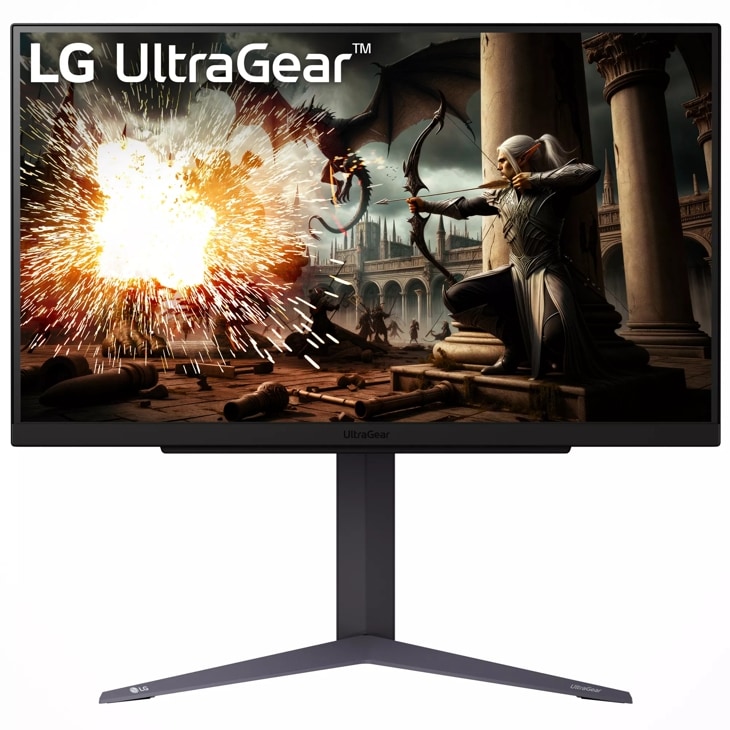
The honest cheap route, and the natural partner for an Xbox Series S: the S renders GTA 6 at about 720p internally and upscales to 1080p, so a 1440p panel loses nothing the console was ever going to show, and a 4K120 screen would be money spent on pixels the S cannot feed. On PS5 and Series X it shows the game at 1440p — you lose the final 4K pixel count, which is where the Pro's PSSR image has the most to show, and you lock yourself out of any future 40fps or 60fps mode, which would need the 4K path. Two cautions, printed plainly: its HDMI is 2.0 (LG's own representative confirms it), which does not affect GTA 6's 30fps at 1440p; and no lab in our data has tested PS5 VRR on this exact model — at 30fps that barely matters for this game, but do not buy it for VRR. Its one lab (DisplaysTested) measured 4.4ms average GtG and 3ms latency, with about 306 nits of brightness: honest mid-band numbers, printed as measured. No swivel on the stand, and the US warranty is one year.
Buy if you play on a Series S, or the budget is firm at $200.
Skip if you own a PS5 Pro — the PSSR image deserves a 4K panel.
- Lab-measured response at a value price
- G-Sync Compatible certified
- HDMI 2.0 — PS5 VRR unconfirmed on this model
- 1440p locks you out of any future 40/60fps mode
6. AOC Q27G3XMN — the budget HDR punch
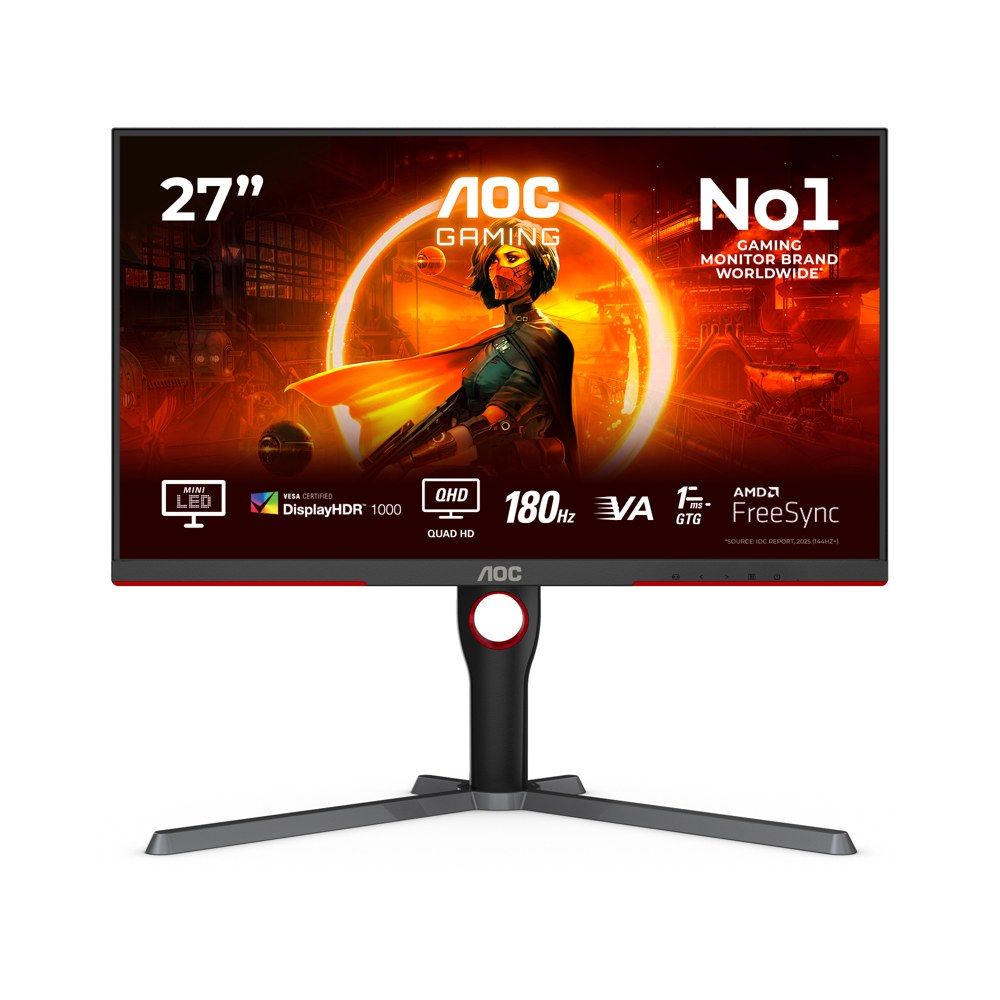
The only pick in this guide with real local dimming at a budget price: a 27-inch 1440p VA panel with a 336-zone Mini-LED backlight and DisplayHDR 1000 certification. Two major labs have measured it, and the measurements beat the box: TFTCentral (re-tested on retail firmware) measured an HDR peak of 1,365 nits against the 1,000 advertised. For GTA 6 that is the point — at 30fps, HDR impact is the visible upgrade, and this panel delivers it for $230-$285 where every other budget pick's HDR is a checkbox. The same cautions as our budget guide travel with it. Ports: AOC's own US specification lists one HDMI 2.0 and one DisplayPort 1.4; TFTCentral's hands-on unit had two HDMI ports — if a second HDMI matters to you, check the box before opening it — and there is no USB-C at all. And ignore the Amazon listing title, which claims "HDMI 2.1" and "3440x1440": both are wrong. It is not a 4K120 monitor — it is 1440p, so like the LG above it locks you out of any future 4K 40/60fps mode, and its 180Hz lives on DisplayPort (144Hz over HDMI). For GTA 6 at 30fps, none of that bites today; it bites only if a patch ever raises the frame-rate ceiling.
Buy if HDR impact per dollar is the whole decision.
Skip if you want a 4K panel for a possible future performance patch.
- Real local dimming — lab beat the HDR claim: 1,365 nits measured
- The brightest HDR in this guide under $300
- HDMI count differs between AOC's spec (one) and the lab unit (two)
- 1440p only — not a 4K120 monitor
Console settings — set these, because GTA 6 has no in-game graphics settings
Rockstar publishes no in-game graphics settings for GTA 6, so there is nothing to tune inside the game. What you can set is the console, from Sony's and Microsoft's own support documentation — these are console settings, not GTA 6 settings. On PS5 / PS5 Pro: Resolution on Automatic (on a 1440p panel, run Test 1440p Output once, then leave it set); 120Hz Output: Automatic; VRR: Automatic, with Apply VRR to Unsupported Games on — it does almost nothing for GTA 6 at 30fps, since system VRR only works above 48fps, but it helps your other games; ALLM: Automatic. Then open Information for Connected HDMI Device and confirm the console itself reports VRR and 120Hz as supported: that screen is your proof the handshake with the monitor worked. In Adjust HDR, follow the on-screen steps in Game Mode so the console's HDR range matches the panel. On Xbox Series X|S: Display resolution 4K UHD (1080p or 1440p on Series S), refresh rate 120Hz, and under Video modes allow 4K, HDR10, ALLM and variable refresh rate. Use the cable in the console's box or a certified Ultra High Speed cable — and remember the console has no DisplayPort; everything runs over that one HDMI cable. The full port story is in our HDMI 2.1 explainer. If you already own a PS5 or Xbox screen, start from our PS5 guide, PS5 Pro guide or Xbox guide — the picks overlap, and those guides carry the deeper console checks.
What not to buy for GTA 6
Ultrawide, for the console: PlayStation and Xbox output a 16:9 frame, so an ultrawide shows side bars — the format buys a PC nothing here and a console less than nothing. The geometry is worked through in Ultrawide vs Dual Monitor. 240Hz (or higher) as a buying reason: the consoles cap output at 120Hz, and GTA 6 targets 30fps — the extra refresh is PC headroom, never a GTA 6 feature. 8K monitors: no 8K mode has been announced for GTA 6, and there is effectively no 8K monitor market. Any 1440p monitor claiming PS5 VRR without a lab test: no stocked 1440p monitor in our data has lab-verified PS5 VRR — a claim on the box is not a test. And Series S owners, the expensive mistake: your console renders GTA 6 at about 720p and upscales to 1080p — a 4K120 OLED would show you the same upscaled image at four times the price of the 1440p picks above.
Which console, which pick
PS5 Pro: the 272URX — the PSSR image is the Pro's whole advantage, and a 4K panel is where it shows. Base PS5 or Xbox Series X: the same 4K picks, or the S2725QS if the budget is real — the image is the same upscaled 4K, only the panel's HDR and motion differ. Xbox Series S: the 27GS75Q-B, or the Q27G3XMN if HDR matters more than the last pixel — do not pay for 4K120. Living room, any console: the C5 42. If a PC shares the desk, the 240Hz on the two MSI picks stops being wasted and becomes the reason to stretch — but that is a PC reason, not a GTA 6 one.
Frequently asked questions
Does GTA 6 run at 60fps on PS5 Pro?
No. Digital Foundry's analysis, published November 18, 2026, found GTA 6 targets 30fps on every console including the PS5 Pro, with no 40fps or 60fps performance mode. The limit appears to be the CPU, not the GPU. A 40fps or 60fps patch is possible but unconfirmed — do not buy a monitor counting on one.
Do I need a 120Hz or 240Hz monitor for GTA 6?
No, not at launch. GTA 6 targets 30fps, so a 60Hz 4K panel shows every frame the game produces. A 120Hz panel is future-proofing for your other games and for a possible frame-rate patch; 240Hz is PC headroom only. Buy the 120Hz for the desk, not for this game.
Is GTA 6 on PC?
No PC version has been announced. GTA 6 launched November 19, 2026, on PS5, PS5 Pro and Xbox Series X|S only, as a single-player game, with no online mode announced. Reports pointing to a PC release in early 2027 are unconfirmed.
What about ultrawide or 8K for GTA 6?
Neither helps on console. PlayStation and Xbox output a 16:9 frame, so an ultrawide shows side bars, and no 8K mode has been announced for GTA 6. Both are PC-first formats; the 16:9 picks in this guide are the console answer.
Update history
November 19, 2026: Published: six GTA 6 picks built on Digital Foundry's November 18, 2026 analysis — 30fps on every console including PS5 Pro, no performance mode, ~1440p internal on PS5/PS5 Pro and Xbox Series X (PSSR on Pro, close to 4K), ~720p upscaled via FSR 4 to 1080p on Series S. No GTA 6 graphics modes, resolution/FPS table, HDR format or VRR range has been published by Rockstar, so none is claimed. Headline is the lab-verified 272URX; 240Hz and 120Hz are future-proofing, not launch requirements.
Sources checked
Specs and prices in this guide were checked against these sources in November 2026 — the manufacturer's own listing plus an independent lab or reviewer, per our two-source rule.
- The Gamer Scene — GTA 6 60fps: Digital Foundry analysis coverage (30fps on every console, no performance mode)
- Wccftech — Digital Foundry analysis coverage (PS5 Pro most stable, 24fps dips in explosive chaos, Series S 720p via FSR 4)
- MonitorGarage — MSI MPG 272URX lab review (PS5 4K/120Hz, HDR, VRR, ALLM verified)
- MSI MPG 272URX — official specification
- MSI MPG 322URX — official specification
- RTINGS — MSI MPG 322URX review
- Club386 — MSI MPG 322URX review
- TechPowerUp — MSI MPG 322URX review
- PCGuide — MSI MPG 322URX review
- LG OLED evo C5 42-inch — official product page
- Dell S2725QS — official product page
- RTINGS — Dell S2725QS review
- TFTCentral — AOC Q27G3XMN lab review (retail-firmware retest)
- AOC Q27G3XMN — official US product page and specification
- LG 27GS75Q-B — official product page
- DisplaysTested — LG 27GS75Q-B lab review

Akbar Khan Editor, BuyBestMonitor
Akbar has run BuyBestMonitor since its original 2020 launch. Every guide here is checked under the site's two-source rule — manufacturer specs confirmed against an independent lab review — before publication and at every refresh. About the editor · How we check monitors