 BuyBest
Home › Best Vertical Monitor 2026: 6 Screens That Actually Turn Sideways
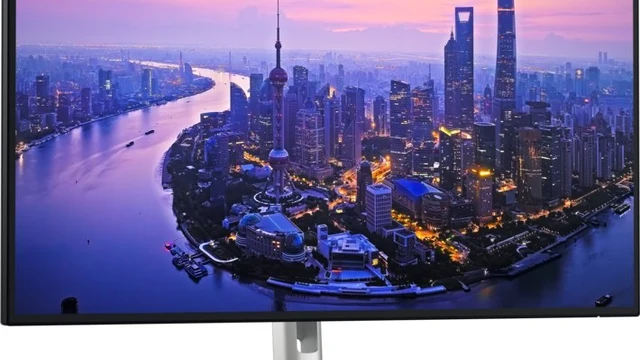
Best Vertical Monitor in 2026: Six Screens That Actually Turn Sideways
A vertical monitor is an ordinary monitor rotated 90 degrees into portrait. There is almost no such thing as a "vertical-only" monitor — the real question is whether a monitor can be turned sideways and still be good to read. Two things must both be true: the included stand pivots, or the monitor has a VESA mount so an arm can rotate it; and the operating system rotates the image. Windows does it in Display settings, macOS in System Settings under Displays, for external screens only.
Best use is as a second screen beside a landscape primary: code, long documents, PDFs, chat, trading feeds, social feeds. As a primary it suits coders and writers. It is wrong for spreadsheets (they rotate the wrong way), video editing and video watching. We do not test monitors on a bench — every measured number below belongs to a named reviewer, every claim is labelled as a claim, and every price is a dated US range checked on 19 November 2026.
Before you buy: the portrait-width table
In portrait, the monitor's horizontal resolution becomes its width. Narrow widths are the main trap — a screen that is fine in landscape can be cramped turned sideways.
| Rotated screen | Portrait width | Sharpness | Verdict |
|---|---|---|---|
| 24-inch 1080p | 1,080 px | ~92 ppi | Adequate for chat and documents; narrow for code |
| 24.1-inch 1920x1200 (16:10) | 1,200 px | ~94 ppi | Noticeably roomier than 1080p — about six extra editor lines |
| 24.1-inch 2560x1600 (16:10) | 1,600 px | ~125 ppi | Sharp, genuinely wide enough for code |
| 27-inch 1440p | 1,440 px | ~109 ppi | Good all-round portrait width |
| 27-inch 4K | 2,160 px | ~163 ppi | Excellent — wide and sharp |
Prices checked November 2026 — live prices at the retailer may differ.
Three rules follow from it. At 27 inches, buy 1440p or 4K — 1080p in portrait is about 82 pixels per inch and text goes soft. A 24-inch screen is the sweet spot for a vertical second screen: about 12 inches wide and 20 tall when turned, while a 27-inch in portrait is about 14 wide and 24 tall, and the top of it is high enough to crane your neck unless the stand or arm drops it low — check the shelf clearance above your desk. And buy IPS: VA and TN panels shift colour and brightness across the tall axis in portrait, and every pick below is IPS. The pixel densities above are our arithmetic from the stated resolutions and sizes.
The picks
| Monitor | Screen | Pivot | Best for | Price, Nov 2026 |
|---|---|---|---|---|
| Dell UltraSharp U2725QE | 27-inch 4K 120Hz, ~163 ppi | Yes, full stand | Best overall | $780-$800 |
| Dell S2725DC | 27-inch 1440p 144Hz, ~109 ppi | Yes, 90° | Budget 27-inch | $190-$250 |
| ASUS ProArt PA248QV | 24.1-inch 1920x1200, ~94 ppi | Yes, ±90° | Coding and colour | $190-$230 |
| BenQ GW2486TC | 24-inch 1080p 100Hz, ~92 ppi | Yes, 90° | Budget coding | $170-$190 |
| ASUS ProArt PA27JCV | 27-inch 5K 60Hz, ~218 ppi | Yes, auto-rotation | Mac, sharpest text | $699-$799 |
| AOC 24G4 | 23.8-inch 1080p 180Hz, ~92 ppi | Yes, ±90° | Budget / gaming | $100-$130 |
Dell UltraSharp U2725QE — the best vertical monitor
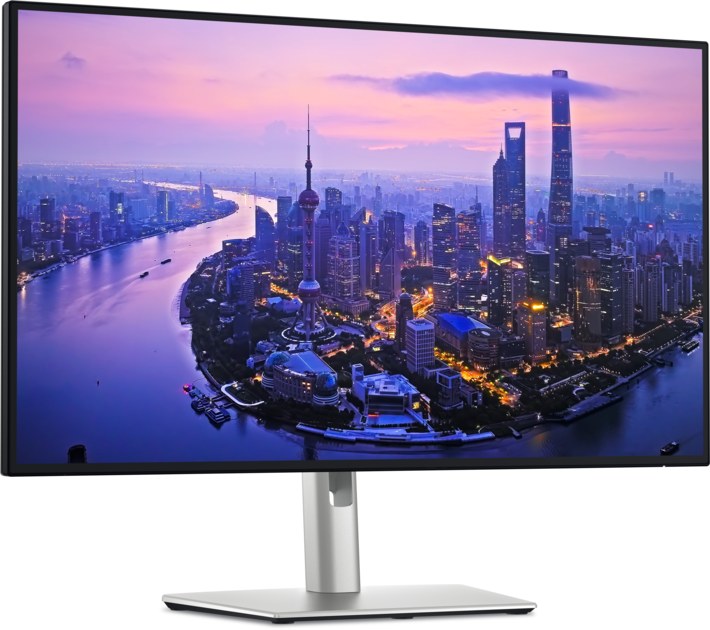
A 27-inch 4K IPS Black panel at 120Hz, so portrait gives you 2,160 pixels of width at about 163 per inch — the sharpest portrait in a normal 27-inch screen — with a Thunderbolt 4 dock behind it (140W charging, Ethernet, KVM) that turns one cable into the whole desk. RTINGS names it the best vertical monitor it has tested, and Wirecutter names it a top pick in its monitor guides. Dell's own store listed it at $799.99 on 19 November, B&H at $779.99; the $600-$700 street prices quoted in older roundups are gone, so do not expect them. The 3,000:1 contrast is Dell's claim — no independent measurement of this model was found, so no measured figure is printed. The 120Hz is a bonus for smooth scrolling, not the reason to buy it.
Buy if you want the sharpest portrait text and a dock in one purchase.
Skip if $780 is more than a second screen is worth to you — the Dell below is half the price.
- 2,160 px portrait width at ~163 ppi
- Thunderbolt 4 dock with 140W and Ethernet
- Contrast is a manufacturer claim, not a lab figure
- Dell's own store runs about $20 above B&H
Dell S2725DC — the budget 27-inch vertical
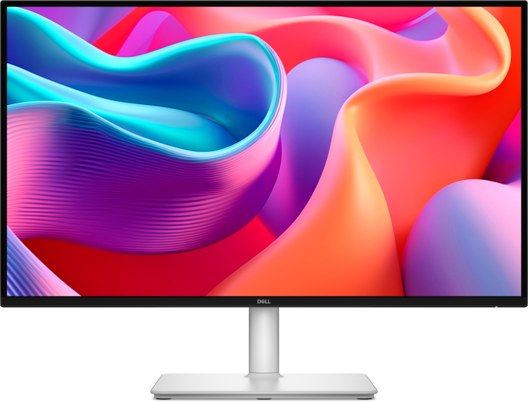
The cheapest way to a genuinely usable portrait width at 27 inches: 1440 pixels across at about 109 per inch, on a 144Hz panel with USB-C 65W charging and a hub, and a stand that pivots 90 degrees. TechRadar gave it five stars and an Editor's Choice award and praised the pivot. Dell's own store listed it at $244.99, in stock, on 19 November. It is 1440p, not 4K — say so plainly — and it is not a colour-critical screen. The 65W of charging suits most laptops but not a 16-inch MacBook Pro-class machine.
Buy if you want a big vertical screen for the least money.
Skip if you need 4K sharpness or colour-critical work.
- 1,440 px portrait width for under $250
- One-cable USB-C desk with hub
- 1440p, not 4K
- 65W charging, not enough for the biggest laptops
ASUS ProArt PA248QV — coding and colour on a budget
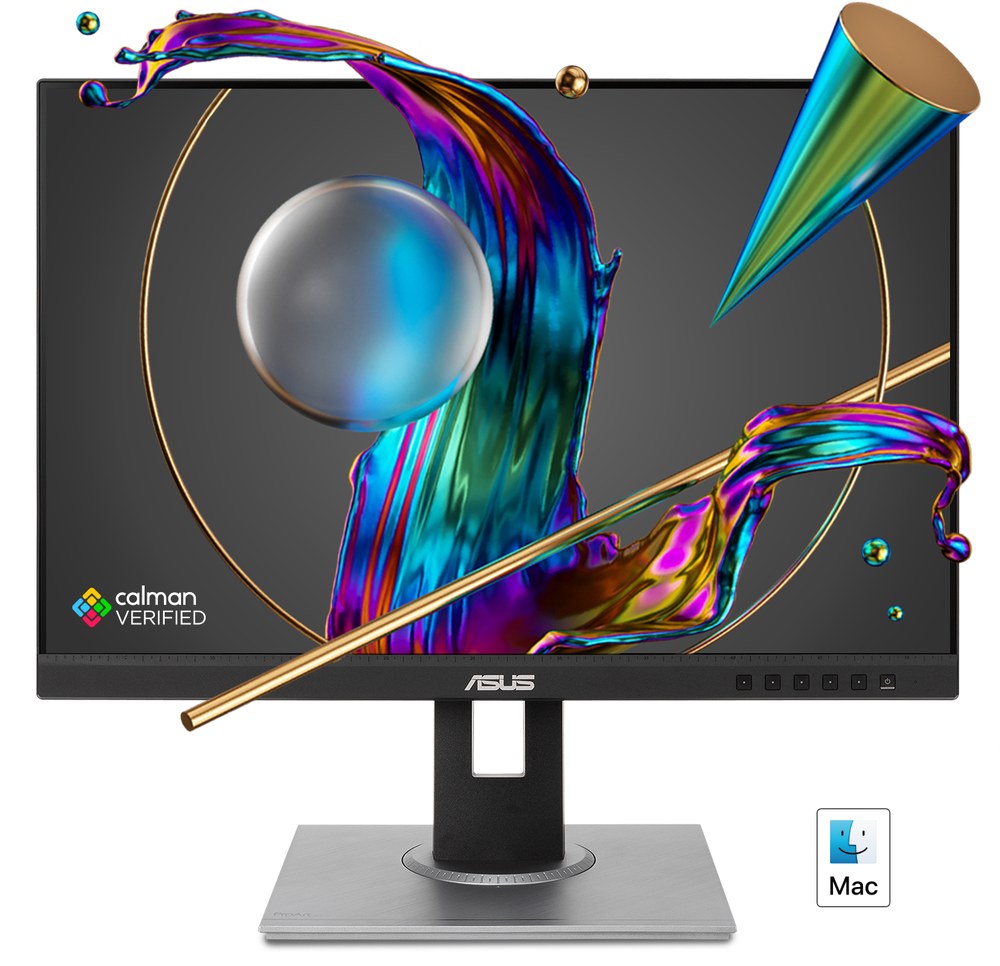
A 24.1-inch 16:10 screen, 1920x1200, so portrait is 1,200 pixels wide — about six extra editor lines over a 1080p panel — with factory-calibrated colour (Calman Verified, Delta E under 2) and a stand that pivots both ways, swivels and rises 130mm. B&H listed the original at $199.00, in stock, on 19 November. The successor, the PA248QV2, launched in November 2026 at $229.00 with a 100Hz panel and the same pivot stand; if the original disappears from shelves, the Gen2 is the same monitor for $30 more. At about 94 pixels per inch the text is adequate, not sharp — that is the trade for the price.
Buy if you code all day and want calibrated colour cheap.
Skip if you want sharp text above all — the 4K Dell above is the upgrade.
- 16:10 gives 120 more pixels of height than 1080p
- Calman-verified colour at about $200
- 94 ppi — adequate, not sharp
- 75Hz on the original; the Gen2 is 100Hz
BenQ GW2486TC — the budget coding vertical
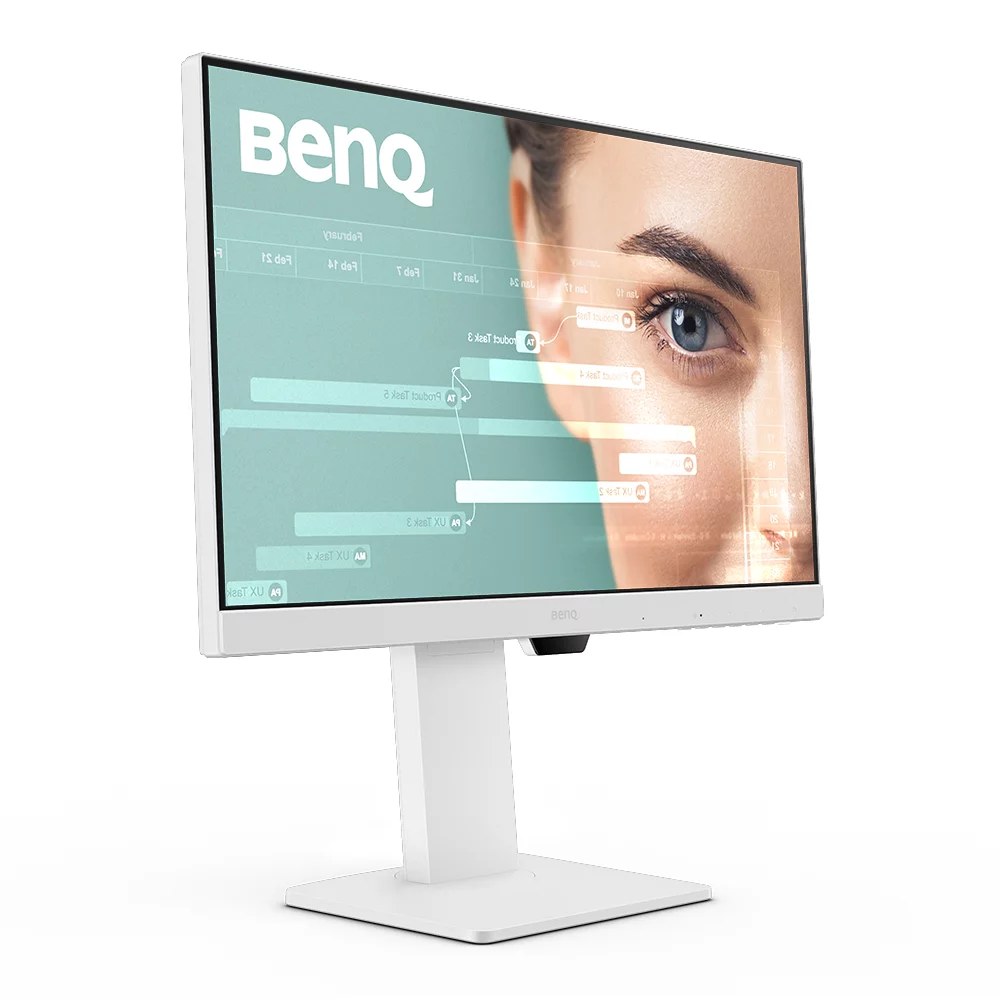
A 24-inch 1080p IPS screen at 100Hz with USB-C 65W charging, a Coding Mode, an ePaper mode and a microphone and speakers built in — and, confirmed on BenQ's own spec page, a stand that pivots 90 degrees, tilts, swivels and rises 130mm. TechRadar lists it as its coding pick. At about $170-$190 it is the cheapest screen here with a coding mode and a pivot that we could verify. The limit is the one the table already shows: 1080 pixels of portrait width is fine for chat, documents and streams, and tight for code.
Buy if you want a cheap second screen for reading and chat.
Skip if code is the job — the 16:10 ASUS above is wider for the same money.
- Pivot verified on BenQ's own spec page
- Coding Mode and USB-C at a budget price
- 1,080 px portrait width — tight for code
- 1080p, not a sharp-text screen
ASUS ProArt PA27JCV — the Mac vertical, and the sharpest text here
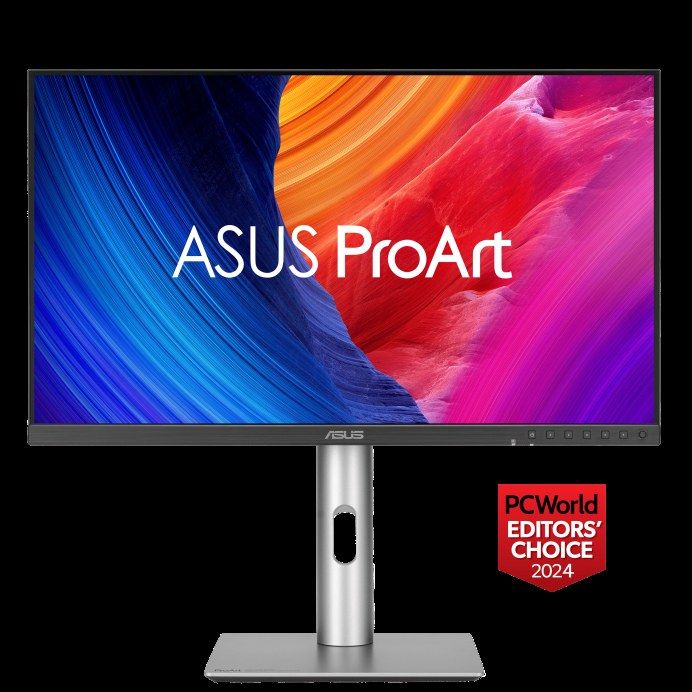
A 27-inch 5K panel at about 218 pixels per inch — the density macOS draws at an exact 2x — with a stand that pivots and, per ASUS's own spec page, auto-rotates the image when you turn the panel. Windows Central's colorimeter read 89% P3 in Native mode, 97% in the DCI-P3 preset and 99% in a user mode, and measured 550 nits, so set a colour mode on day one and leave Native alone. B&H listed it at $699.00, in stock, on 19 November. It is 60Hz, its USB-C is ordinary USB-C at 96W rather than Thunderbolt, and we could not verify its warranty term or the cables in the box, so neither is stated. The full Mac reasoning is in our guide to monitors for Mac.
Buy if you read and write on a Mac all day and want 5K text.
Skip if you need 120Hz, or a camera in the screen.
- Exact 2x Retina scaling at ~218 ppi
- Auto-rotation on the stand, verified in ASUS's specs
- 60Hz only
- Warranty and box contents not verified
AOC 24G4 — the cheapest pivot stand on a decent screen
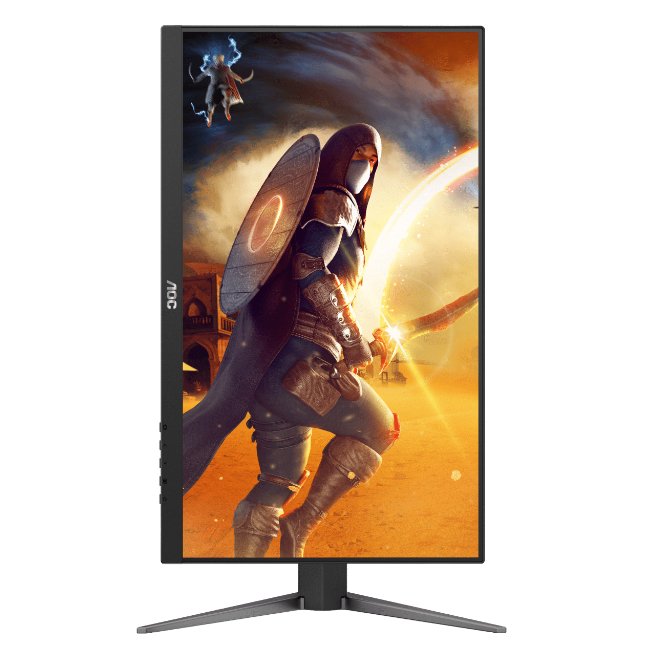
A 23.8-inch 1080p Fast IPS panel at 180Hz, with a stand that pivots ±90°, rises 130mm and swivels, plus VESA 100x100. Most sub-$150 monitors are tilt-only; this one turns. As a vertical second screen it doubles as a 180Hz gaming panel in landscape. One condition, printed on the pick: G-Sync Compatible applies only to units built from June 2024, so check the manufacture date. And the width rule applies — 1,080 pixels in portrait is fine for chat, streams and documents, and tight for code.
Buy if you want a vertical screen for about $110 that also games.
Skip if code is the job — it is the narrowest screen here.
- Pivot, height and swivel at a budget price
- 180Hz in landscape as a second use
- 1,080 px portrait width
- G-Sync only on units from June 2024
The trap: the BenQ RD280U does not pivot
The 28.2-inch 3:2 coding monitor that most roundups list as a vertical pick has a stand that does not pivot. BenQ's own product page says so twice — "The RD280U does not support the PIVOT adjustment… please consider the BenQ Ergo Arm version, the RD280UA" — and PCWorld's review confirms it. It needs a VESA arm for portrait, or buy the pivoting versions instead: the RD280UA at $599.99 or the RD280UG at $699.99. Several retailer spec sheets wrongly list "Pivot: Yes" for the RD280U. Do not trust them; the manufacturer wins.
Three screens we started with are discontinued
Our research began with six picks. Three are no longer sold new in the US, checked on 19 November 2026, so they are not picks — buy one only second-hand, with your eyes open:
- BenQ RD240Q — BenQ's US store calls it End of Life; Best Buy and B&H list it as no longer available. Last seen at $399.99. Its successor is the RD280UG.
- LG DualUp 28MQ780-B — the purpose-built tall screen (2560x2880, 16:18, Ergo Arm included) is out of stock at LG and no longer available at Best Buy and B&H. Older roundups still list it at $600-$700; those prices are dead.
- Dell U2723QE — Dell's own search returns "Product not found" and B&H lists it as no longer available. Its successor is the U2725QE above. TechRadar still names it its overall vertical pick; buy the successor instead unless the older model turns up about $150 cheaper.
Also worth a look, not a pick: the Dell P2425H, a 23.8-inch 1080p 100Hz screen with a pivot stand, was $189.99 in stock at Best Buy on 19 November while Dell's own store listed it as unavailable. And the BenQ PD2730S, a 27-inch 5K screen TechRadar names its Mac vertical pick, was $1,170.59 from a marketplace seller on Newegg the same day — too expensive and too thinly stocked to pick.
How to turn a monitor vertical
Windows: right-click the desktop, Display settings, pick the monitor, Orientation, Portrait (or Portrait flipped if it comes out upside down). Then re-run the ClearType Tuner — sub-pixel rendering is tuned for landscape striping, and text can look slightly different in portrait until it is re-tuned. macOS: System Settings, Displays, Rotation, 90° or 270°. The menu appears only for external displays, and sometimes not at all: macOS hides it when the connection (a cheap adapter, some docks) does not report rotation capability, and connecting directly to the Mac's own port usually restores it. The orientation may not survive unplugging and re-plugging — macOS can treat the re-connected display as new.
Two practical points. Raise the panel before you rotate it, or the corner hits the desk. And give the cables slack: they exit the bottom or side and can snag or pull when the panel turns, so a stand with a cable channel or an arm with cable routing earns its keep. When two screens sit side by side, drag them in Display settings until their edges line up, or the cursor will hit a dead zone where the screens do not meet.
What we did not pick, and why
No pick: curved ultrawides, turned sideways
Rotating a 34-inch 21:9 ultrawide gives a 1,440-pixel-wide, 3,440-pixel-tall strip — absurd height — and VA panels shift colour badly in portrait. Never a vertical screen.
No pick: OLED as a vertical second screen
Static taskbars, chat windows and editor chrome sit in the same place for hours in portrait. That is the burn-in recipe, and we do not pick it.
No pick: tilt-only stands with no VESA mount
A monitor that cannot rotate and cannot take an arm cannot go vertical at all. Check the spec sheet for "Pivot" and "VESA 100x100" before buying. The HP 24mh is the cheap example: a decent $100-$150 screen whose stock stand is tilt-only, so portrait needs an arm you already own.
No pick: 27-inch 1080p, or 32-inch 4K, in portrait
At 27 inches, 1080p is about 82 pixels per inch in portrait — soft text. At 32 inches, 4K in portrait is about 24 inches wide and 28 tall — too tall for most desks, with neck strain and shelf-clearance problems.
If the vertical screen is for code, our programming guide ranks the same screens by text clarity and docking. To see the sizes drawn to scale, use the size visualizer, and to compare any two of these spec for spec, use the compare tool.
Update history
November 19, 2026: Published: six vertical-monitor picks checked for pivot stands, portrait width and US stock — U2725QE best overall, S2725DC budget 27-inch, PA248QV coding pick — with the BenQ RD280U no-pivot trap and the RD240Q, DualUp and U2723QE noted as discontinued in the US.
Sources checked
Specs and prices in this guide were checked against these sources in November 2026 — the manufacturer's own listing plus an independent lab or reviewer, per our two-source rule.
- Dell UltraSharp U2725QE — official product page
- B&H — Dell UltraSharp U2725QE listing
- RTINGS — Best vertical monitors (U2725QE top pick)
- Dell S2725DC — official product page
- TechRadar — Best vertical monitors (S2725DC 5 stars, Editor's Choice)
- ASUS ProArt PA248QV — official product page
- B&H — ASUS ProArt PA248QV listing
- ASUS eShop USA — ProArt PA248QV2 Gen2
- BenQ GW2486TC — official spec page (pivot 90°)
- ASUS ProArt PA27JCV — official tech specs (pivot, auto rotation)
- BenQ RD240Q — US buy page (End of Life)
- BenQ RD280U — product page (no pivot, consider RD280UA)
- PCWorld — BenQ RD280U review (stand does not pivot)
- MonitorGuide — Best vertical second monitors

Akbar Khan Editor, BuyBestMonitor
Akbar has run BuyBestMonitor since its original 2020 launch. Every guide here is checked under the site's two-source rule — manufacturer specs confirmed against an independent lab review — before publication and at every refresh. About the editor · How we check monitors