 BuyBest
Home › Best Curved Monitors 2026: Ultrawide, 49-Inch & 32-Inch Picks
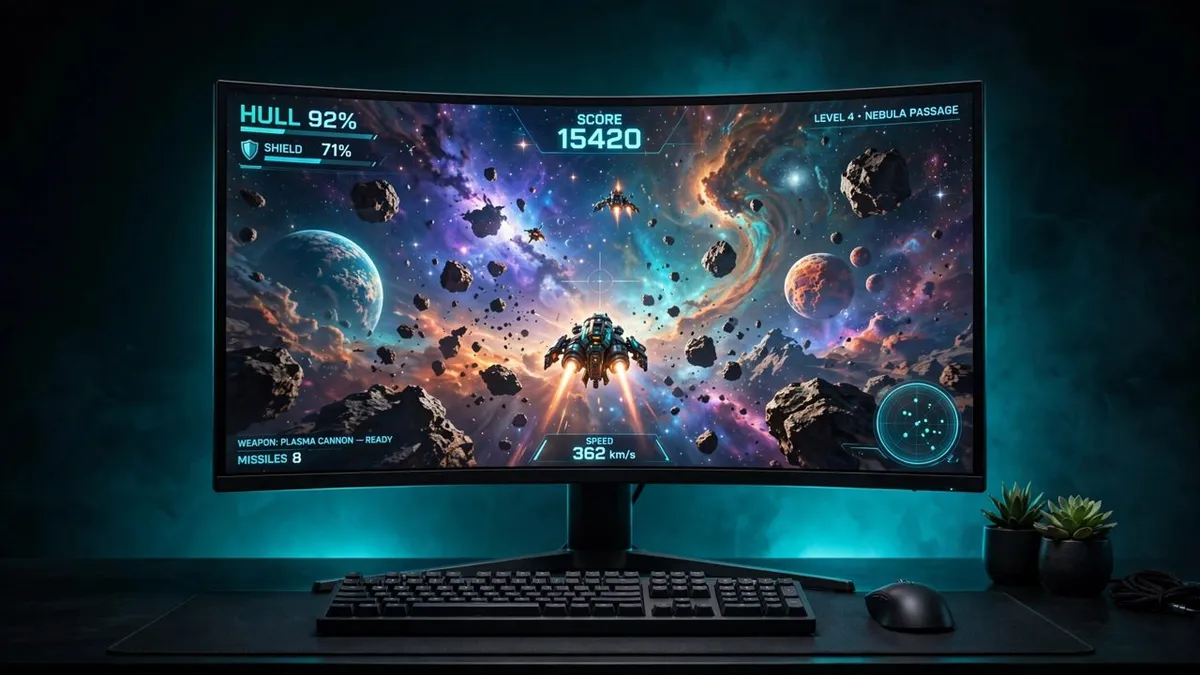
Best Curved Monitors in 2026: Ultrawide, 49-Inch and 32-Inch Picks
Curvature is quoted as an R number — the radius, in millimetres, of the circle the panel is cut from. The lower the number, the steeper the bend: 800R wraps hardest and suits one centred gamer, 1000R is Samsung's Odyssey standard, and 1500R and 1800R are gentle bends that mix gaming and desk work comfortably. Steeper is not better; it is a viewing-distance and taste question, and curved 16:9 (the Neo G7 below) divides opinion more than curved ultrawide does. Every pick was checked against the manufacturer plus an independent review or major retailer, and where the labs disagree, the disagreement is printed.
At a glance
| Monitor | Size / Panel | Resolution | Curve | Refresh | Typical price |
|---|---|---|---|---|---|
| Alienware AW3425DW | 34.2" QD-OLED | 3440x1440 | 1800R | 240Hz | $700-$800 |
| MSI MPG 341CQPX | 34" QD-OLED | 3440x1440 | 1800R | 240Hz | $720-$800 |
| LG UltraGear 34GS95QE-B | 34" WOLED | 3440x1440 | 800R | 240Hz | $695-$800 |
| Samsung Odyssey OLED G9 G95SC | 49" QD-OLED | 5120x1440 | 1800R | 240Hz | See stock note |
| Samsung Odyssey Neo G7 32 | 32" VA Mini-LED | 3840x2160 | 1000R | 165Hz | $600-$750 (last street) |
| Gigabyte G34WQC2 | 34" VA | 3440x1440 | 1500R | 200Hz | $250-$280 |
Prices checked November 2026 — live prices at the retailer may differ.
Alienware AW3425DW — best curved monitor for most gamers
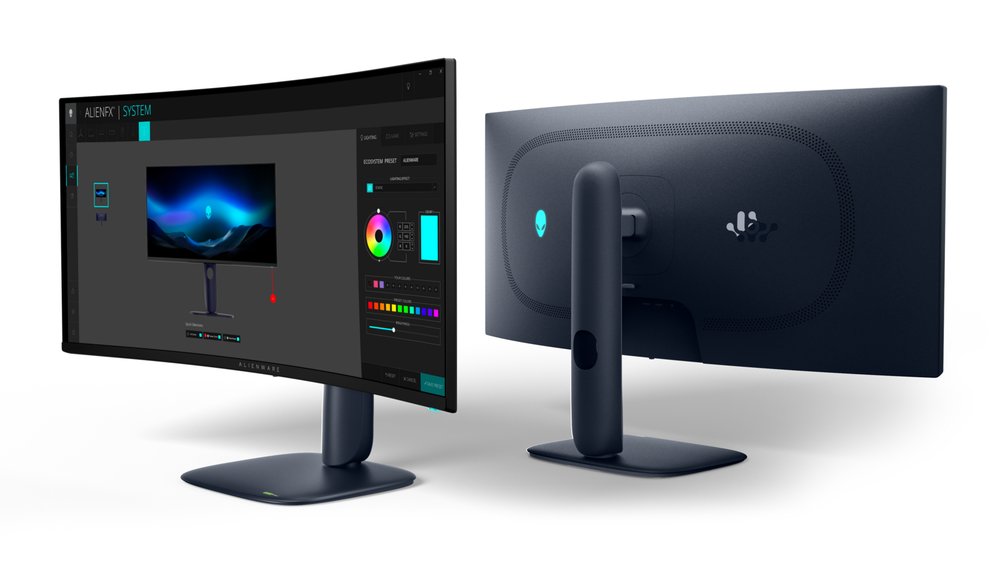
The default premium 34-inch ultrawide: second-generation QD-OLED at 240Hz, delivered at full speed over both DisplayPort (with DSC) and a full-bandwidth HDMI 2.1 port — 240Hz over HDMI is confirmed, which is rarer than it should be. HDR brightness depends on the mode you pick: PCWorld measured 978 nits in a 10% window, RTINGS about 500 in the same window in its True Black 400 mode, and both are real numbers for different settings. Two traps, both named in our full review: the USB-C port is data and charging only — not a video input — and there are no speakers and no audio-out jack at all. Dell's warranty runs 3 years; burn-in cover is widely reported for this model, though Dell does not word it explicitly on this model's US page. A 280Hz successor (AW3426DW) now exists at the same $799.99 list, which makes this one the buy whenever it is discounted, as it usually is.
Buy if you want the best 34-inch gaming picture with Dell's 3-year warranty behind it.
Skip if you need USB-C video for a laptop, or any built-in audio.
- 240Hz QD-OLED, full speed over HDMI 2.1 as well as DisplayPort
- FreeSync Premium Pro and G-Sync Compatible, both certified
- USB-C port is data and charging only, not video
- No speakers and no 3.5mm audio-out
MSI MPG 341CQPX — best curved monitor with USB-C
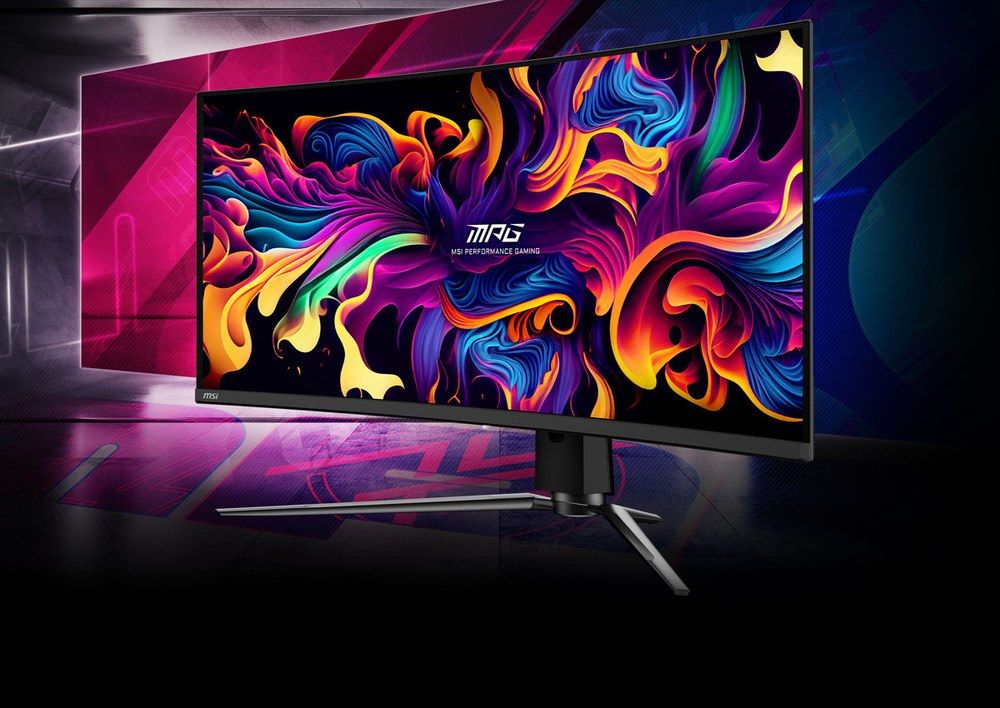
The same 240Hz QD-OLED class as the Alienware, but built for a desk that also hosts a laptop: its USB-C port is a genuine video input with 98W power delivery and a KVM switch, so one cable drives the screen and charges the machine. All three video inputs run the full 240Hz (DisplayPort needs DSC at 10-bit). HDR is mode-dependent here too — PCWorld measured 1,012 nits in a 10% window in Peak 1000 mode, while the True Black 400 mode caps highlights near 460. One honest asterisk: MSI's own pages disagree about sync certification (the datasheet says G-Sync Compatible, the global spec page says only Adaptive-Sync, and PCWorld found no formal certification) — variable refresh itself works with both GPU brands across 48-240Hz, but the badges are inconsistently documented. The USB hub also runs at USB 2.0 speeds, fine for a mouse and keyboard only. Against that, its warranty wording is the clearest in this guide: 3 years, explicitly including panel burn-in, in MSI's own datasheet.
Buy if one screen serves a gaming PC and a work laptop — this is the only pick with real USB-C video and charging.
Skip if you need fast USB ports for storage, or built-in speakers (there are none).
- USB-C video with 98W charging and a KVM switch
- 3-year warranty explicitly includes panel burn-in
- USB hub runs at USB 2.0 speeds only
- Sync certification inconsistently documented by MSI itself
LG UltraGear 34GS95QE-B — the steepest curve (800R)
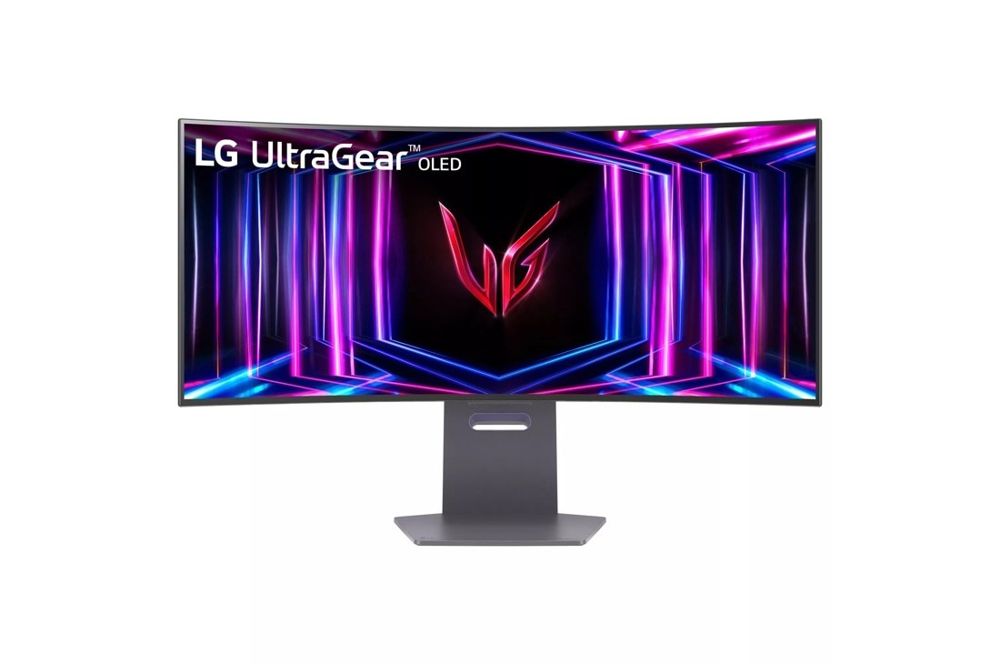
The immersion pick: an 800R curve — by far the steepest here — wrapped around a 240Hz WOLED panel. If the point of curved for you is the wrap, this is the one that actually delivers it. Its sync paperwork is the cleanest in the guide, with official G-Sync Compatible and FreeSync Premium Pro certifications. The brightness story needs the modes named: LG's 1,300-nit peak claim applies to tiny highlights under 3% of the screen; DisplaysTested measured 1,222 nits in a 10% window, while RTINGS, in its low peak-brightness setting, measured 577-588 — all real, all different settings. SDR brightness measured 241 nits against a 275 claim, so this is a dim-room screen. There is no USB-C of any kind and no speakers, and the warranty is 2 years including the OLED panel — LG's US wording does not explicitly promise burn-in coverage.
Buy if immersion is the whole point — the 800R wrap is in a class of one here.
Skip if you dock a laptop, work in a bright room, or want a long warranty.
- 800R curve — the steepest on this page
- Both sync certifications, officially validated
- No USB-C input of any kind
- 2-year warranty; burn-in not explicitly promised in LG's US wording
Samsung Odyssey OLED G9 G95SC — the 49-inch flagship (check stock)
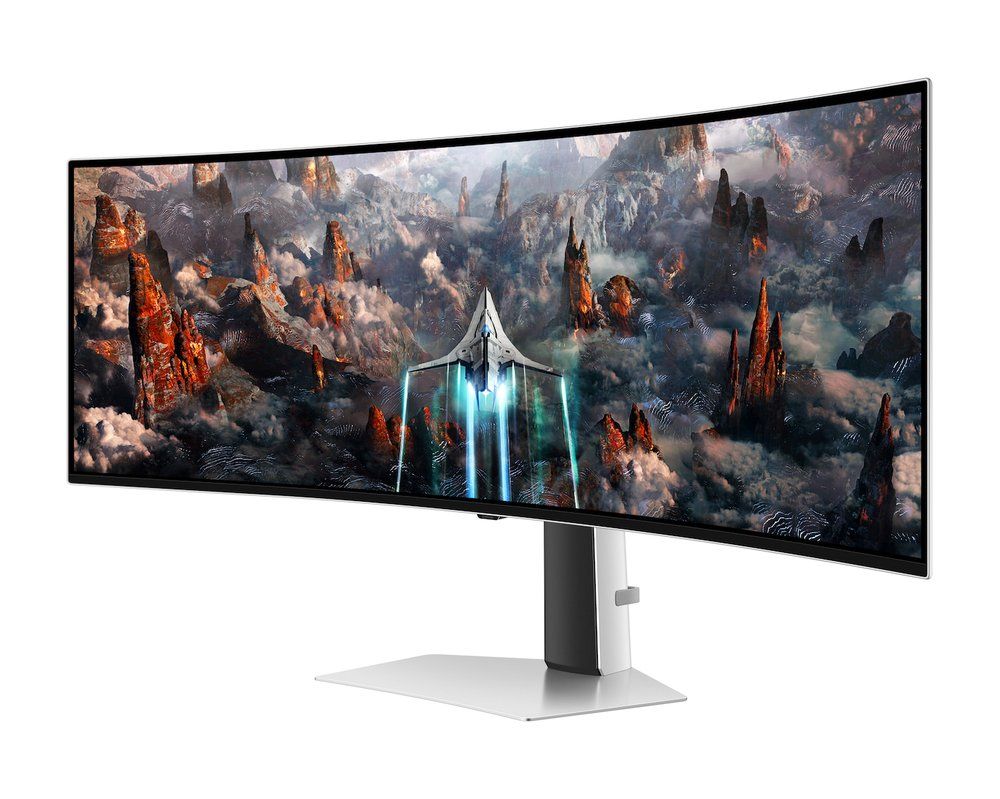
Two 27-inch 1440p monitors' worth of QD-OLED in a single 32:9 panel at 240Hz, with Samsung's Tizen smart-TV layer, streaming apps and a remote on top — and the only OLED here with built-in speakers (2x 5W). Now the flags, because this pick has several: it was out of stock at Samsung US in November 2026 at its $1,799.99 list price, and its recurring sale level of roughly $1,080-$1,100 is a last-seen figure, not a live quote — never pay list. The US warranty is 1 year with no burn-in coverage, whatever roundups claim about other G9 models. There is no USB-C (retailer listings that show one are wrong), and the second HDMI input is Micro HDMI, so budget for an adapter. If you want this panel without the hunt, the non-smart G93SC shares it, sits at $850-$1,100, and is the stocked route in our ultrawide guide.
Buy if you find it near its sale level and want one screen that is also a TV.
Skip if it is at list price, or burn-in cover matters to you — it has none in the US.
- 49-inch QD-OLED at 240Hz with smart-TV apps built in
- The only OLED pick with built-in speakers
- 1-year US warranty and no burn-in coverage
- Frequently out of stock; second HDMI is Micro HDMI
Samsung Odyssey Neo G7 32 — best 16:9 curved (check stock)
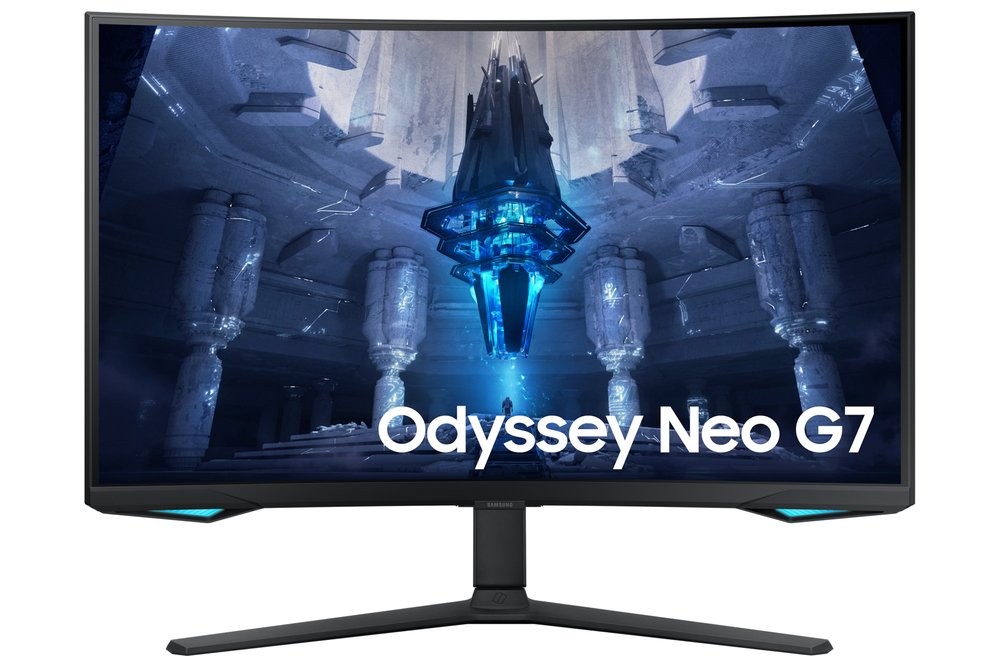
The high-contrast LCD answer for buyers who do not want OLED: a steep 1000R curve on a 32-inch 4K VA panel with a 1,196-zone Mini-LED backlight, so HDR highlights punch far harder than any other LCD here — about 796 nits measured in a 10% window, whatever the "Quantum HDR 2000" tier name suggests — and there is no burn-in question at all. The flag: this is a 2022 model at end of life. Samsung US lists it out of stock, B&H calls it discontinued, and the $600-$750 range is the last street and backorder level, not a verified in-stock price — buy only from a seller with easy returns. Two more honesty notes: the US warranty is 1 year (listings claiming 3 years are other regions' SKUs), and there are no built-in speakers and no USB-C.
Buy if you want bright-room HDR impact with zero burn-in worry, and you find retailer stock.
Skip if it is only available at or near its $1,099.99 list price.
- 1,196-zone Mini-LED backlight — the strongest LCD HDR here
- 4K at 165Hz with a steep 1000R curve
- End-of-life stock; 1-year US warranty
- No speakers and no USB-C
Gigabyte G34WQC2 — the value pick
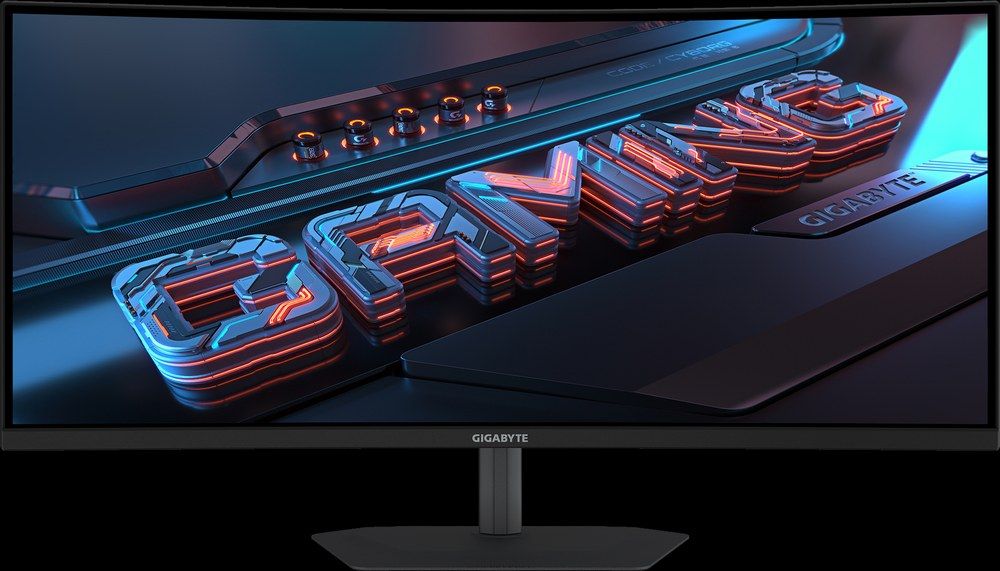
The honest budget route onto a curved ultrawide in November 2026: a 34-inch VA panel at 1500R running 200Hz with DisplayHDR 400, for roughly $250 — it succeeds the discontinued GS34WQC, whose remaining stock now costs more than this does new. The compromises are stated plainly: the 450-nit brightness and 1ms response figures are Gigabyte's claims, because no independent lab has published measurements for this model yet, and VA dark-transition smearing applies as it does to every VA panel. Its HDMI ports are 2.0, so use DisplayPort for the full 200Hz. There is no USB hub and no USB-C — but unlike the OLEDs above, it does include speakers (2x 2W).
Buy if you want a curved ultrawide for fast gaming at a flat-monitor price.
Skip if you need lab-measured performance figures, USB-C, or a USB hub.
- 200Hz at 3440x1440 for about $250
- Built-in speakers and DisplayHDR 400
- Brightness and response are manufacturer claims, not lab-measured
- HDMI 2.0 ports — DisplayPort required for 200Hz
The two traps in this category
USB-C is not one thing. Of these six curved monitors, exactly one takes video over USB-C:
- MSI 341CQPX: USB-C video input, 98W charging, KVM — the full feature
- Alienware AW3425DW: USB-C is data and 15W charging only — it will not show your laptop's picture
- LG 34GS95QE, both Samsungs, Gigabyte G34WQC2: no USB-C port at all
Burn-in wording differs more than burn-in risk. All three OLED panels here carry some risk with static content; what you are actually buying protection against it with varies by brand:
- MSI 341CQPX: 3 years, burn-in explicitly included in the datasheet
- Alienware AW3425DW: 3 years; burn-in cover widely reported, not explicitly worded on Dell's US page for this model
- LG 34GS95QE: 2 years including the panel; burn-in not explicitly promised in US wording
- Samsung G95SC: 1 year in the US, no burn-in coverage
- Neo G7 and G34WQC2: LCD panels — burn-in does not apply
Update history
November 10, 2026: Published: six curved picks two-source checked, with the curvature scale explained, OLED burn-in warranty wording compared model by model, and stock flags on both Samsung picks.
Sources checked
Specs and prices in this guide were checked against these sources in November 2026 — the manufacturer's own listing plus an independent lab or reviewer, per our two-source rule.
- Dell AW3425DW — official product page
- PCWorld — Alienware AW3425DW review
- MSI MPG 341CQPX — official specification
- MSI MPG 341CQPX — official datasheet (PDF)
- PCWorld — MSI MPG 341CQPX review
- LG 34GS95QE-B — official product page
- DisplaysTested — LG 34GS95QE-B lab review
- Samsung Odyssey OLED G9 G95SC — official product page
- RTINGS — Samsung Odyssey OLED G9 review
- Samsung Odyssey Neo G7 — official product page
- RTINGS — Samsung Odyssey Neo G7 review
- Gigabyte G34WQC2 — official specification
- Gigabyte G34WQC2 — Amazon US listing

Akbar Khan Editor, BuyBestMonitor
Akbar has run BuyBestMonitor since its original 2020 launch. Every guide here is checked under the site's two-source rule — manufacturer specs confirmed against an independent lab review — before publication and at every refresh. About the editor · How we check monitors