 BuyBest
Home › Best Monitors for Programming in 2026: Text Clarity First
Best Monitors for Programming in 2026: Text Clarity First
What actually matters for code
Pixel density is the whole game. Text is the content, and its sharpness is arithmetic: 1080p on a 24-inch screen is about 93ppi, 1440p on a 27 is about 109, 4K on a 32 is about 140, and 4K on a 27 is about 163. Programmers feel the ladder more than any other buyers — glyphs are small, high-contrast, and stared at for eight hours. Our honest floor for a main coding screen is 1440p-class at 27 inches; the sweet spot is 4K, where modern Windows, macOS and desktop Linux scaling renders code at print-like crispness while keeping UI elements sane sizes. Docking is second. A laptop programmer's desk wants one cable: video, charging, keyboard, mouse, Ethernet. The picks split exactly on whether their USB-C is a real dock or just a video input with charging — we say which, per pick. Comfort is third: a full height/tilt stand, brightness that matches the room without flicker-based dimming, and a matte finish. Refresh rate barely matters — 60Hz codes fine; 120Hz makes scrolling and window motion smoother, which is a pleasure, not a productivity feature, and we will not sell it as one.
At a glance
| Monitor | Slot | Panel | Typical price |
|---|---|---|---|
| Dell UltraSharp U3225QE | Best overall / the dock | 32" IPS Black 4K, 120Hz, TB4 hub | $770-$850 |
| Dell S2725QC | Best value one-cable | 27" IPS 4K, 120Hz, USB-C 65W | $300-$330 |
| ASUS ProArt PA279CRV | Design-adjacent dev | 27" IPS 4K, 60Hz, USB-C 96W | $390-$430 |
| Dell S2725QS | Sharpness per dollar | 27" IPS 4K, 120Hz, no USB | $230-$300 |
Prices checked November 2026 — live prices at the retailer may differ.
Dell UltraSharp U3225QE — best overall
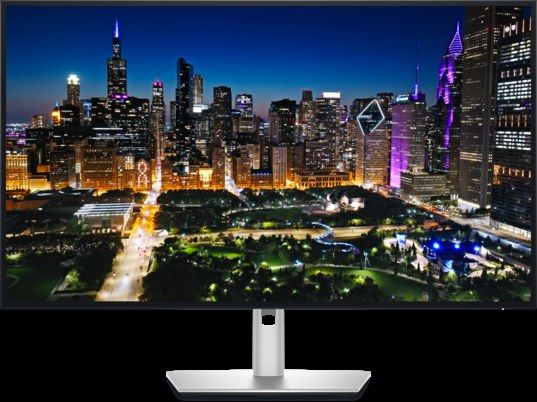
The only pick whose USB-C is a genuine workstation dock: Thunderbolt 4 at up to 140W with Ethernet and a daisy-chain output, so a second monitor hangs off the first and one cable still runs the desk. The panel is the other half of the argument — IPS Black 4K at about 140ppi, whose measured contrast (PCWorld's lab) essentially matches Dell's unusually honest claims, which is exactly what dark IDE themes want: true separation between background, code and comments without OLED's burn-in management on a screen that holds static windows all day. PCWorld's review called it the best home-office monitor it had tested. Mac owners should read one advisory first: Dell's own KB documents USB and wake quirks on MacBooks with a firmware fix (M2T102 A01) — printed in full in our Mac monitors guide. For Windows and Linux desks, no such footnote applies.
Buy if one cable should run a serious desk, possibly with two screens.
Skip if the budget is under $500 — the QC below is the same idea, smaller.
- A real dock: 140W, Ethernet, daisy-chain
- IPS Black contrast, lab-verified, kind to dark themes
- The price of a laptop, nearly
- Mac buyers: read Dell's KB advisory + firmware note first
Dell S2725QC — best value one-cable desk
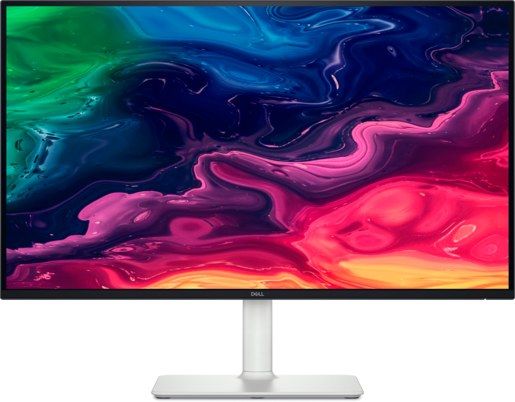
The programming sweet spot under $300: 4K at 163ppi with RTINGS' verdict of fantastic text clarity, strong post-calibration accuracy and an accurate sRGB mode — plus a USB-C upstream with 65W charging and a pop-out hub, so the laptop docks with one cable. Its trap is printed wherever we list it and matters to desktop-PC programmers most: there is no DisplayPort input. A desktop without USB-C video output cannot drive it properly; those buyers take the QS below. Response is slow and HDR is weak — irrelevant to code, disqualifying for gaming, and stated so nobody cross-shops it wrong. Warranty is one year with Advanced Exchange, per Dell's own page.
Buy if you code on a USB-C laptop and text is the job.
Skip if your machine needs DisplayPort.
- 163ppi text with a lab's praise behind it
- One-cable: 65W charging plus hub
- No DisplayPort input
- One-year warranty
ASUS ProArt PA279CRV — for design-adjacent development
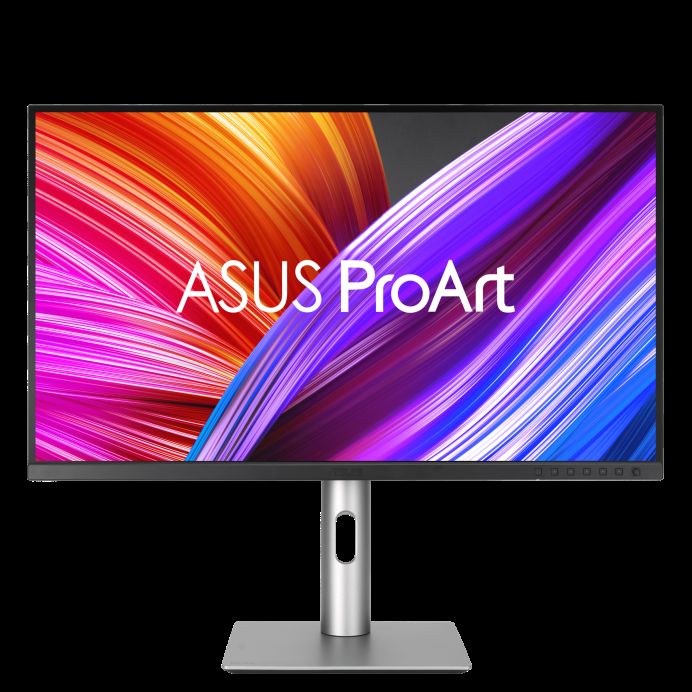
Front-end developers, and anyone whose code sits next to Figma all day, are the audience: a colour-true 4K panel with USB-C at 96W (enough for any laptop) from ASUS's ProArt line. One guidance note travels with this pick from our video-editing guide, where its measurements live: its Native colour mode measures loose (maximum ΔE 4.49 in testing) — use the sRGB mode, which is the accurate one, and the monitor is what it promises. An ASUS firmware programme (January 2026) also added proper macOS integration across this line. It is a 60Hz screen — for code, as this guide argues above, that is a footnote, not a flaw.
Buy if your code and your design files share the screen.
Skip if you want 120Hz smoothness or Dell's dock.
- Colour-true 4K with 96W USB-C
- ProArt accuracy where it counts — in sRGB mode
- Native mode measures loose — use sRGB
- 60Hz
Dell S2725QS — sharpness per dollar, desktop route
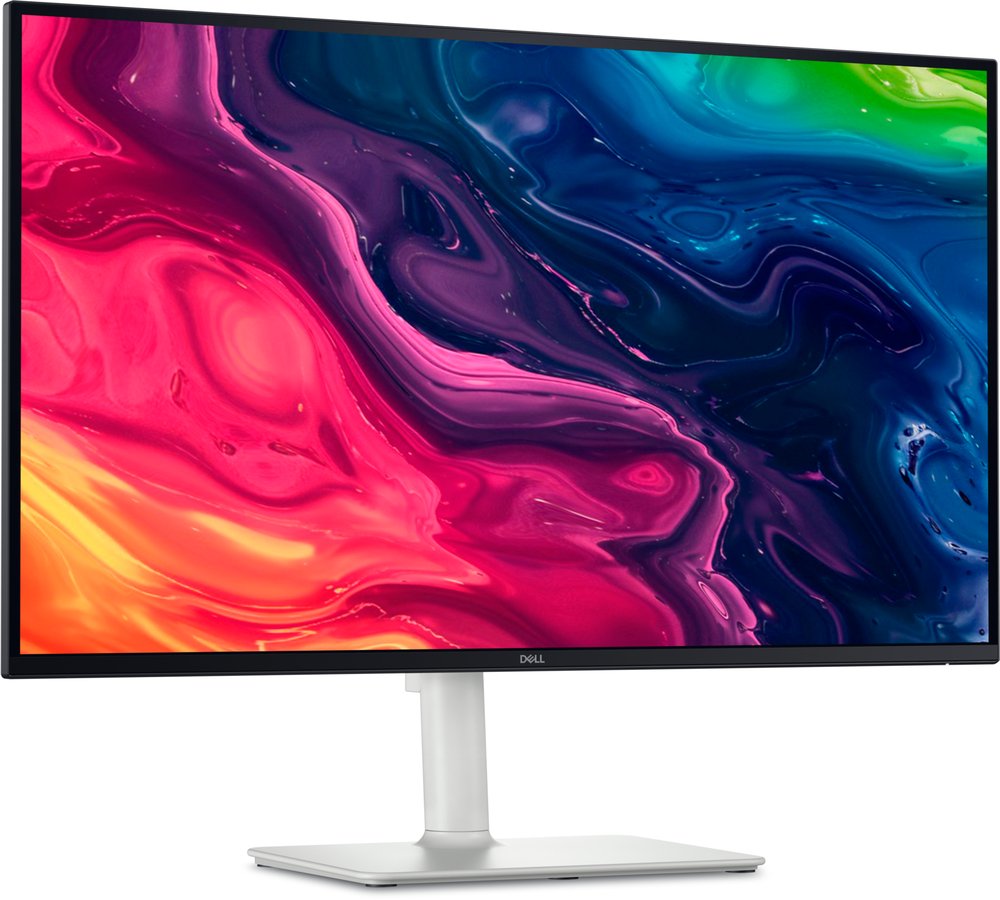
The QC's twin with the port set swapped: DisplayPort present, USB entirely absent. For a desktop-PC programmer that is the correct trade — the tower provides the ports, the monitor provides 163ppi text at the lowest price in this guide, with 120Hz on every input as a scrolling bonus. Its measured character (single-lab, labelled): about 338 nits, 1,244:1 contrast, 98% sRGB — an honest work screen. Laptop owners should not buy it and a dongle; the QC above exists precisely for them. The fork between these two Dells is the most common office-monitor mistake in their band, so this guide prints it on both picks.
Buy if you code at a desktop and want 4K text cheapest.
Skip if a laptop must dock over USB-C.
- 163ppi at the guide's lowest price
- 120Hz on every input
- No USB of any kind
- Single-lab measurement record
Format notes: ultrawide and portrait
Two format questions arrive with every programming guide. Ultrawide (a 34-inch 3440x1440) puts editor, terminal and docs side by side without a bezel — genuinely good for code, and our curved vs flat comparison covers the format honestly; its cost is pixel density (about 110ppi, a step down in text crispness from every pick above). Portrait — a rotated second screen for long files and logs — is the cheapest upgrade in this entire guide: any of these picks as the main screen, plus whatever 24-inch monitor you already own on a pivoting stand beside it. If you are choosing a stand today, pivot is the feature to insist on for exactly this reason. Our vertical monitor guide ranks the screens that actually turn sideways, with the portrait-width table and the BenQ RD280U trap. And the standing alternative: our work monitors guide covers the wider office field, of which this page is the code-focused cut.
Update history
November 19, 2026: Dell S2725QC range corrected to $300-$330 sitewide; added a pointer to the new vertical-monitor guide for a portrait second screen.
November 11, 2026: Published: programming picks ranked by text clarity and docking — U3225QE flagship dock, S2725QC value, PA279CRV for design-adjacent work, S2725QS for sharpness per dollar.
Sources checked
Specs and prices in this guide were checked against these sources in November 2026 — the manufacturer's own listing plus an independent lab or reviewer, per our two-source rule.

Akbar Khan Editor, BuyBestMonitor
Akbar has run BuyBestMonitor since its original 2020 launch. Every guide here is checked under the site's two-source rule — manufacturer specs confirmed against an independent lab review — before publication and at every refresh. About the editor · How we check monitors