 BuyBest
Home › Best Monitors Under $300 in 2026: Lab-Checked Picks
Best Monitors Under $300 in 2026: Lab-Checked Picks
Under $300, spec sheets lie in four specific ways, and this guide is organised around catching them. One: "HDR" usually isn't. DisplayHDR 400 — the badge on almost everything here — requires no local dimming at all; it means the panel can accept an HDR signal, not show one. Exactly one pick below can actually dim (336 Mini-LED zones). Two: the refresh rate is port-conditional. "180Hz" almost always means over DisplayPort; over HDMI 2.0 the same panel runs 144Hz — and one Amazon listing in this band's research claims HDMI 2.1 and a resolution the panel does not have. Three: the model name is not the monitor. Colour variants, one-letter suffixes with swapped ports, and region twins all live in this band, and roundups merge them. Four: the $300 line moves. Street prices swing $30-$80 on weekly deals, so ranges are printed with dated points, and an honest "spend a little more" box sits at the end instead of pretending the cap is a wall.
At a glance
| Monitor | Slot | Panel | Typical price |
|---|---|---|---|
| AOC Q27G3XMN | 1440p gaming + real HDR | 27" VA Mini-LED, 180Hz | $230-$285 |
| LG 27GS75Q-B | 1440p gaming, value | 27" IPS, 180Hz | $170-$200 |
| MSI G274QPF E2 | 1440p gaming, full-featured | 27" IPS, 180Hz | $190-$280 |
| Dell Alienware AW2725DM | 1440p gaming, stocked Dell | 27" Fast IPS, 180Hz | $200-$270 |
| Gigabyte GS27QA | Cheapest 1440p (flagged) | 27" IPS, 180Hz | $146-$160 |
| Dell S2725QS | 4K value | 27" IPS, 120Hz | $230-$300 |
| Dell S2725QC | Office USB-C, 4K | 27" IPS, 120Hz | $300-$330 |
| Dell S2725DC | Office USB-C, 1440p | 27" IPS, 144Hz | $190-$250 |
| Samsung Smart Monitor M7 | 32" smart / one-cable | 32" VA, 60Hz | $230-$300 (named SKUs) |
| Gigabyte G34WQC2 | Ultrawide (flagged) | 34" VA curved, 180Hz | $250-$280 |
| AOC 24G4 / BenQ EX251 | 24-inch budget / esports | 24" IPS, 180Hz / 220Hz | $100-$130 / $100-$150 |
Prices checked November 2026 — live prices at the retailer may differ.
1440p gaming — the centre of the band
AOC Q27G3XMN — the only real HDR under $300
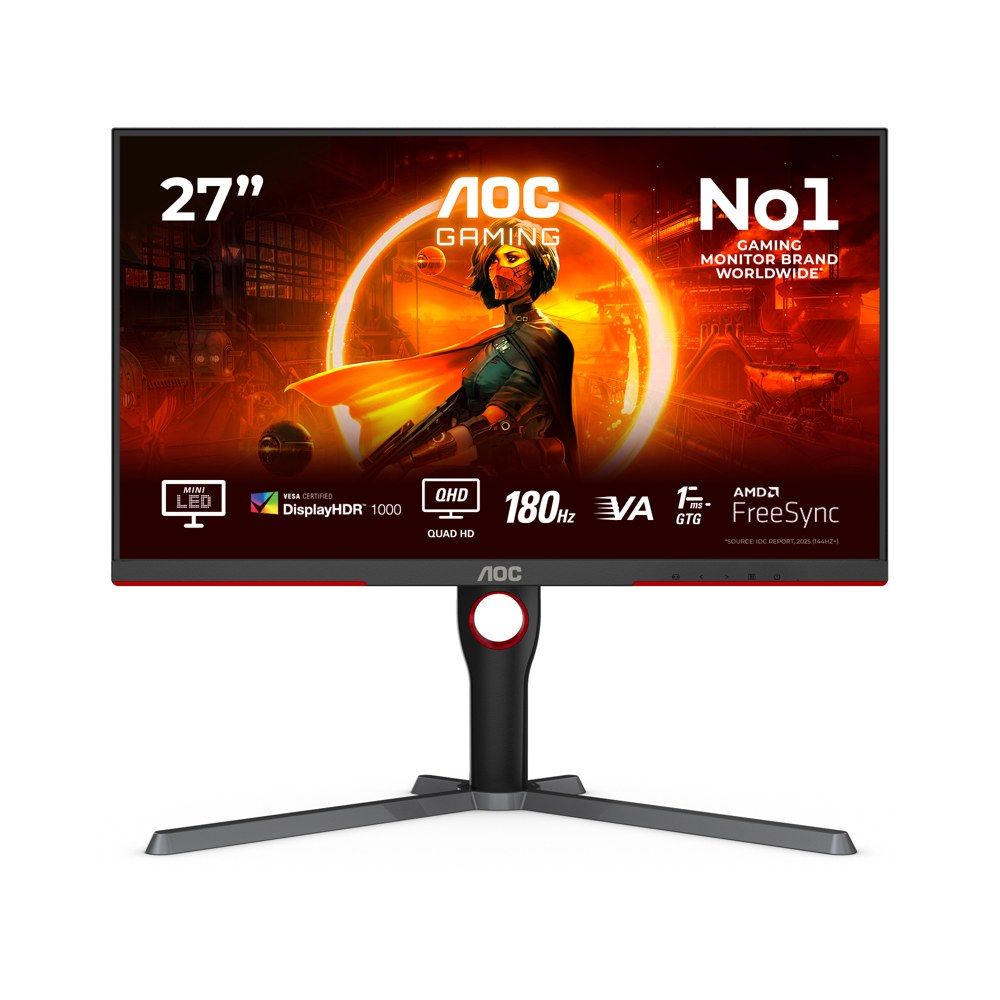
A 27-inch 1440p VA panel with a 336-zone Mini-LED backlight and a DisplayHDR 1000 certification — in a band where every other "HDR" badge is dimming-free. Two major labs have measured it, and the measurements beat the box: TFTCentral (re-tested on retail firmware) measured an HDR peak of 1,365 nits against the 1,000 advertised, static contrast of 3,565:1 against a 4,000:1 claim, and SDR brightness up to 657 cd/m² against AOC's 700-nit marketing — close, and honestly under, where the HDR figure is honestly over. The sRGB clamp story deserves its sentence: TFTCentral's original 2023 sample (an early EU unit) had a broken clamp; AOC confirmed retail units were never affected, and the retest measures the clamp working (sRGB dE 1.9 average). A reader citing the 2023 criticism is citing a sample they cannot buy. Gaming numbers from the same lab: 3.29ms total lag at 180Hz; Medium overdrive is the VRR setting (Strong overshoots as refresh drops), with the VA-class black smearing kept to low levels for the panel type. Two printed cautions. Ports: AOC's own US specification lists one HDMI 2.0 and one DisplayPort 1.4; TFTCentral's hands-on unit had two HDMI ports — if a second HDMI matters to you, check the box before opening it — and there is no USB-C at all. And ignore the Amazon listing title, which claims "HDMI 2.1" and "3440x1440": both are wrong. Refresh is 180Hz over DisplayPort, 144Hz over HDMI.
Buy if HDR and contrast matter and your games are not all fast dark shooters.
Skip if you need USB-C, a second verified HDMI, or IPS motion cleanliness.
- Real local dimming — the band's only one
- Lab beat the HDR claim: 1,365 nits measured
- HDMI count differs between AOC's spec (one) and the lab unit (two)
- VA smearing at low levels; no USB-C
LG UltraGear 27GS75Q-B — the value IPS route
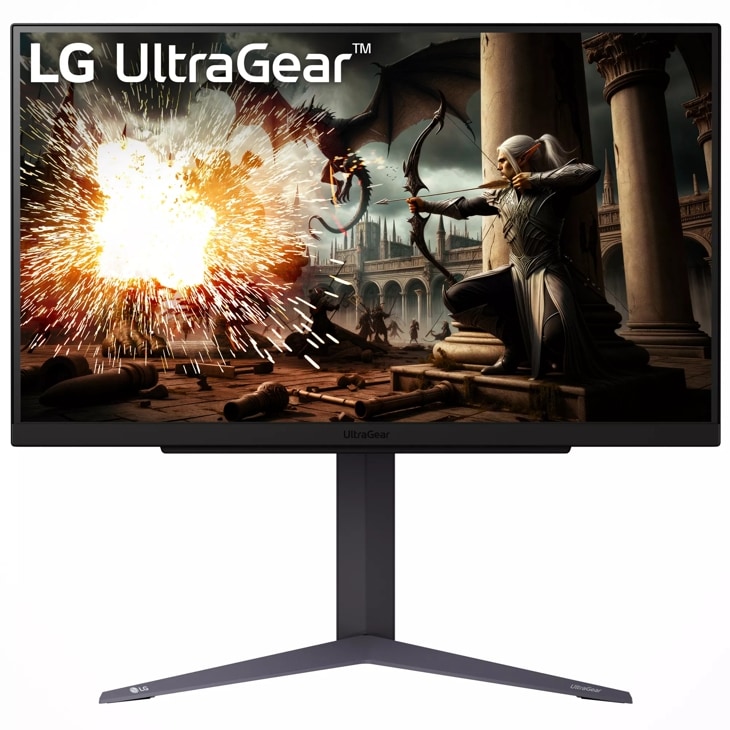
The cheapest stocked, lab-covered 1440p 180Hz route in the guide — about $179 at Amazon US at this guide's check. Its one lab (DisplaysTested) measured 4.4ms average GtG and 3ms latency, with about 306 nits of brightness: honest mid-band numbers, printed as measured. It is NVIDIA G-Sync Compatible certified (its FreeSync tier is stated inconsistently across sources, and we print that rather than picking one). The port reality decides who should buy it: HDMI is 2.0, so the 180Hz (200Hz overclock) lives on DisplayPort — PC gamers get the full panel, console and HDMI-laptop buyers get 144Hz at 1440p. No swivel on the stand, and the US warranty is one year. Full data in our 27-inch guide.
Buy if you game over DisplayPort and want the lowest honest price.
Skip if you need full refresh over HDMI, or a longer warranty.
- Lab-measured response at a value price
- G-Sync Compatible certified
- HDMI 2.0 — full refresh is DP-only
- One-year US warranty
MSI G274QPF E2 — the full-featured IPS
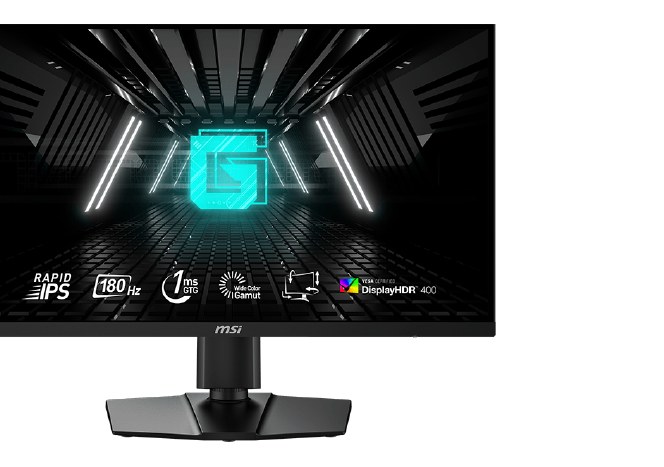
The pick for buyers who want the band's gaming spec without giving up the desk features: a USB-C input with video (15W — a signal port, not a charging hub), a full ergonomic stand, and a three-year warranty. Labs measured its brightness well above claim (484-530 nits across reviews against a 400-nit class claim), and its response honestly by mode: Fast measured 5.06ms and is the usable setting; Fastest overshoots. Two labels printed exactly as MSI states them: its sync is "Adaptive-Sync" (no NVIDIA or AMD certification badge), and HDMI caps at 144Hz — the 180Hz is DisplayPort's. Note the E2 suffix is the model; the older non-E2 G274QPF is a different panel.
Buy if you want one 1440p screen for a PC and a laptop.
Skip if the budget is firm at $200 — the LG above is the same resolution for less.
- Measured brighter than claimed by multiple labs
- USB-C video input and full stand in-band
- USB-C is 15W — signal, not charging
- Adaptive-Sync only; HDMI caps at 144Hz
Dell Alienware AW2725DM — the stocked Dell route
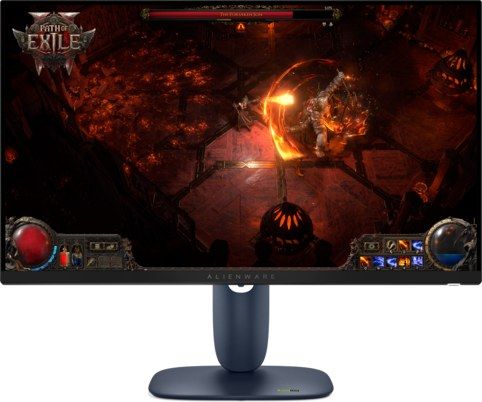
The honest successor to the discontinued G2724D's slot: a current Alienware with a full RTINGS review, a fully adjustable stand, a small USB hub and Dell's three-year Advanced Exchange behind it (per Dell's listing copy). RTINGS' record is the trade against pick 1, printed plainly: low input lag and good motion handling overall, but more blur with VRR enabled, IPS-class low contrast (blacks look grey next to the AOC), and poor HDR local dimming that cannot be switched off in HDR — the working advice is to leave HDR off and treat it as an SDR gaming monitor, at which it is genuinely good. Its console-friendly detail: 144Hz is available over both HDMI inputs, no port lottery. First-party Amazon pricing oscillates between about $200 and Dell's $269.99 list within a month — the range is the honest print, and Dell.com at list is the fallback.
Buy if you want Dell's warranty and a stocked, reviewed 1440p IPS.
Skip if HDR is part of the plan — its dimming hurts more than it helps.
- RTINGS-reviewed, current model, full stand and hub
- 144Hz over HDMI as well as DisplayPort
- More blur with VRR on (RTINGS)
- HDR local dimming is poor and cannot be disabled
Gigabyte GS27QA — the cheapest 1440p, both flags flying
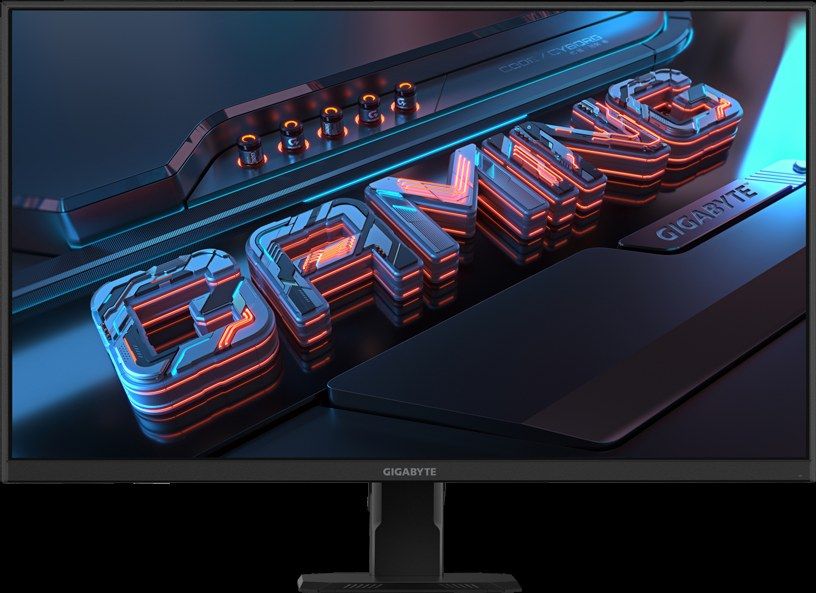
The floor of the 1440p class, included with its two flags as the consumer advice: no independent lab has measured this monitor — every figure attached to it (180Hz, "1ms" that is an MPRT figure, its gamut) is a Gigabyte claim — and first-party stock is intermittent at every tracked seller. What can be said for it: a three-year warranty (retailer and manual sourced), a real 1440p IPS spec at a 1080p price, and no lab has caught it lying, because no lab has looked. At $146-$160 the flags are the review. If either bothers you, the LG above is the cheapest lab-covered step up.
Buy if the budget is absolute and you accept an unmeasured panel.
Skip if you want any figure on the box verified.
- 1440p IPS at a 1080p price
- Three-year warranty
- Manufacturer claims only — no lab record exists
- Stock intermittent at first-party sellers
The discontinued note: Dell's G2724D was this slot's default until Dell's own store marked it $149.99 and out of stock. If you find old stock near $150-$200 it remains a fine buy (our review stands) — never pay the ~$300 marketplace markups now attached to it. The AW2725DM above is its stocked replacement.
4K value, and the Dell port fork
Dell S2725QS — 4K value
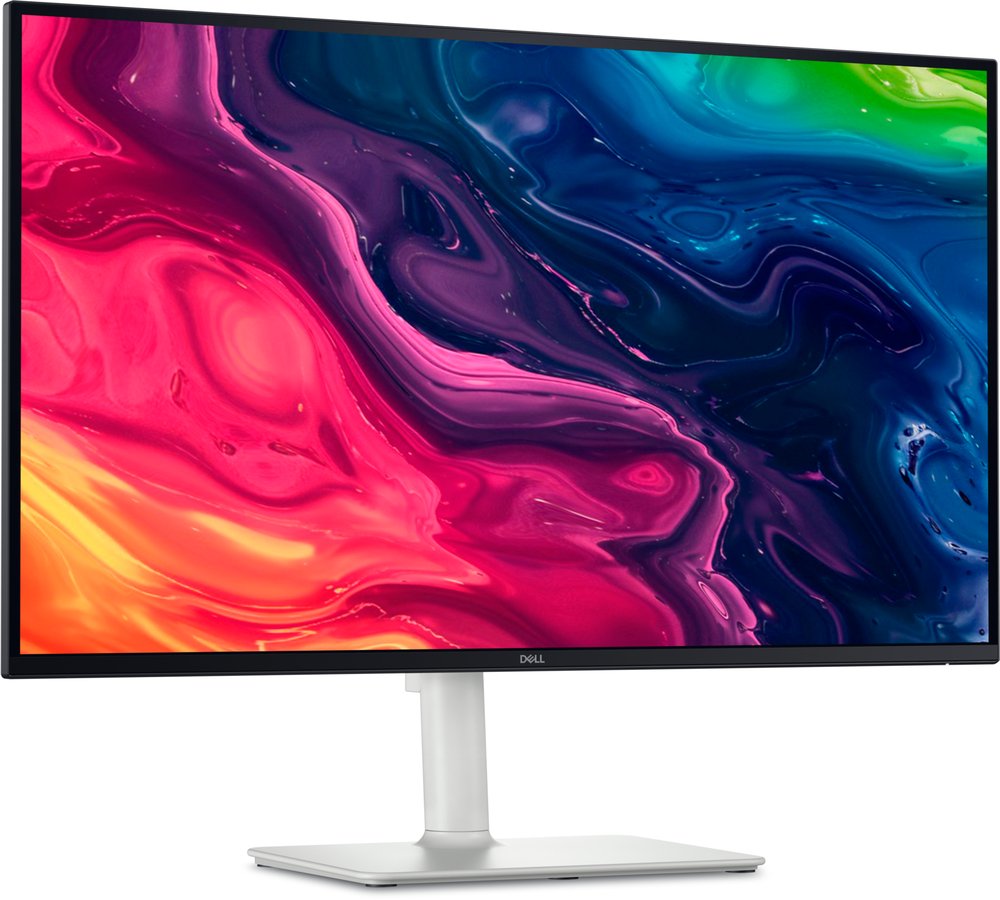
True-27 4K at about 163ppi with 120Hz on every input and FreeSync Premium — the cheapest route in this guide to a genuinely sharp screen, re-confirmed at $279.99 in stock at this check. Its identity in this guide is one half of a fork: the QS takes a DisplayPort input and has no USB at all (retail listings shouting "USB-C" about it are describing its sibling). Its measured character (single-lab, labelled): about 338 nits, 1,244:1 contrast, 98% sRGB and 75% DCI-P3 — an sRGB-accurate work screen whose response is too slow for serious gaming, per RTINGS. If you do not need USB-C, this is the 4K pick; if you do, its twin is next.
Buy if sharpness per dollar is the whole decision.
Skip if you need USB-C, or fast gaming.
- True 4K sharpness at a 1440p price
- 120Hz on every input
- No USB of any kind
- Response too slow for serious gaming (RTINGS)
Dell S2725QC — office 4K with USB-C (and no DisplayPort)
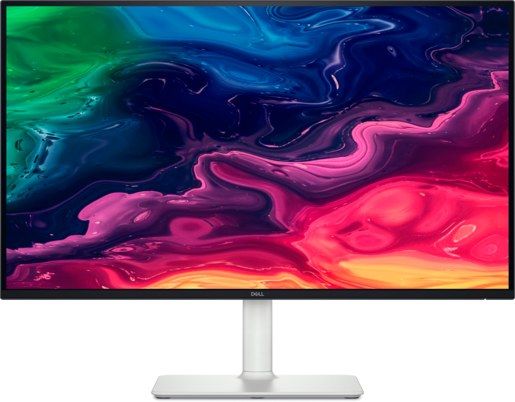
The QS's twin with the port set swapped: this one deletes DisplayPort to pay for a USB-C upstream with 65W charging and a pop-out USB hub — one cable runs the laptop, the screen and the desk's peripherals. RTINGS reviewed the exact model: fantastic text clarity, excellent ergonomics, strong post-calibration accuracy and an accurate sRGB mode; against that, pixel response too slow for its 120Hz badge to mean anything for gaming, and weak HDR. A European lab's ~393-nit peak against the 350 claim reaches us via secondary reporting and is labelled as such. The trap prints in bold because it decides the fork: there is no DisplayPort input — a desktop PC without USB-C video output cannot drive this monitor properly, and those buyers take the QS above or the DC below. Warranty, from Dell's own page: one year, with Advanced Exchange. Price note, 19 November 2026: Best Buy listed it at $299.99 — just inside this guide's band — while Dell direct was $329.99, which is why the range reads $300-$330.
Buy if your desk is a USB-C laptop and text is the job.
Skip if your PC needs DisplayPort, or you game fast.
- One-cable 4K desk: 65W charging plus hub
- RTINGS-verified text clarity and accuracy
- No DisplayPort input — the fork is real
- One-year warranty; slow response
Dell S2725DC — the 1440p one-cable alternative
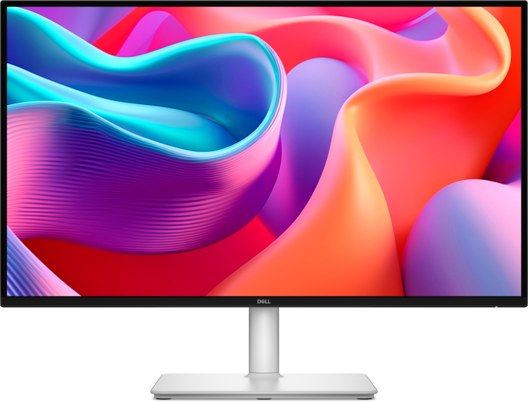
For the buyer who would rather have refresh than pixels: the same one-cable idea (USB-C 65W plus hub) with both DisplayPort and HDMI present — the QC's trap does not apply — driving a 144Hz 1440p panel for $40-$80 less. Its lab record reaches this guide through two independent secondary reports of named labs: RTINGS made it a budget USB-C pick (7.7 office score, via a roundup's citation) and TechRadar gave it five stars and an Editor's Choice (via a roundup's quotation). Both verdicts are real and named; neither was read on the lab's own page for this guide, so we print the verdicts and no measured figures — that labelling is the difference between a sourced guide and a scraped one.
Buy if 1440p at 144Hz beats 4K at 120Hz for your desk.
Skip if you want lab figures you can read first-hand before buying.
- Both port religions served: DP and HDMI plus USB-C
- Named-lab verdicts are strong (labelled secondary)
- No directly-sourced measurements in this guide
- 1440p, not 4K
The 32-inch smart option, and ultrawide
Samsung Smart Monitor M7 — only the named SKUs
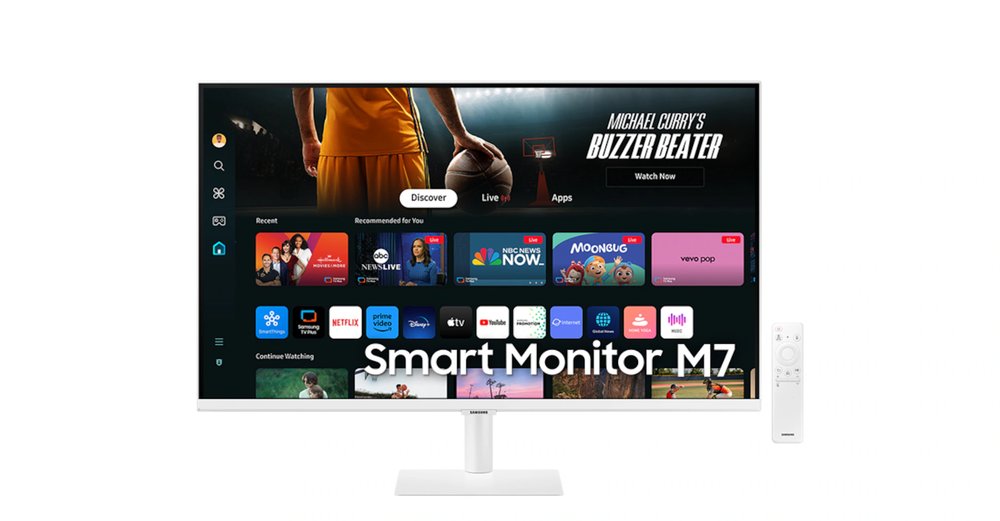
A 32-inch 4K VA screen with TV apps, a remote and a USB-C input with 65W charging — the one-cable living-desk option. This pick carries the guide's clearest variant trap, so it is printed as an instruction: buy the white M70D or the 2025 FM "Vision AI" generation (in band at $230-$300 at this check); the black M70D was $412 at Amazon US on the same day — same family name, not an under-$300 monitor. The buy button below is aimed at the white model for exactly that reason; verify the colour and generation on the listing before paying. As a monitor it is a 60Hz screen with smart-TV strengths; our 32-inch guide carries its full entry.
Buy if you want a small TV that is also a desk screen — in white or FM form.
Skip if the listing is the black M70D at $400+, or you game.
- 32" 4K plus streaming apps at a monitor price
- USB-C 65W for a laptop desk
- Variant pricing trap — black is out of band
- 60Hz; a smart screen first
Gigabyte G34WQC2 — ultrawide, spec-sheet only
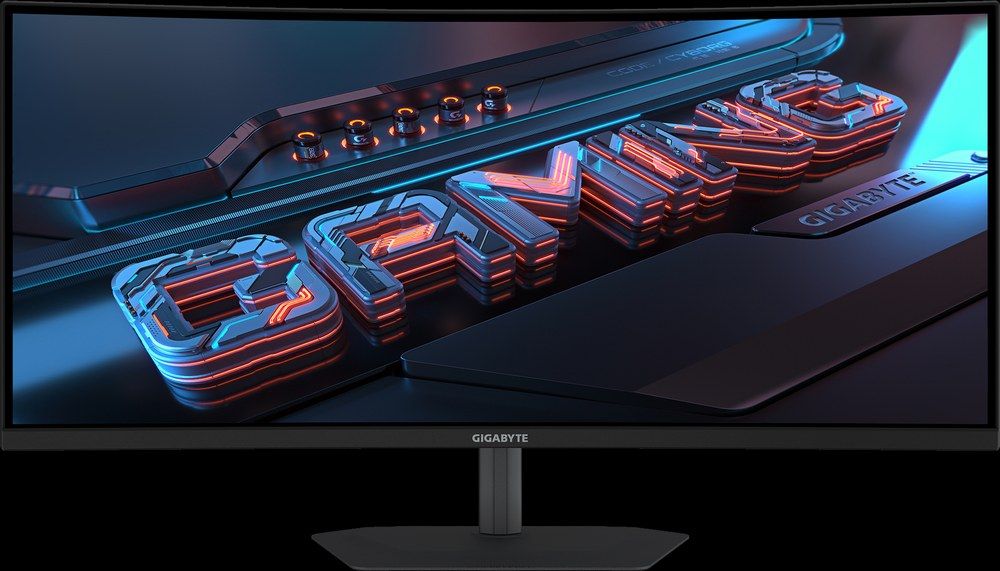
The band's only ultrawide, carrying the same honesty flag as the GS27QA: no independent lab has measured it — its 180Hz, contrast and colour figures are Gigabyte's claims, and its warranty term was not verified in our research, so neither is dressed up here. What is verified: the price (Newegg $249.99, the single-retailer anchor this pick's price rests on — that also prints) and the format's appeal, a 34-inch 3440x1440 curve for the price of a 27-inch 1440p. Buyers who want a lab-measured ultrawide instead should read the boundary box below before spending.
Buy if ultrawide immersion at this price outweighs verified figures.
Skip if you buy on measurements — see the boundary box.
- 34" ultrawide at a 27" price
- Price verified at a named retailer
- Manufacturer claims only — no lab record
- Single-retailer price anchor
24-inch budget pair
AOC 24G4 — the budget staple
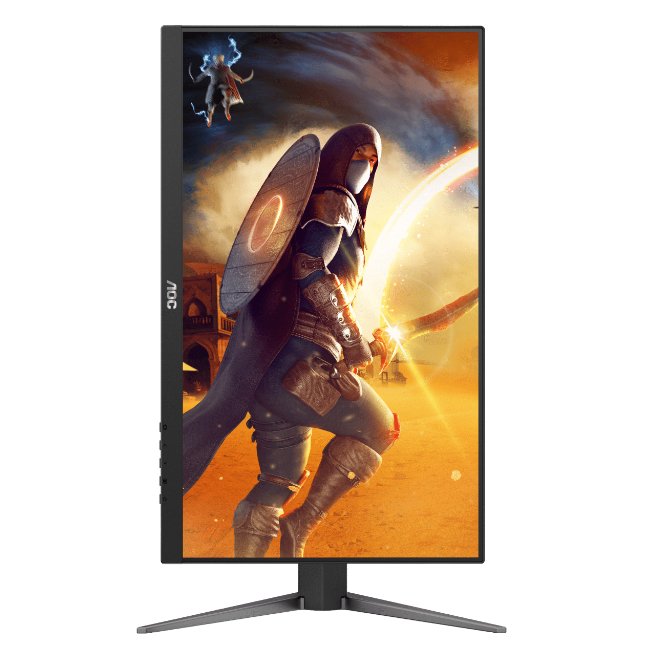
At 24 inches, 1080p is the correct resolution (about 93ppi — the same density as a 32-inch 1440p screen), and this is the band's staple: 180Hz fast IPS at $118.95 on Amazon at this check. Two manufacture-date traps from our 24-inch guide travel with it: NVIDIA G-Sync Compatible certification applies only to units manufactured from June 2024, and its HDR is HDR10 signal acceptance, not HDR display. AOC states no warranty term we could verify, so none is printed.
Buy if $130 is the ceiling and the game is competitive.
Skip if you can stretch to 1440p — the LG above is the step.
- 180Hz IPS at the band's floor price
- Price re-confirmed this month
- G-Sync certification is manufacture-date dependent
- Warranty term not stated by AOC
BenQ MOBIUZ EX251 — the cheap-seats refresh pick
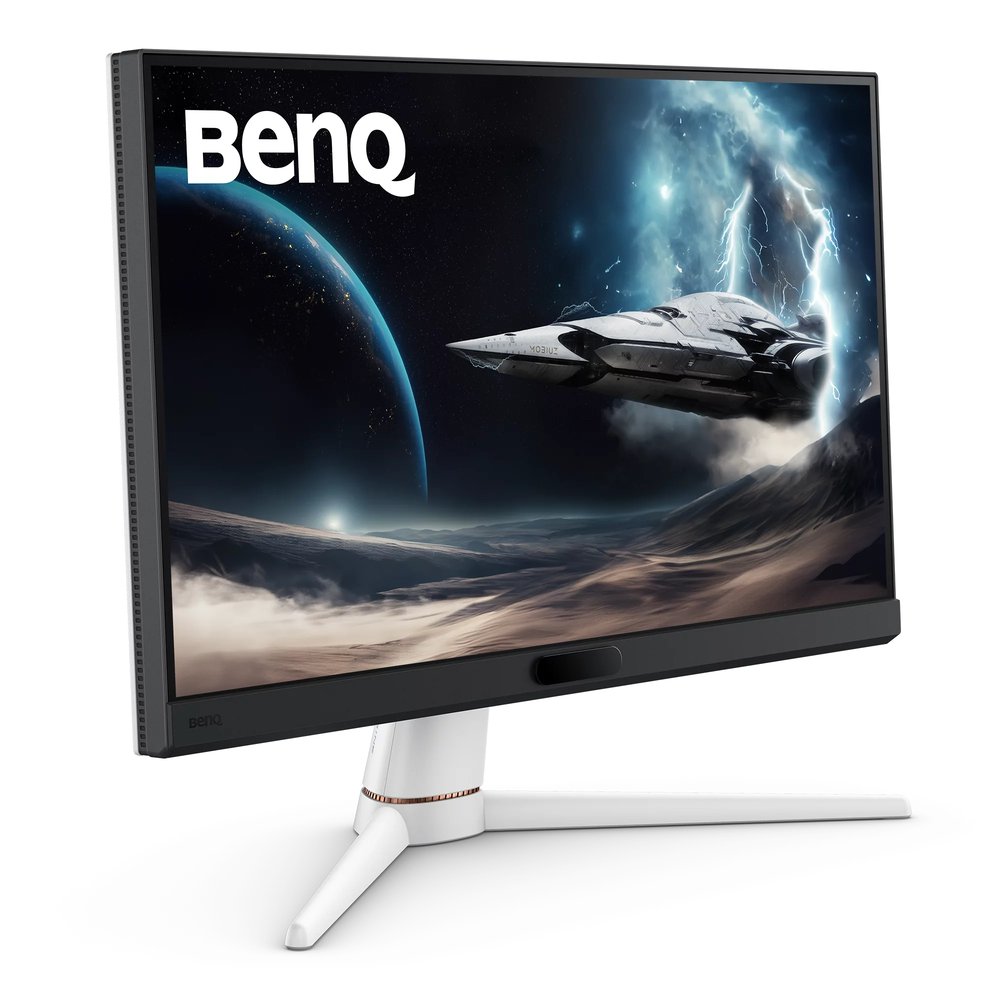
220Hz on both inputs at a 24.5-inch esports size — the highest refresh in this guide that a lab-covered pick offers at the price. Its DisplayPort is 1.2 per BenQ (the 220Hz runs over it regardless), its FreeSync tier is disputed across sources and printed as such in our 24-inch guide, and one listing error is worth repeating: the "99% Adobe RGB" figure circulating for it is wrong — it is a 99% sRGB-class panel. Warranty is three years per Adorama's listing.
Buy if refresh rate per dollar is your only metric.
Skip if you play anything where colour or size matters more.
- 220Hz on both inputs at ~$100-$150
- Three-year warranty (retailer-stated)
- FreeSync tier disputed
- 1080p at 24.5" is a specialist's format
Portable, in one paragraph
The band's portable is ASUS's ZenScreen MB169CK at $109-$119 (B&H, in stock at this check; Amazon has drifted to about $125) — but a portable is a different purchase from everything above, with its own brightness-on-bus-power trap, so it gets its own guide rather than a re-review here: Best Portable Monitors.
The honest boundary: spend a little more
Dell S3225QS — $329.99 at both Best Buy and Amazon at this check: the QS/QC fork at 32 inches, 4K and 120Hz for $30 over the line. Dell's own sales periodically take it under $300; at $329.99 it is a boundary pick, and rounding it into an "under $300" list would be exactly the kind of quiet lie this guide exists to avoid. ASUS VG34VQL3A — $250-$370: the ultrawide step-up for buyers who want a lab-measured panel instead of the G34WQC2's spec sheet; it straddles the line rather than sitting under it, which is why it lives in this box. Both are fully covered in our 32-inch and ultrawide guides.
Also checked, and why they are not picks
AOC Q27G4X is an EU/UK IPS model with no confirmed US availability — and its US namesake, the Q27G4XN, is a different (VA) monitor with no major-lab review. Nothing measured about one may be printed about the other; neither is pickable here. AOC's Q27G40XMN, the headline pick's Mini-LED sibling, is a Best Buy exclusive whose page a tracker recorded as no longer available new, with two labs reporting materially different behaviour — re-check at refresh. Dell's S2725DS has no lab review, and roundups crediting it with "USB-C 65W" are confusing it with the DC above — Dell's own spec gives it HDMI and DisplayPort only. Its refresh, the S2725DSM, is attractively priced and equally unmeasured. Attractive and unmeasured is what the two-source rule exists to refuse.
Update history
November 19, 2026: Dell S2725QC range corrected to $300-$330 sitewide (Best Buy $299.99 on 18 November — just inside this guide's band; Dell direct $329.99).
November 11, 2026: Published: twelve picks under $300 with the band's four truth tests printed — Q27G3XMN headline (the only real HDR), three new Dell picks, variant and stock flags on the page, and an honest spend-a-little-more box.
Sources checked
Specs and prices in this guide were checked against these sources in November 2026 — the manufacturer's own listing plus an independent lab or reviewer, per our two-source rule.
- TFTCentral — AOC Q27G3XMN lab review (retail-firmware retest)
- AOC Q27G3XMN — official US product page and specification
- Dell Alienware AW2725DM — official product page
- Dell S2725QC — official product page (warranty: 1 Year, Advanced Exchange)
- Dell S2725DC — official product page
- MSI G274QPF E2 — official specification
- LG 27GS75Q-B — official product page
- DisplaysTested — LG 27GS75Q-B lab review
- Dell S2725QS — official product page
- RTINGS — Dell S2725QS review

Akbar Khan Editor, BuyBestMonitor
Akbar has run BuyBestMonitor since its original 2020 launch. Every guide here is checked under the site's two-source rule — manufacturer specs confirmed against an independent lab review — before publication and at every refresh. About the editor · How we check monitors