 BuyBest
Home › Best Monitors for Video Editing 2026: Colour-Checked Picks

Best Monitors for Video Editing in 2026: Colour-Checked Picks
On a gaming guide, colour is a spec. On an editing guide, colour is the product — so every pick here is led by claimed versus measured figures: gamut coverage, Delta E accuracy, whether a factory calibration report exists, and whether the monitor supports hardware (LUT) calibration, where the correction is written into the monitor itself, or only software calibration, where the profile lives in one computer. HDR gets the same treatment: a DisplayHDR certificate on an edge-lit panel is signal compatibility, not grading. Where a lab disagrees with a claim, the lab wins in print. Editing stills rather than footage? The gamut question changes — see our photo-editing monitor guide.
At a glance
| Monitor | Size / Panel | Measured colour | Hardware calibration | Typical price |
|---|---|---|---|---|
| Dell UltraSharp U3225QE | 31.5" IPS Black | 100% sRGB / 98% DCI-P3 | No — ICC only | $770-$850 |
| ASUS ProArt PA279CRV | 27" IPS | ~97-100% DCI-P3, ΔE 0.6-0.8 in presets | Yes | $390-$430 |
| ASUS ProArt PA32UCDM | 31.5" QD-OLED | >105% DCI-P3 volume, ΔE <1 | Yes | $1,599-$1,699 |
| BenQ SW272U | 27" IPS | ΔE 1.07 measured — beats its claim | Yes — 16-bit 3D LUT | $1,499-$1,550 |
| Dell S2725QS | 27" IPS | 98% sRGB / 75% DCI-P3 | No | $230-$300 |
| MSI MPG 272URX | 26.5" QD-OLED | ~98% DCI-P3 | No | $865-$900 |
| Samsung Smart Monitor M7 | 31.5" VA | No editing-grade record | No | $230-$300 |
Prices checked November 2026 — live prices at the retailer may differ.
Dell UltraSharp U3225QE — best overall for editing
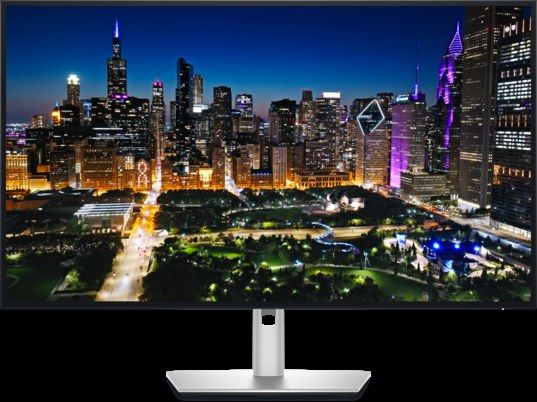
The best all-round editing buy here for SDR work: PCWorld measured 100% sRGB and 98% DCI-P3 against Dell's 99% claim — the claims essentially hold — with 2,900:1 IPS Black contrast and a genuine Thunderbolt 4 dock (140W, daisy-chain, 2.5GbE, KVM) plus 120Hz for smooth timeline scrubbing. Two honesty items lead its entry. First, Dell's "Delta E <1.5" factory figure is a claim only — no independent lab has published a measured average for this model that we could verify, so we print it as a claim. Second, it has no hardware calibration: Dell's software calibrates through a colorimeter but stores the correction as an ICC profile on the computer, whatever retailer copy says about a programmable LUT (that feature belongs to Dell's UP-series). The profile does not travel if you switch machines. Its DisplayHDR 600 certificate sits on an edge-lit panel with no effective local dimming — compatibility, not HDR grading. Warranty: 3 years with Advanced Exchange.
Buy if SDR editing is the job and one cable should run the desk.
Skip if you need calibration stored in the monitor, or real HDR.
- Widest measured LCD gamut here — 98% DCI-P3, claims hold
- Thunderbolt dock and 120Hz timelines in one screen
- Delta E figure is a Dell claim — no lab average exists
- No hardware calibration; HDR is certificate-only
ASUS ProArt PA279CRV — the creator value pick

The cheapest monitor in this guide that behaves like a professional colour tool. ASUS claims 99% DCI-P3 and 99% Adobe RGB with Delta E <2 and a factory report in the box; the labs found ≈97–100% DCI-P3 depending on meter and method (DisplayNinja vs TechPorn — we print both) and average Delta E of 0.57–0.8 across the sRGB, Adobe RGB, DCI-P3 and Rec.709 preset modes (DisplayNinja). Crucially, it has true hardware calibration — ASUS's software writes profiles into the monitor — the feature the Dell above lacks, at half its price. The trap is the same one this site prints for gaming OLEDs: accuracy lives in the preset modes. In Native mode, DisplayNinja measured a maximum Delta E of 4.49. Grade in the mode that matches your deliverable. Uniformity measured a maximum 5% luminance deviation (Les Numériques) — good for the class. USB-C carries 96W. HDR is DisplayHDR 400 on an edge-lit panel: compatibility only, an SDR grading monitor. Warranty 3 years.
Buy if you grade Rec.709/P3 for web and broadcast and want calibration in the monitor.
Skip if you grade HDR, or you will forget to leave Native mode.
- Measured Delta E under 1 in preset modes, with hardware calibration
- Factory calibration report included; 96W USB-C
- Accuracy collapses in Native mode (max ΔE 4.49 measured)
- HDR is a certificate, not a capability
ASUS ProArt PA32UCDM — the true HDR grading pick

The only monitor here that can honestly be called an HDR grading display at a sane price: a 31.5-inch 4K QD-OLED with per-pixel light control, Dolby Vision, HDR10 and HLG, factory Delta E <1, and hardware calibration. Tom's Hardware measured gamut volume over 105% of DCI-P3 and found its preset modes hit their targets without calibration. The HDR sentence needs its caveat in the same breath: Tom's measured 1,000 nits in a 3% window and over 700 at 25% — genuine highlights — but sustained full-screen brightness is about 250 nits under the brightness limiter, so it grades HDR; it does not master at 1,000 nits full-field. Tom's also noted some tone-mapping and colour errors in HDR mode — the honest gap between a grading tool and a reference monitor costing five times more. Thunderbolt 4 with 96W. Warranty is 3 years including burn-in per retailer listings — the wording that matters on a screen holding a static timeline all day. Note the calibrator-bundled SKU (PA32UCDM R-K) when comparing listings.
Buy if you deliver HDR for streaming platforms and need it buyable, calibrated and per-pixel.
Skip if you master at full-field 1,000 nits — nothing at this price does that.
- Real per-pixel HDR with Dolby Vision and hardware calibration
- Preset accuracy confirmed by Tom's Hardware lab
- Full-screen brightness clamps at about 250 nits
- HDR tone-mapping errors noted in lab testing
BenQ SW272U — the colour-reference IPS
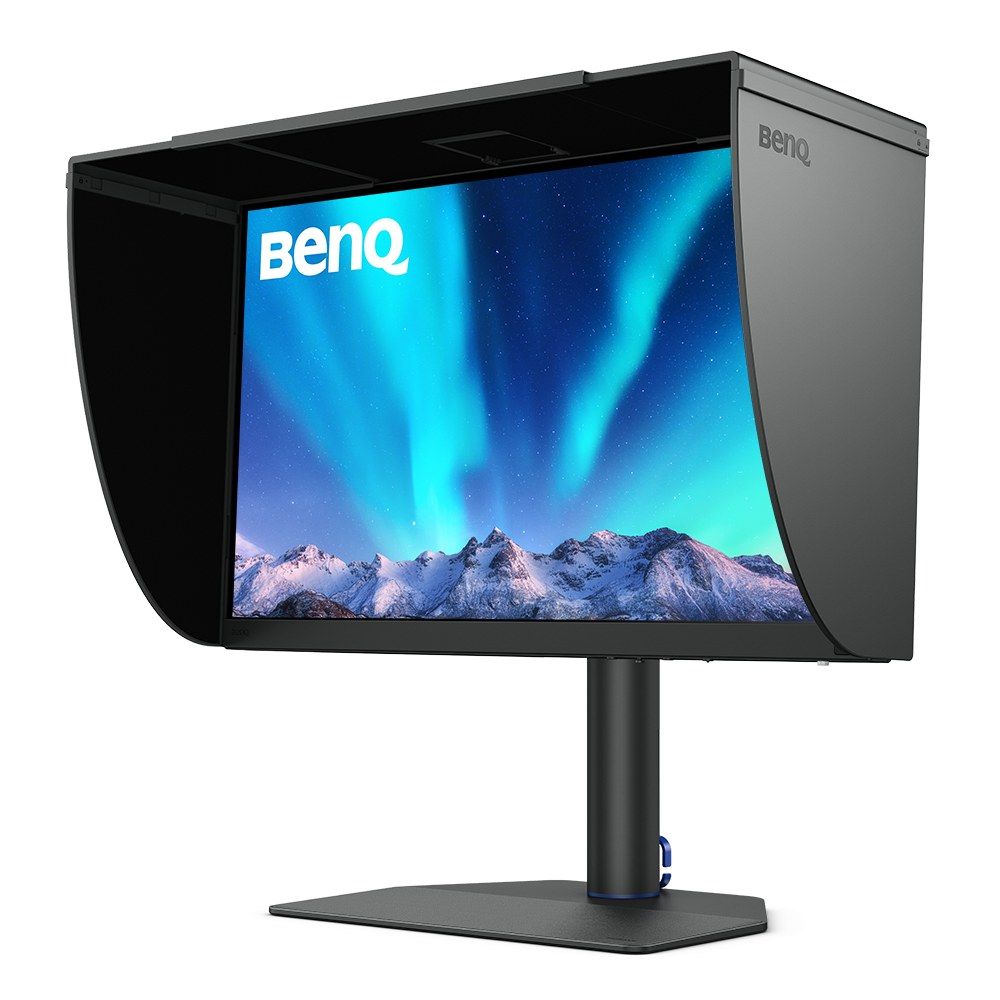
The stills-and-video crossover reference, and the best independently measured out-of-box accuracy in this guide: Digital Camera World's lab measured an average Delta E of 1.07 — better than BenQ's own ≤1.5 claim — and verified its 99% Adobe RGB / 99% DCI-P3 claim set. Its uniformity record is the most complete here (maximum 7–8% luminance deviation across nine regions; colour uniformity ΔE 2.7 maximum at full brightness), which is what reference money actually buys. Calibration is the deepest implementation in the guide: a 16-bit 3D LUT via BenQ's Palette Master Ultimate, with Calman and LightSpace also supported; a shading hood and Hotkey Puck are in the box. Two printed caveats: TechRadar reports its 10-bit colour runs on an 8-bit panel with FRC dithering, and its HDR is signal support only on an SDR-class panel — this is not an HDR monitor in any sense. For the same money, pick 3 buys real HDR instead; this one buys Adobe RGB, uniformity and print crossover. The fork is honest, and it is yours to choose.
Buy if SDR colour-critical work and print crossover are the job.
Skip if HDR delivery matters — take the PA32UCDM at the same money.
- Measured Delta E 1.07 beats the manufacturer's claim
- 16-bit 3D LUT hardware calibration; full uniformity record
- 8-bit + FRC panel depth per TechRadar
- HDR is signal support only
Dell S2725QS — the budget editing pick (sRGB only)
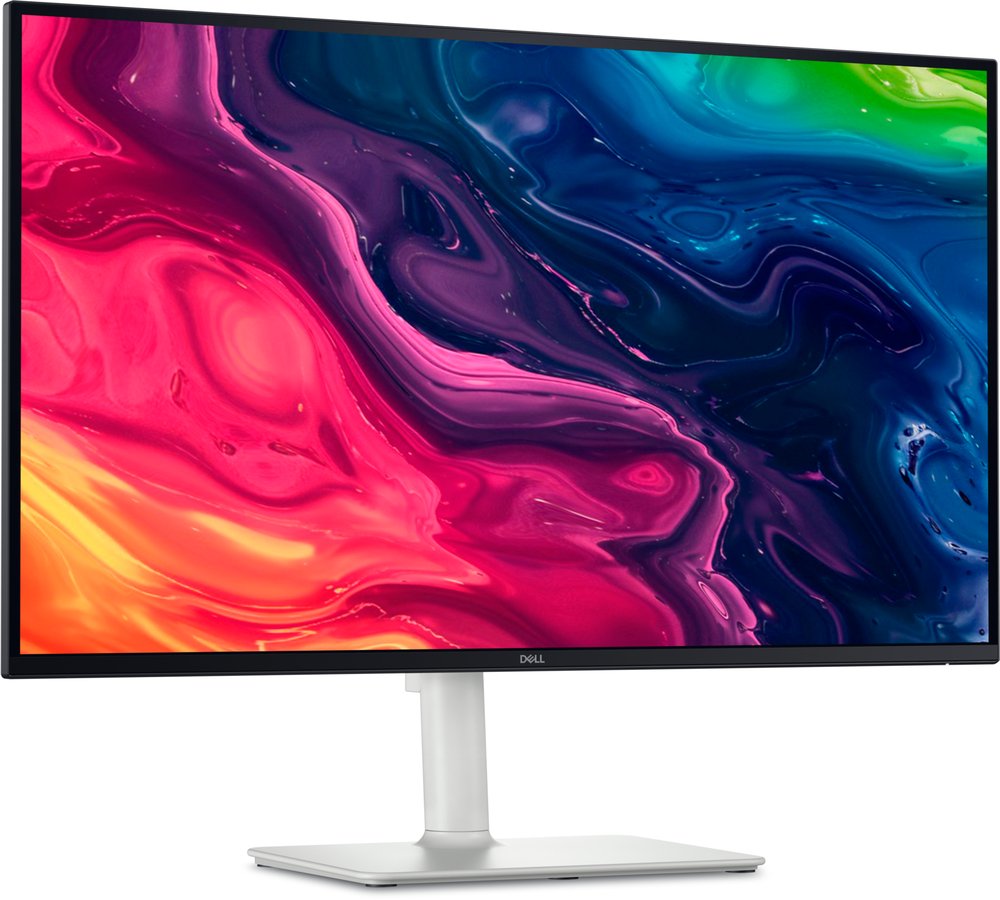
The budget pick for sRGB and Rec.709 editing, with its boundary in the headline: Dell claims only 99% sRGB for this model — no DCI-P3 claim, no Delta E claim — and the one lab to measure it (MonitorNerds, single-source, flagged) found 98% sRGB with a default Delta E average of 1.44, improvable to 0.5 with software calibration. That restraint is why it can be recommended at all. Its measured DCI-P3 is 75% — this is not a wide-gamut monitor, and the "95% DCI-P3" figure circulating in retailer copy for this model is false (that claim belongs, disputed, to its 32-inch sibling). No hardware calibration, no factory report, no USB ports at all; in exchange you get a true-27 4K panel at 163 ppi, 120Hz, and speakers for scratch audio. For YouTube and social delivery graded inside sRGB, it is genuinely enough.
Buy if your delivery is sRGB/Rec.709 and the budget is near $250.
Skip if clients deliver in DCI-P3, or you need any USB.
- Measured sRGB accuracy at a budget price, 120Hz included
- The claim it makes is the claim it keeps
- 75% DCI-P3 measured — not a wide-gamut monitor
- Single-lab colour record; no USB ports
MSI MPG 272URX — OLED for editors who also game
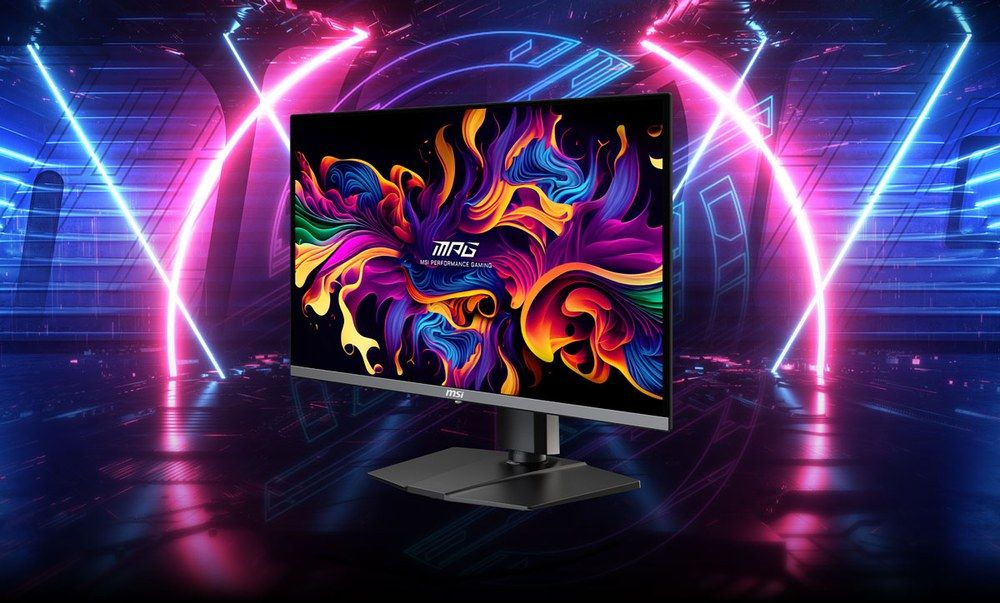
The mixed-desk option from our 27-inch guide: measured at about 98% DCI-P3 (PCWorld) against a 99% claim, with per-pixel HDR whose peaks must be quoted by mode (934 nits in a 10% window; the 1,000-nit figure holds only on a tiny window in Peak 1000 mode). Its two editing caveats are structural: MSI offers no hardware calibration for it, and no verified Delta E figure exists in our sources, so its colour case rests on gamut, not on a proven accuracy number — we do not print one. And the family warning from our own 322URX review travels with it: the 32-inch sibling measured Delta E 4.6 at factory default (TechPowerUp), so whichever MSI OLED you buy, the first job is selecting the colour-accurate mode, not the gaming preset. The 3-year warranty explicitly includes panel burn-in — the wording that matters on a screen holding a static editing interface all day.
Buy if one screen must edit by day and game by night.
Skip if calibration-in-the-monitor is a requirement — that is pick 3.
- Wide measured gamut with real per-pixel HDR
- Burn-in explicitly covered for 3 years
- No hardware calibration; no verified Delta E
- Gaming presets are not colour presets
Samsung Smart Monitor M7 — not an editing monitor (and why it is listed)
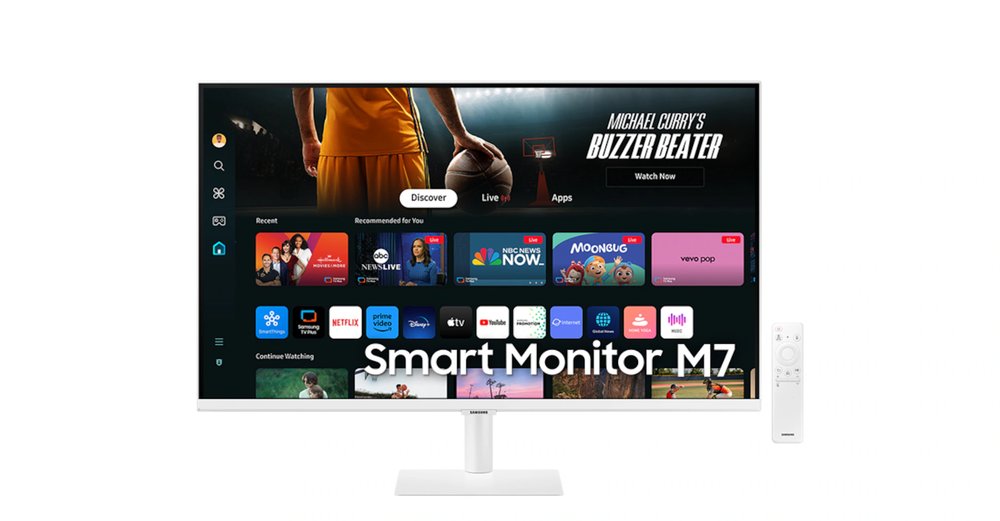
Readers will ask why the M7 — same price as the Dell above, already on this site as a movies and work pick — is not the budget editing recommendation. The honest answer: it has no editing-grade colour record. Samsung's own spec for the current M70D lists its gamut only as 72% NTSC, with no sRGB percentage, no DCI-P3 claim, no Delta E and no factory calibration; the one detailed test table in circulation belongs to the earlier M7 generation and cannot be transferred to this model; and the "99% sRGB" in some retailer copy is not corroborated by Samsung's page. What it is: a 32-inch 4K screen with real VA contrast, 65W USB-C and a smart-TV platform — fine for editing checked by eye for YouTube and social SDR delivery, with your NLE's scopes doing the critical work. The moment you grade for a client, pick 5 costs the same and carries an actual measured record.
Buy if the screen doubles as a TV and colour is judged by eye for social delivery.
Skip if anyone else signs off on your colour — client, broadcaster or print.
- Big 4K screen with USB-C and a smart platform at $230-$300
- Real VA contrast for dark-room viewing
- No colour claims from Samsung, no lab record for this model
- No calibration of any professional kind
HDR editing: what actually qualifies
Exactly two buyable monitors in this guide grade HDR: the two OLEDs, both per-pixel, both with the brightness-limiter caveat printed next to their claims. Everything else is compatibility — a DisplayHDR 400 or 600 certificate on an edge-lit panel means the monitor can receive an HDR signal, not that it can show you HDR. The one Mini-LED that could have contested the slot, Samsung's Neo G7, has real 1,196-zone local dimming but has collapsed out of US retail at end-of-life (our curved guide carries its full record) — real HDR, dead stock. If a listing tries to sell you an edge-lit LCD as an "HDR editing monitor" without naming a zone count, that silence is the answer.
Update history
November 18, 2026: Added a pointer to the new photo-editing guide for readers who edit stills.
November 10, 2026: Published: seven editing picks colour-checked — claimed vs measured gamut and Delta E, the hardware-calibration league printed, HDR split into real vs certificate-only, and one popular budget screen honestly not recommended for colour work.
Sources checked
Specs and prices in this guide were checked against these sources in November 2026 — the manufacturer's own listing plus an independent lab or reviewer, per our two-source rule.
- Dell UltraSharp U3225QE — official product page
- PCWorld — Dell UltraSharp U3225QE lab review
- ASUS ProArt PA279CRV — official product page
- ASUS ProArt PA32UCDM — official product page
- Tom's Hardware — ASUS ProArt PA32UCDM lab review
- BenQ SW272U — official product page
- Digital Camera World — BenQ SW272U lab review
- TechRadar — BenQ SW272U review
- Dell S2725QS — official product page
- MSI MPG 272URX — official specification
- Samsung Smart Monitor M7 — official product page

Akbar Khan Editor, BuyBestMonitor
Akbar has run BuyBestMonitor since its original 2020 launch. Every guide here is checked under the site's two-source rule — manufacturer specs confirmed against an independent lab review — before publication and at every refresh. About the editor · How we check monitors